

Looking for a Browse AI coupon code in 2026? Browse AI does not publish public promo codes, but two solid discount routes exist: 20% off via annual billing and a 10% discount plus 15% cashback through NachoNacho. This guide covers every legitimate saving option plus a full breakdown of what you actually get on each plan.
✅ Active Browse AI Coupon Code (September 2026)

NachoNacho Deal
Free Plan
What Is Browse AI?
Browse AI is a no-code web scraping and monitoring platform that lets you extract data from any website and monitor it for changes — without writing a single line of code. Used by over 250,000 users, it provides a library of prebuilt robots for common use cases including scraping LinkedIn, Google Maps, Amazon, Airbnb, Zillow, and hundreds of other websites. Results can be sent directly to Google Sheets, Airtable, or connected via Zapier to virtually any other tool.
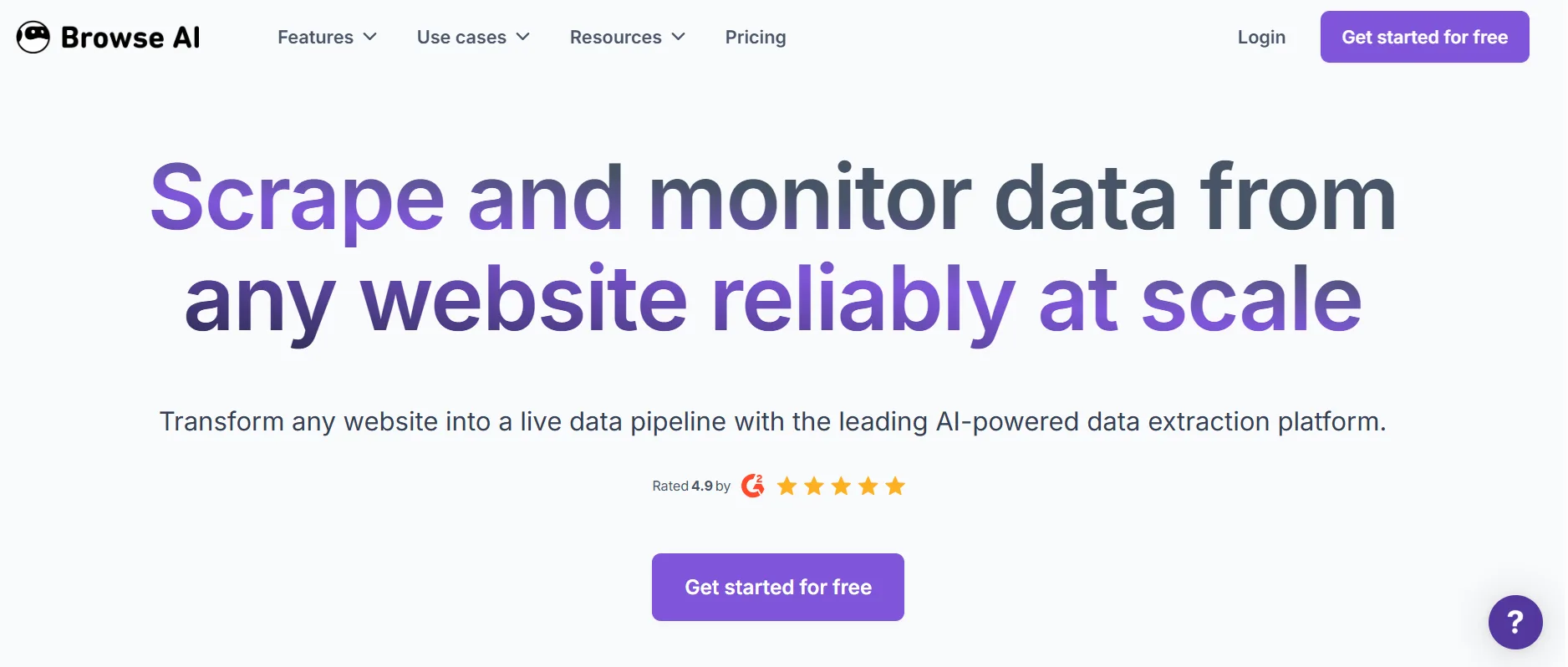
It’s particularly popular with sales teams tracking competitor pricing, marketers monitoring brand mentions, researchers aggregating public data, and recruiters scraping job boards. The credit system means each plan covers a set number of data extractions per month — making it important to estimate your usage before choosing a tier.
Browse AI Pricing Plans 2026
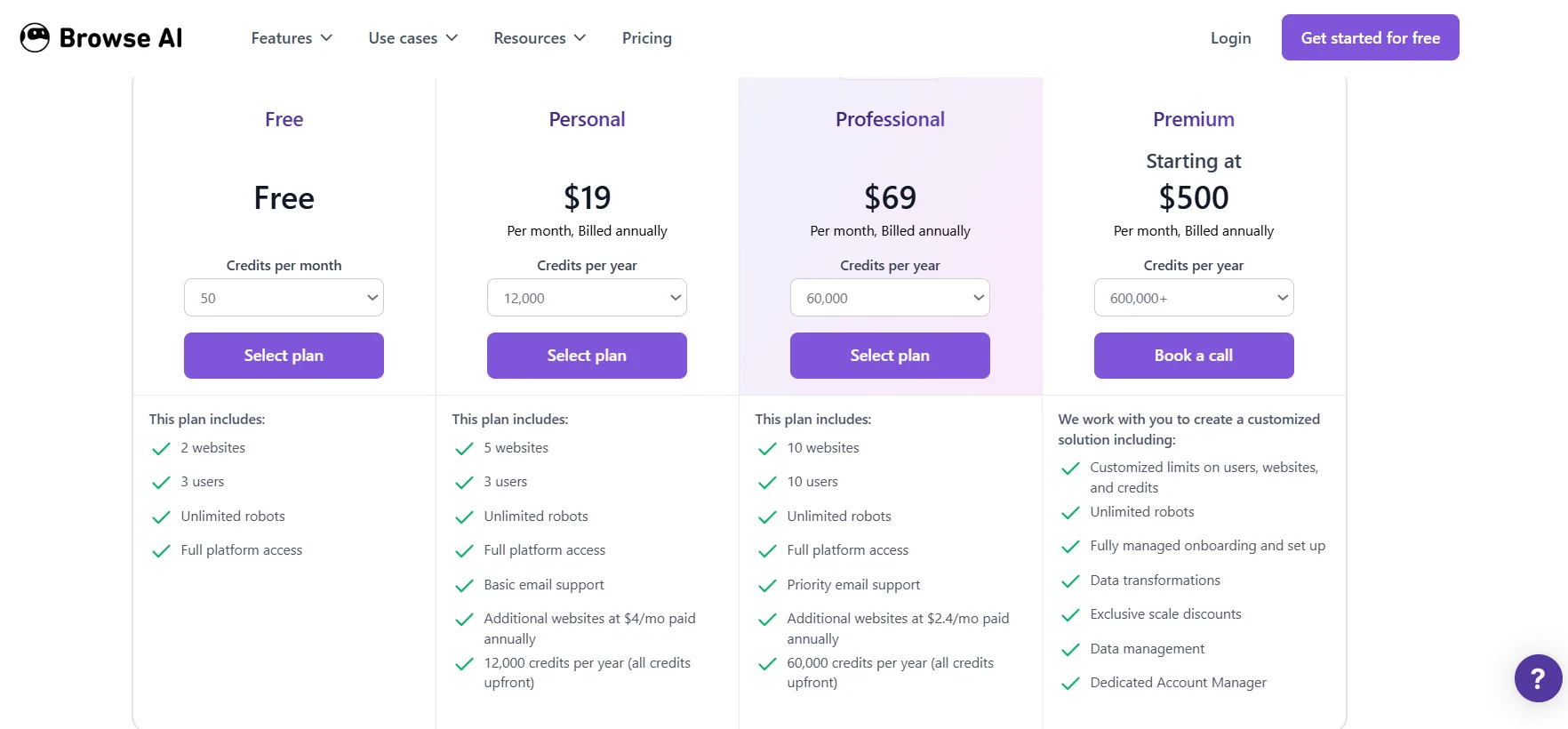
Plan | Monthly | Annual | Credits |
Free | $0 | $0 | Limited monthly |
Starter | $48/month | ~$38/month | Moderate usage |
Professional | $99/month | ~$79/month | Higher usage |
Company | $249/month | ~$199/month | Team usage |
Premium | $500/month | Custom | Managed service |
Understanding Credits: Each Browse AI credit allows you to extract 10 rows of data from a page or capture a screenshot. Monitoring pages for changes on a schedule consumes credits each time the page is checked. Premium sites marked as requiring extra proxies consume 2-10x more credits per run.
Free Plan: Includes access to all prebuilt robots with a small monthly credit allocation. Good for testing the platform’s capabilities before committing to paid.
Starter ($48/month): Best for individual users running regular extractions from a single site or a handful of sites. Includes website monitoring, change alerts, automations, and integrations.
Professional ($99/month): Designed for growing businesses with more frequent monitoring needs, more sites, and higher data volumes. Adds bulk scraping, advanced integrations, and higher credit limits.
Company ($249/month): Team collaboration features, shared workspaces, higher credits, and priority support.
How to Save on Browse AI in 2026
1. Annual Billing — 20% Off
Switching from monthly to annual billing saves 20% across all Browse AI plans. This is confirmed directly on Browse AI’s pricing page — choosing to prepay for a year applies the discount automatically. Starter drops from $48 to approximately $38/month. Professional drops from $99 to approximately $79/month.
2. NachoNacho — 10% Off + 15% Cashback
Through NachoNacho’s SaaS marketplace, new Browse AI accounts can get a 10% discount at signup plus 15% cashback on all purchases — effectively a 25% combined saving on your subscription. Sign up at nachonacho.com and search for Browse AI to activate the deal before purchasing.
3. Non-Profit and Education Discounts
Browse AI explicitly offers additional discounts for non-profit organisations and educational institutions, confirmed directly on their pricing page. Contact Browse AI’s team to verify eligibility and request special pricing.
4. Startup Discounts
Browse AI also offers discounts for qualifying startups. If your company is early-stage, reach out to Browse AI’s sales team before subscribing to ask about startup pricing. There is no formal application process listed, so a direct email is the approach.
5. Start on the Free Plan
The free plan includes a small monthly credit allocation and full access to Browse AI’s robot library with no credit card required. Use it to validate that the platform works for your specific use case before committing to a paid plan.
Browse AI Features Worth Knowing
Prebuilt Robot Library

Browse AI offers hundreds of prebuilt robots ready to scrape and monitor popular websites including LinkedIn, Google Maps, Amazon, Airbnb, Indeed, Yelp, and more. No coding needed — just select a robot, configure your target, and it runs on schedule.
Website Change Monitoring
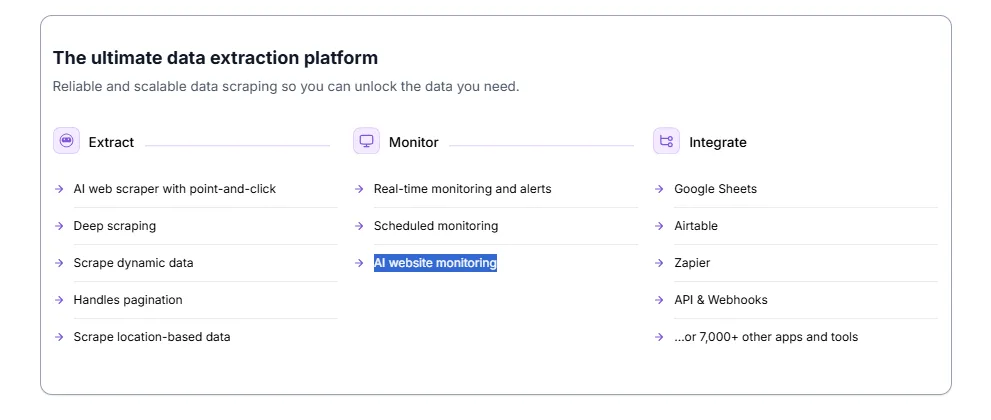
Set any webpage to be monitored on a schedule (hourly, daily, weekly) and receive email alerts when specific content changes. Useful for tracking competitor prices, job postings, news articles, and inventory availability.
Bulk Extraction
Extract data from multiple URLs simultaneously using a list. Upload a list of product pages, LinkedIn profiles, or company websites and scrape them all in a single run.
Google Sheets Integration
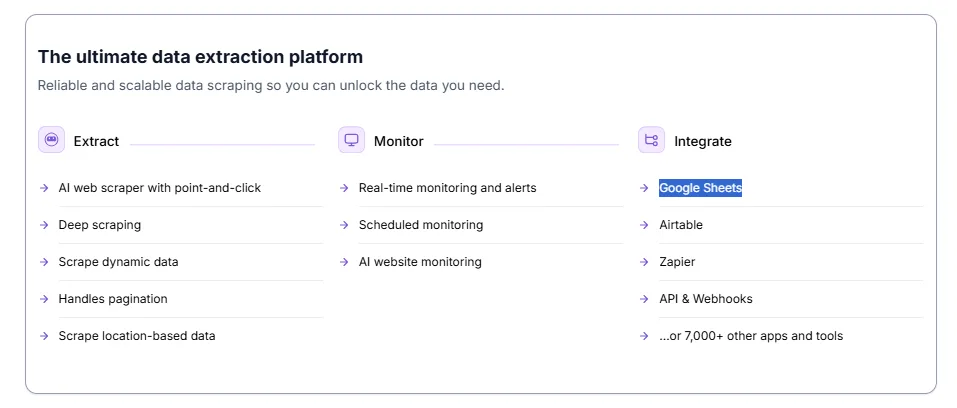
Extracted data populates automatically into Google Sheets, keeping your spreadsheet live and up to date without any manual export step.
Zapier and Make Integration
Connect Browse AI to 5,000+ apps via Zapier or Make, triggering workflows whenever new data is extracted or a change is detected.
Pros and Cons
Pros
- 20% off with annual billing — confirmed discount
- NachoNacho provides 10% discount + 15% cashback for new accounts
- Non-profit, education, and startup discounts available
- Free plan available, no credit card required
- Huge prebuilt robot library — no coding needed
Cons
- No public coupon codes
- Credit system can be confusing to estimate usage upfront
Alternatives to Browse AI
Tool | Free Plan | Starting Price | Key Difference |
Apify | Yes | $49/month | More powerful, requires more setup |
Octoparse | Yes | $75/month | Desktop-based extraction |
Phantombuster | Yes | $56/month | LinkedIn/social focused |
Bardeen | Yes | $10/month | Automation-first, lighter scraping |
Browse AI wins for non-technical users who need a fast, no-code scraping solution with monitoring built in.
FAQs: Browse AI Coupon Code (September 2026)
Does Browse AI have a coupon code?
No public codes. Best savings are 20% via annual billing and 25% combined through NachoNacho.
Is Browse AI free?
Yes — a free plan is available with limited monthly credits.
What is a Browse AI credit?
One credit extracts 10 rows of data or captures one screenshot. Credits reset at the end of each billing cycle.
Does Browse AI work on LinkedIn?
Yes — prebuilt LinkedIn robots are available, though LinkedIn scraping is subject to their usage terms.
Can I cancel Browse AI anytime?
Yes on monthly plans. Annual plans require the full year commitment.
Quick Links
✅ Final Verdict: Browse AI Coupon Code (September 2026)
Annual billing’s 20% discount and NachoNacho’s combined 25% saving are the best routes to reducing Browse AI’s cost. The free plan and no-code approach make it the easiest web scraping tool to evaluate without technical risk. The main thing to verify before choosing a plan is your realistic monthly credit consumption — particularly if you plan to monitor premium sites that consume credits faster.
Comments
Be the first to leave a comment.