

Looking for a Surfshark VPN coupon code? Here’s the real answer, confirmed directly on Surfshark’s own pricing page: up to 85% off the 24-month plan, a genuine 7-day free trial for $0.00, and a 30-day money-back guarantee on every plan.
Active Surfshark Coupon Code 2026
Here are the latest Surfshark promo codes and discounts to save on VPN plans while enjoying secure browsing, online privacy, and unlimited device protection.

Surfshark One: $2.79/Month (24 Months, Save 85%)
Surfshark's own "Most Popular" plan. Regular price $511.65, drops to $75.33 for the first 27 months (24 months plus 3 free bonus months). VPN, antivirus, and ad blocking bundled together.
Surfshark Starter: $2.49/Month (24 Months, Save 85%)
The lowest-cost entry point. Regular price $444.15, drops to $67.23 for the first 27 months. Core VPN protection, no extras bundled.
Surfshark One+: $4.49/Month (24 Months, Save 79%)
The complete package. Regular price $589.95, drops to $121.23 for the first 27 months. Adds identity protection: Alt ID, Alert, Search, $1M identity theft coverage, and Incogni.
7-Day Free Trial, $0.00
Full VPN access on up to 3 devices for a full week, completely free, no charge until the trial ends.
3-Month Plan From $8.99/Month
A middle-ground option for anyone who wants savings without a full year's commitment.
How to Redeem Your Surfshark Coupon Code?
Here are the very simple steps you can follow to grab the deals.
Step 1: Pick an offer above based on how long you’re ready to commit.
Step 2: Click through to Surfshark’s real pricing page.
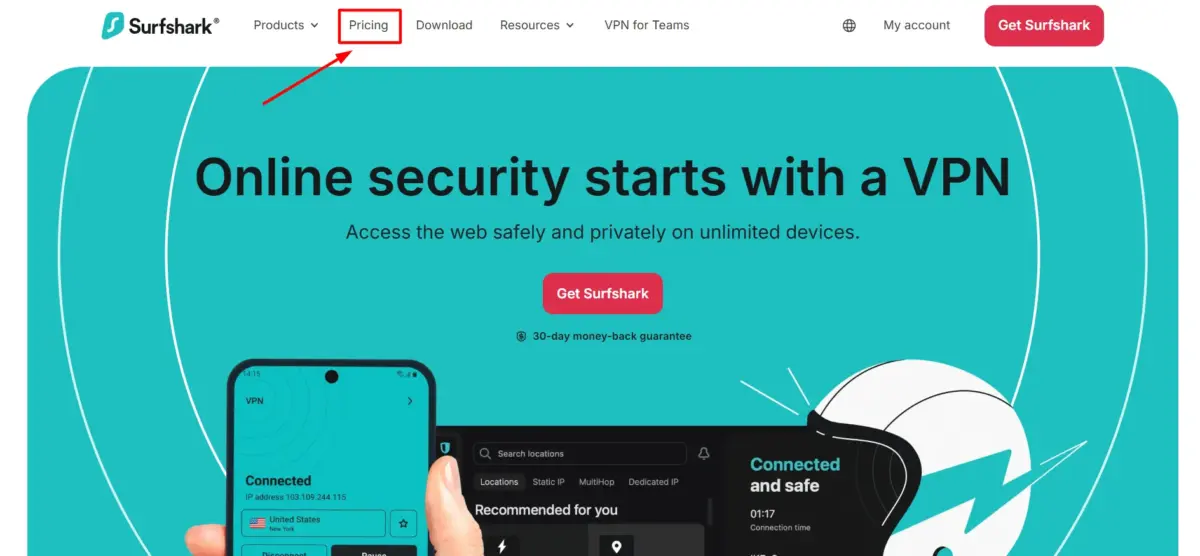
Step 3: Select your plan (Starter, One, or One+) and billing length (24, 12, or 1 month).
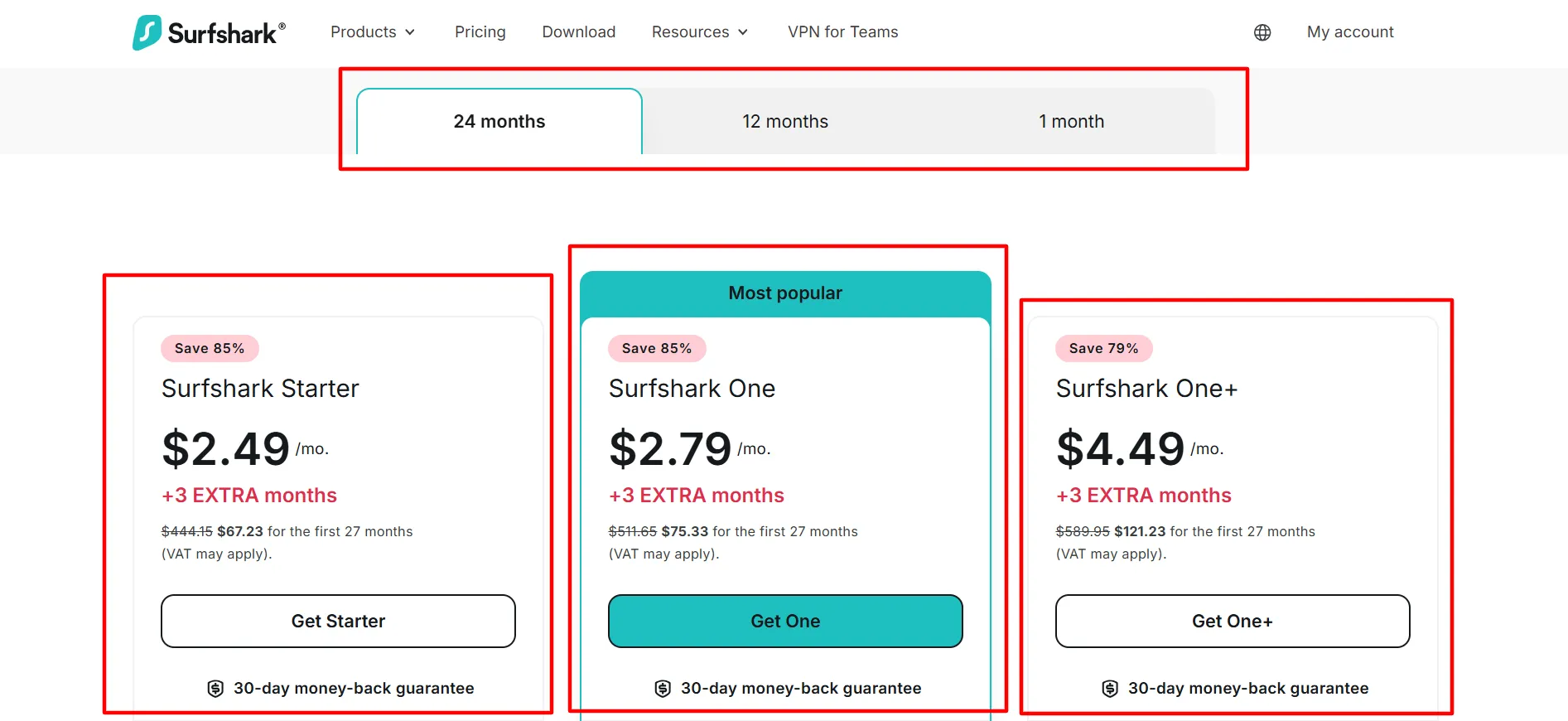
Step 4: The discount applies automatically; no manual code entry is needed.
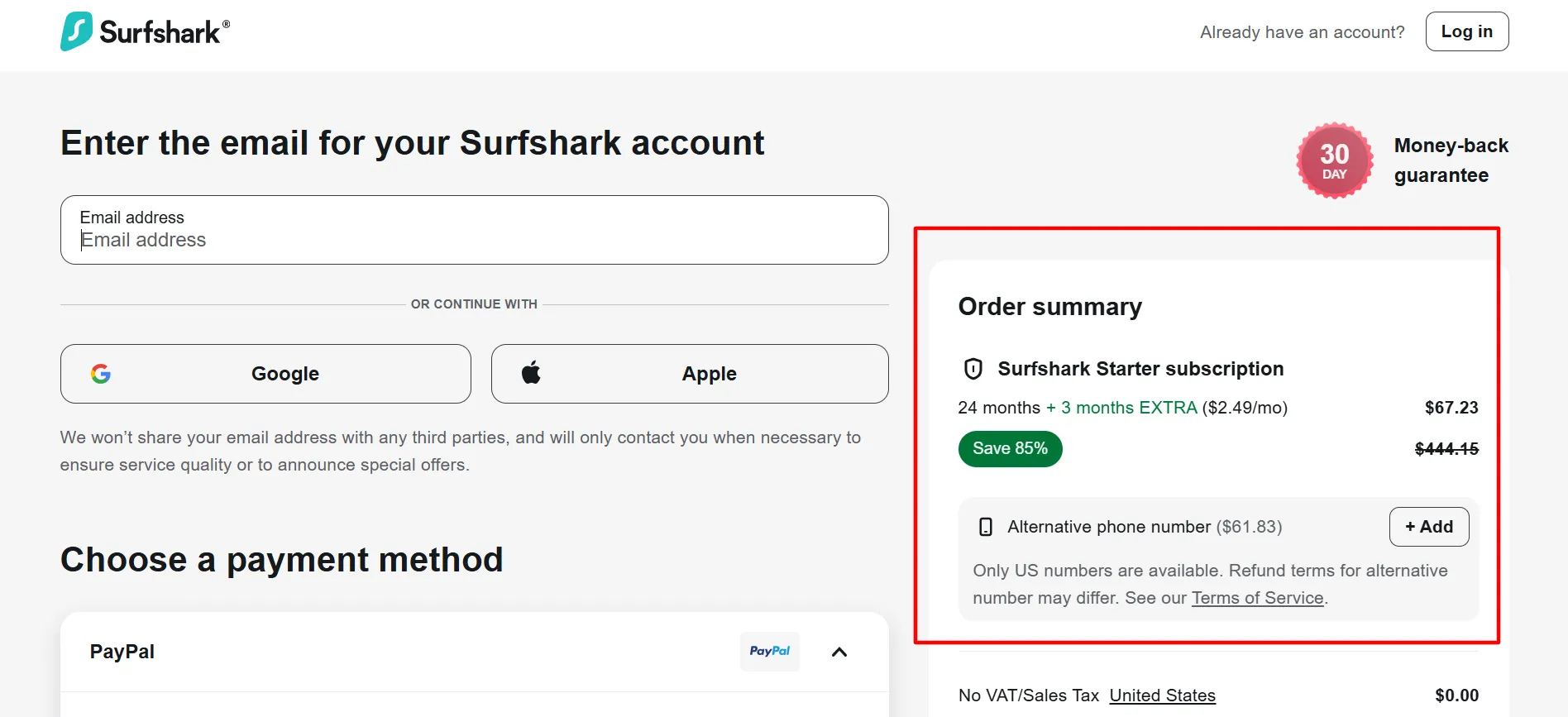
Step 5: Complete checkout. Every plan is backed by the 30-day money-back guarantee, no matter which you choose.
Surfshark Pricing at a Glance 2026
Here are the latest pricing plans for Surfshark.
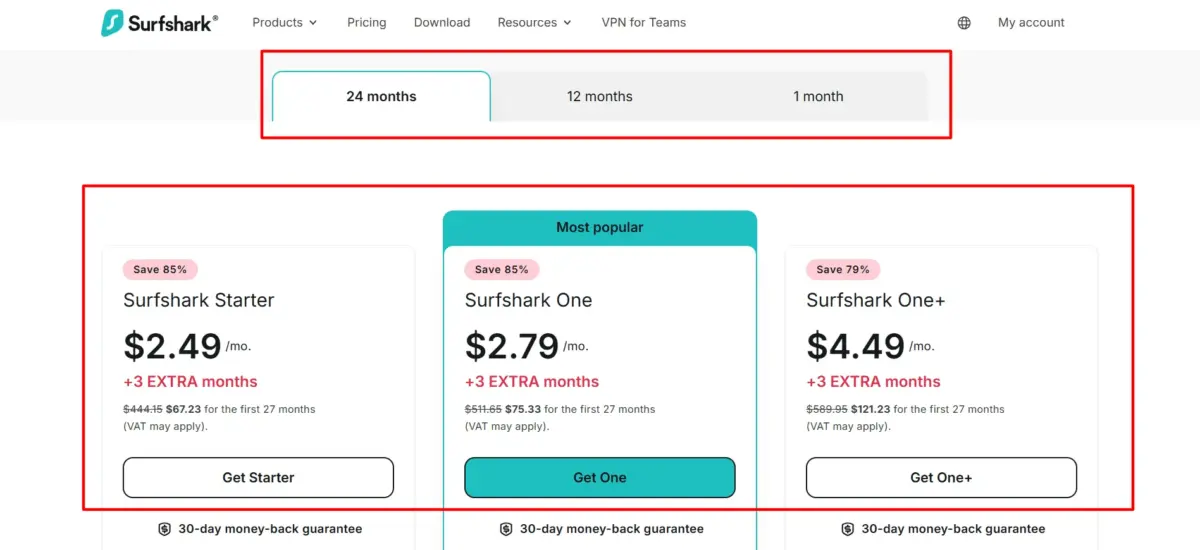
Plan | 24-Month Rate | 12-Month Rate | 1-Month Rate |
Starter | $2.49/mo | $3.39/mo | $16.45/mo |
One | $2.79/mo | $3.59/mo | $18.95/mo |
One+ | $4.49/mo | $7.49/mo | $21.85/mo |
Both the 24-month and 12-month plans include 3 bonus months free, so you’re actually getting 27 or 15 months of coverage, respectively. The 1-month plan has no bonus months and is billed on a straightforward recurring basis.
Surfshark’s Free Trial and Refund Policy
7-Day Free Trial: $0.00 for the full week, covering up to 3 devices. No charge unless you cancel before it ends.
30-Day Money-Back Guarantee: Applies after you’ve subscribed to any paid plan, giving you 30 days to request a full refund if it’s not the right fit.
These are two separate protections: use the free trial to test before paying anything, and the money-back guarantee as a second safety net if you do commit to a paid plan and change your mind.
What Is Surfshark?
Surfshark is a VPN (Virtual Private Network) and digital security company, launched in 2018, that has since expanded well beyond just VPN services.
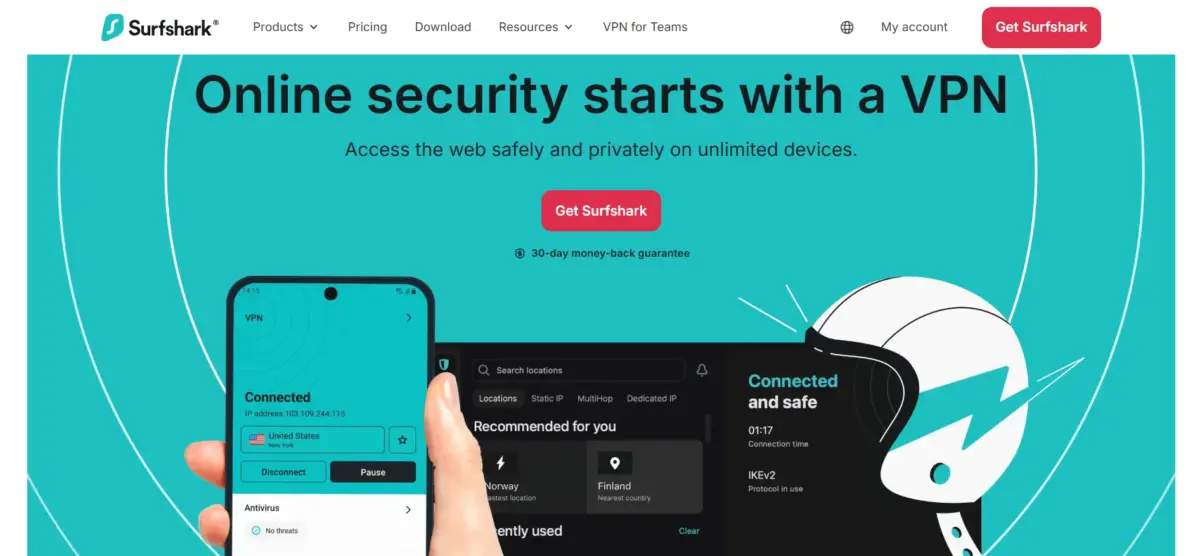
At its core, it encrypts your internet connection and masks your real IP address, making it significantly harder for anyone, your internet provider, advertisers, or hackers on public Wi-Fi, to see what you’re doing online or trace it back to you.
What sets Surfshark apart from many competing VPNs is what it’s bundled with: depending on your plan, you also get antivirus protection, an ad and tracker blocker, dark web monitoring, a private search engine, and tools specifically built for identity theft protection and data removal.
It’s positioned as an all-in-one privacy and security suite rather than just a standalone VPN app.
Full Feature Breakdown
1. Encryption and IP Masking
AES-256 and ChaCha20 encryption, making your traffic unreadable to anyone intercepting it
2. Unlimited Simultaneous Connections
No device cap, protect your phone, laptop, tablet, and smart TV all under one subscription
3. 4,500+ Servers in 100 Countries
RAM-only servers, meaning no data is ever written to a hard disk, are wiped completely on every reboot
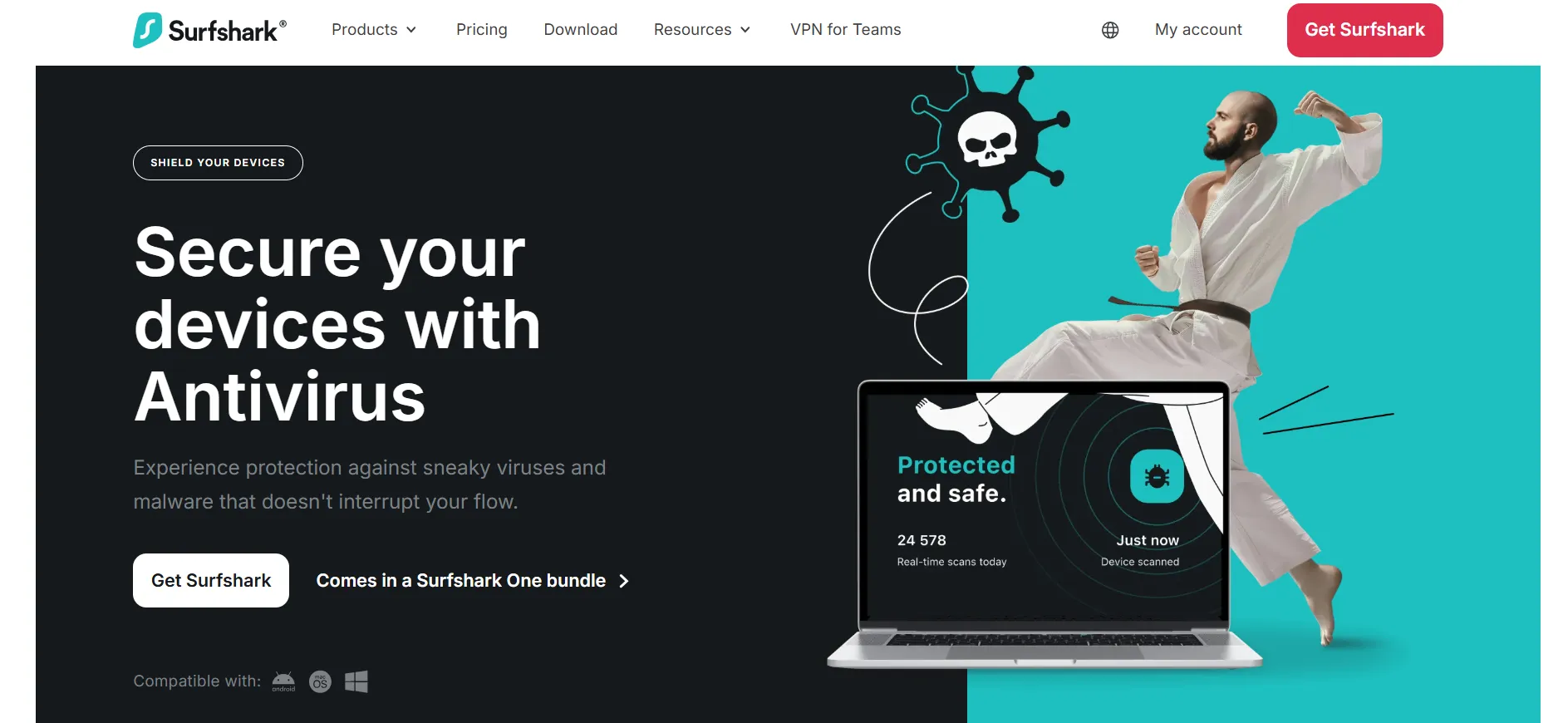
4. Complete Antivirus Solution (One and One+)
Real-time malware scanning bundled directly into the same app
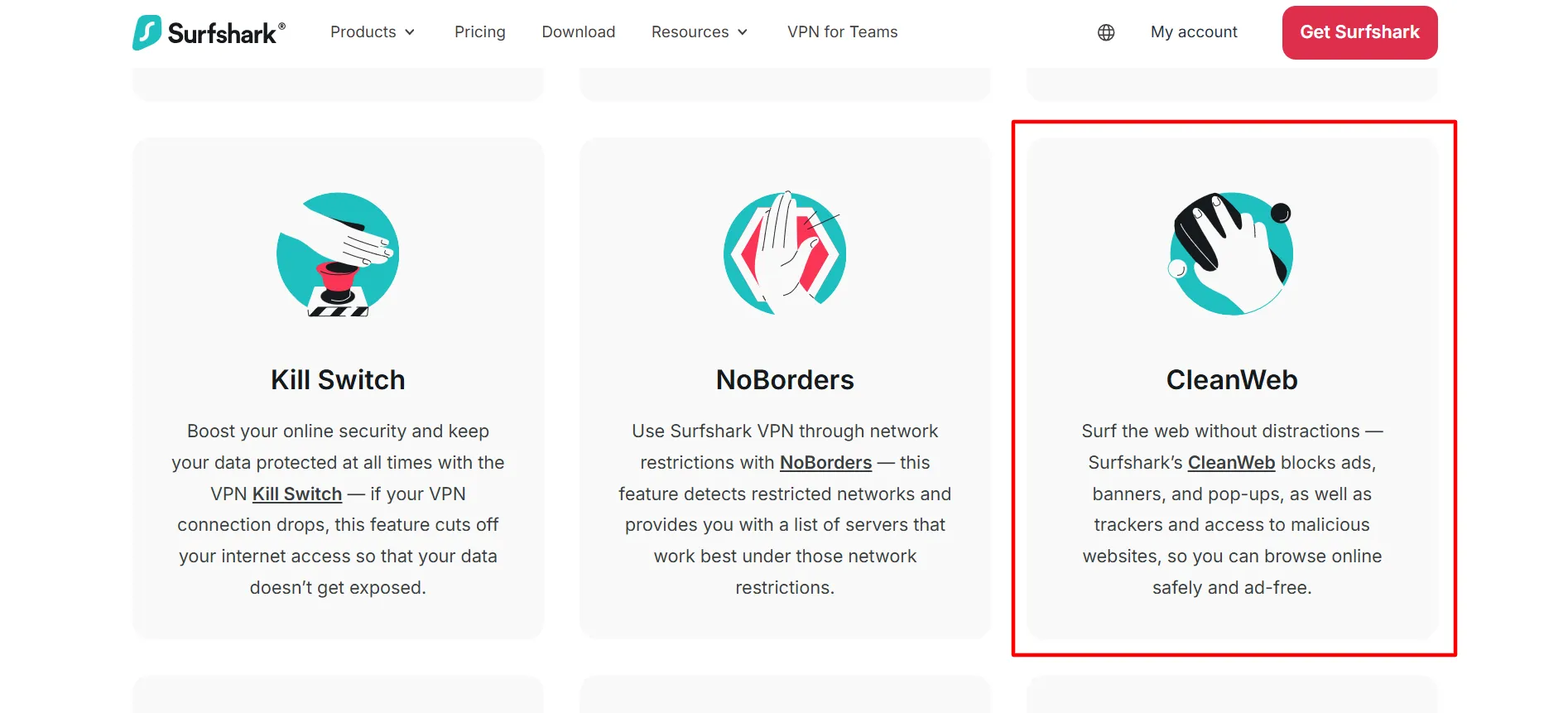
5. CleanWeb Ad and Tracker Blocker
Blocks ads, trackers, and cookie pop-ups at both the browser and app level.
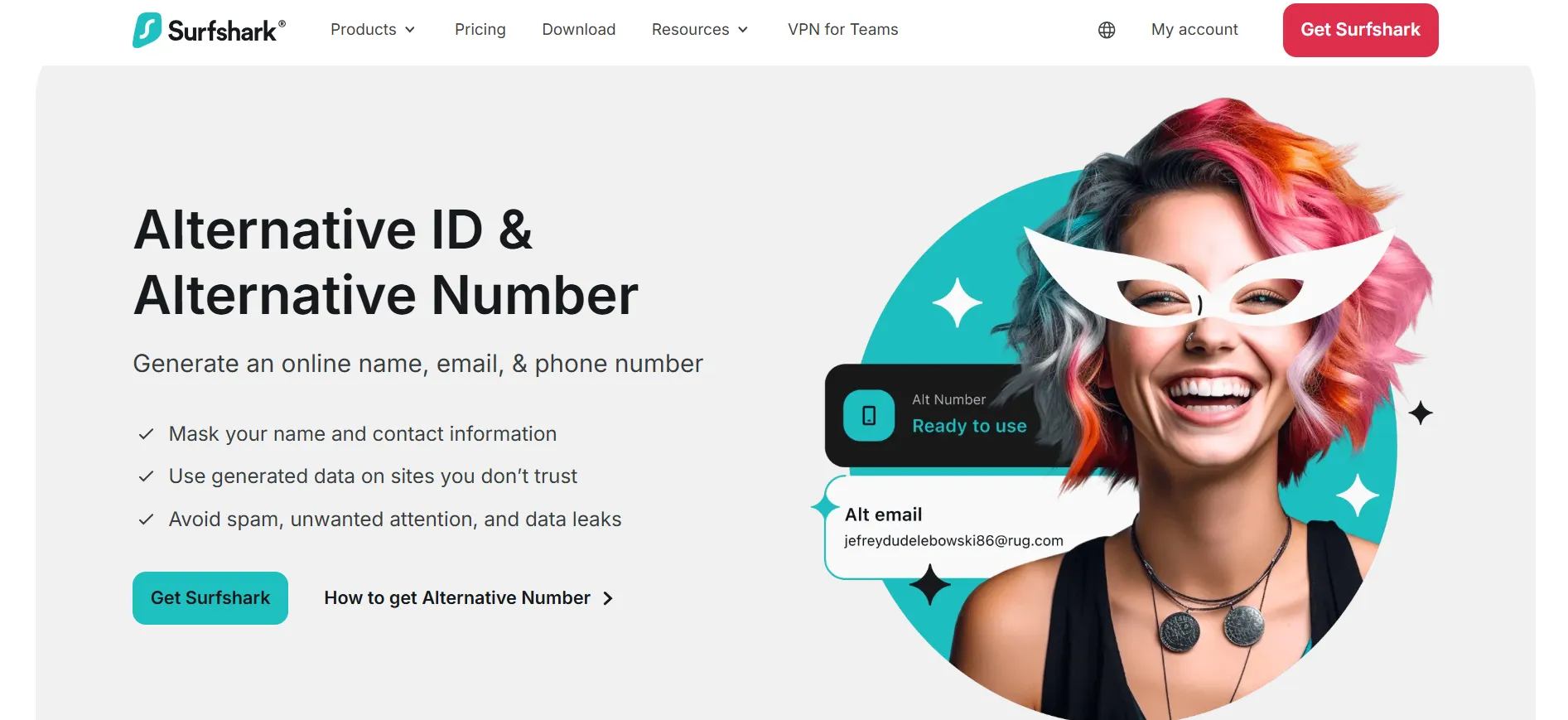
6. Alt ID (One+)
A disposable identity, name, email, and phone number for signing up to services without exposing your real information.
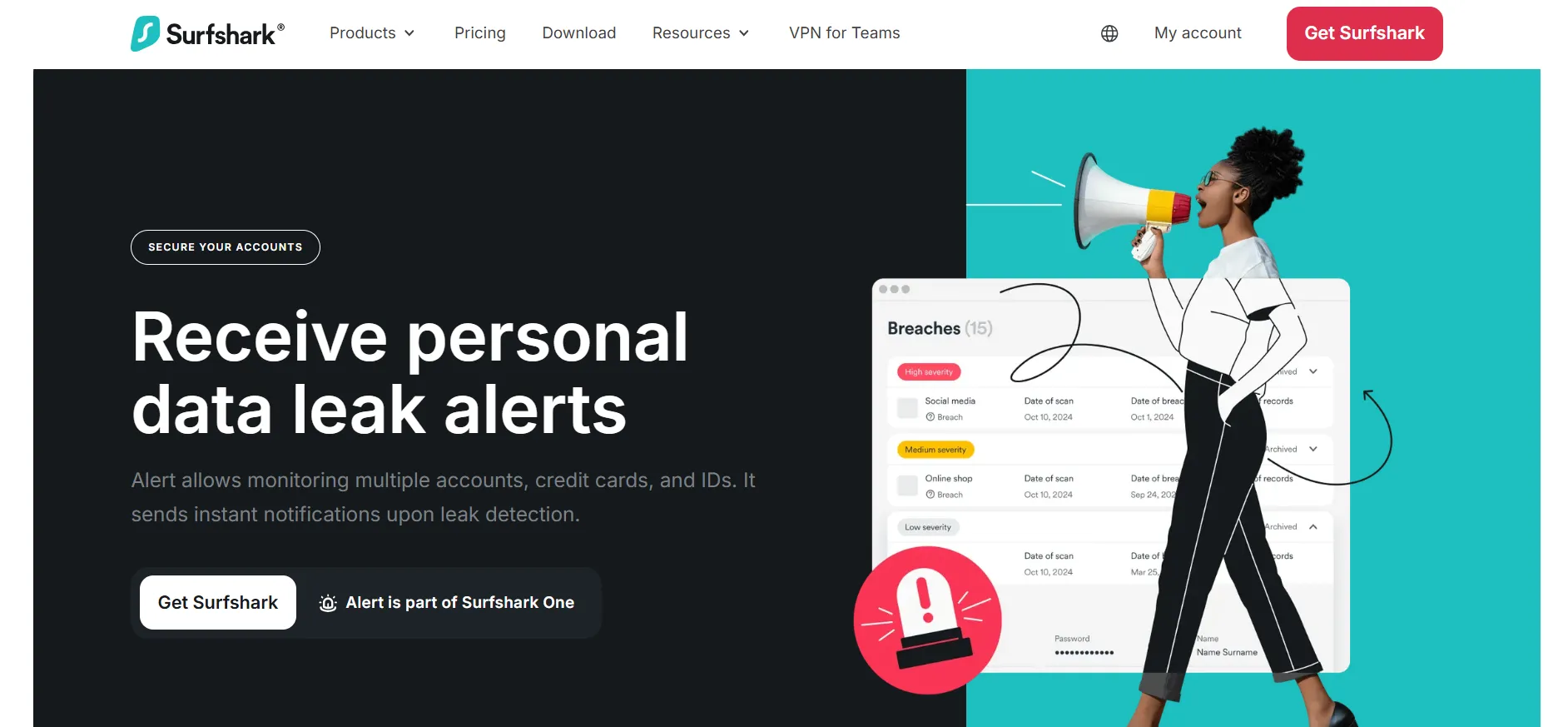
7. Alert (One+)
Monitors the dark web and known data breaches for your personal information
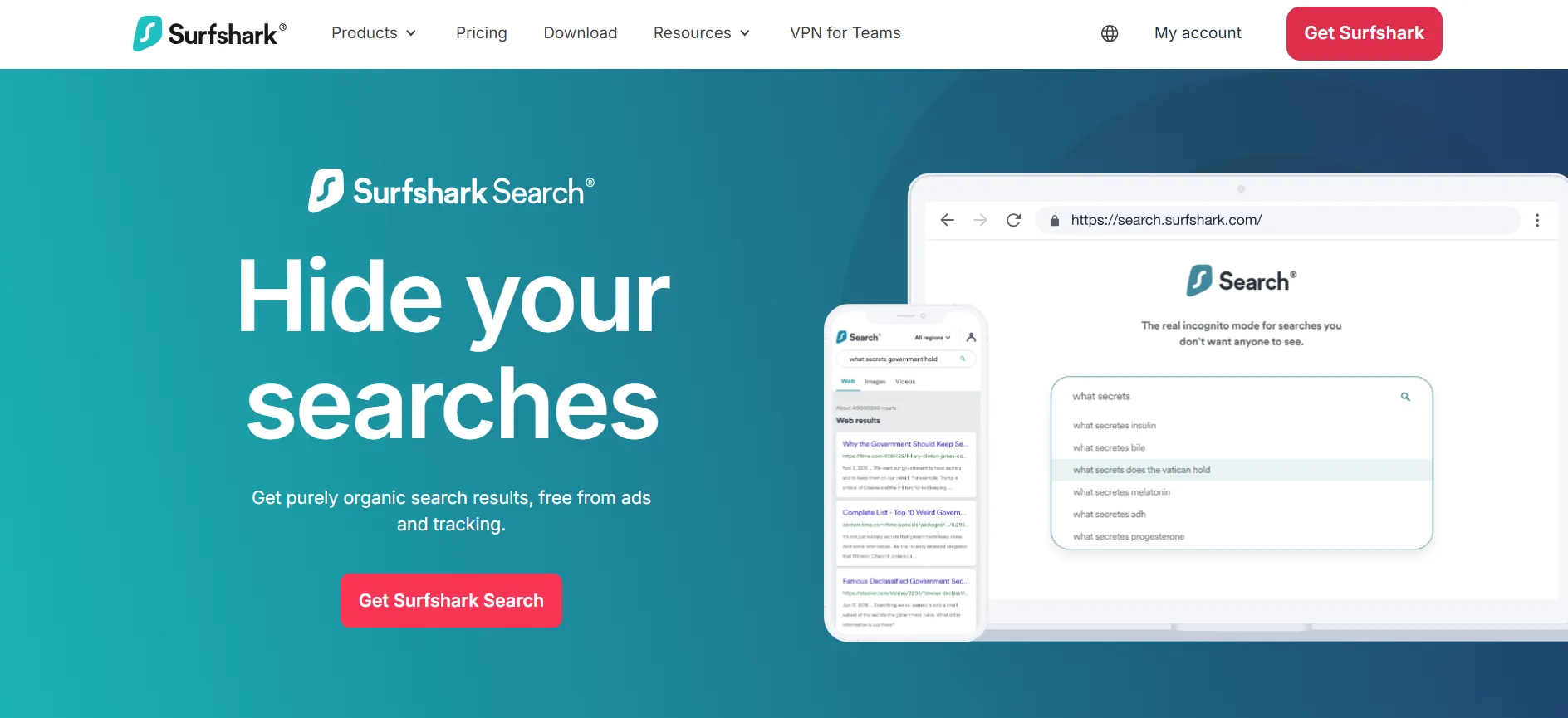
8. Search (One+)
A private, ad-free search engine built into the subscription
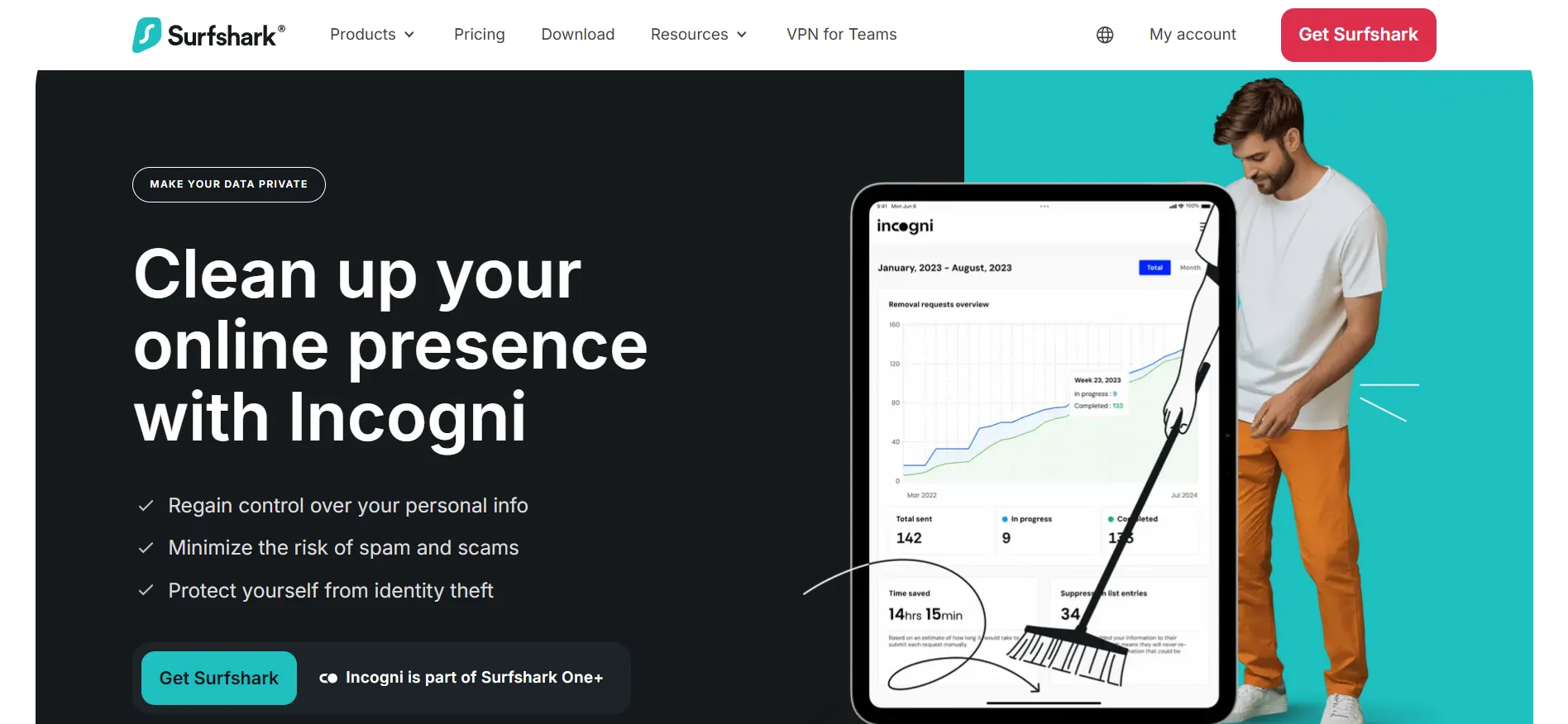
9. Incogni (One+)
Actively contact data broker companies requesting the removal of your personal data from their systems
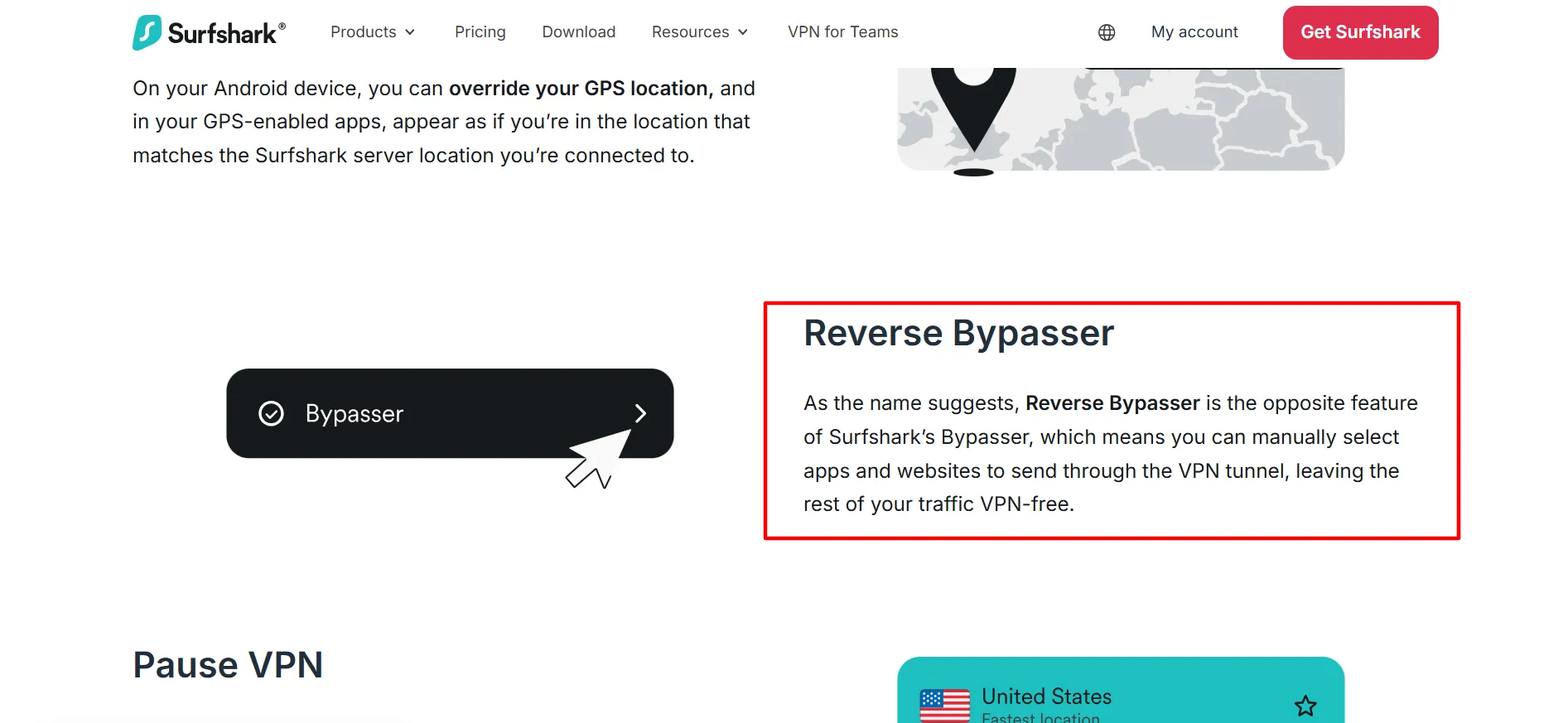
10. Bypasser (Split Tunneling)
Route specific apps or sites outside the VPN tunnel when you need your real IP
11. Kill Switch
Automatically cuts your internet connection if the VPN drops, preventing any unencrypted data leak
12. Obfuscated Servers
Disguises VPN traffic as regular traffic, useful in regions or networks that actively block VPN usage
How SaaS Companies and Business Teams Use Surfshark
Beyond individual use, Surfshark runs a dedicated business offering called Surfshark for Teams, built for startups, SMEs, and remote-first companies that need to secure how employees connect to company resources without a heavy enterprise IT rollout.
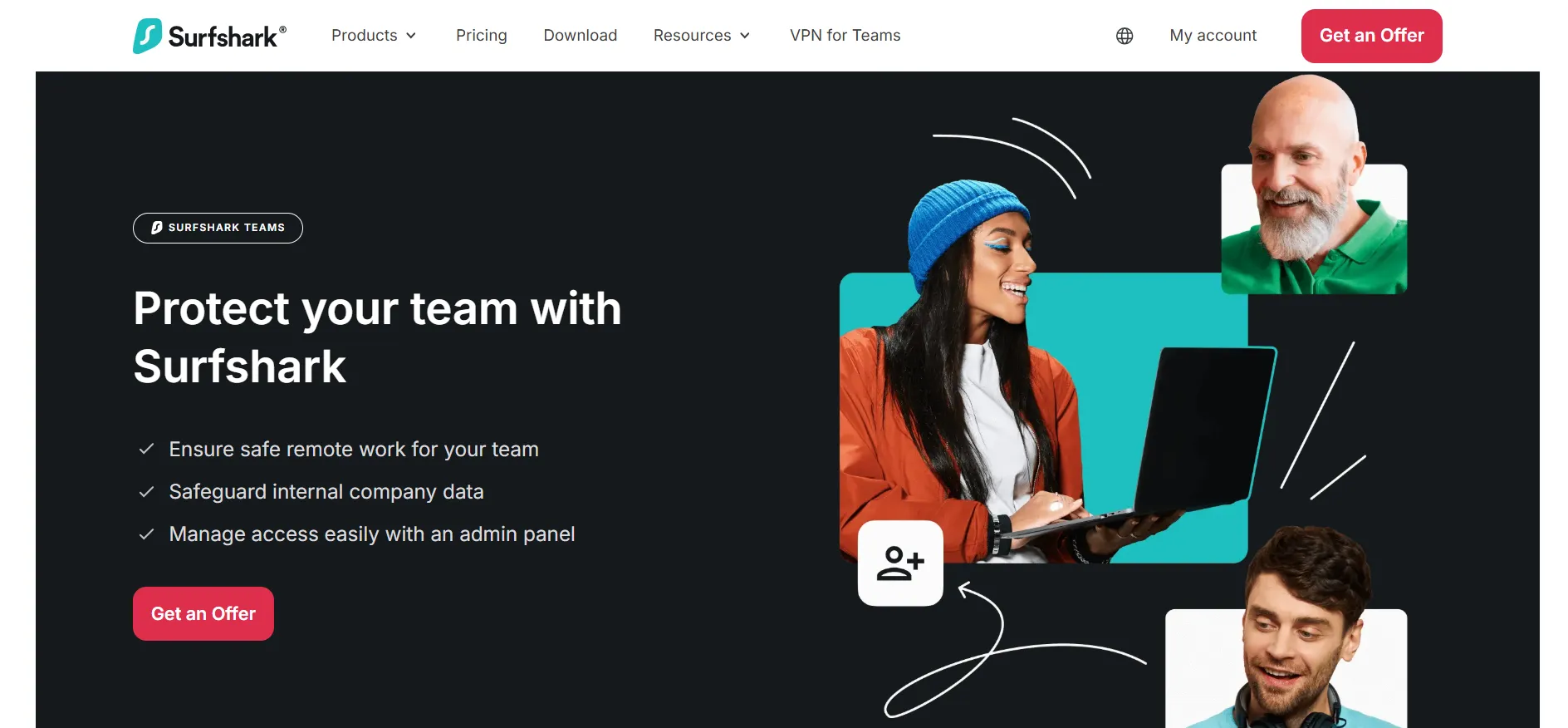
What it actually solves for a business:
Securing remote work connections — employees connecting from home networks, coffee shops, or while traveling get the same encryption protecting personal Surfshark users
A central admin dashboard — IT admins can manage licenses, assign access, and oversee the team’s security posture from one panel, rather than managing individual installs
No user activity tracking — a detail worth knowing for privacy-conscious teams, Surfshark explicitly doesn’t monitor what employees do while connected; it’s a security tool, not an employee monitoring tool
Cross-platform coverage — works across Windows, macOS, Linux, iOS, Android, and browsers, useful for teams running a mix of devices rather than a single standardized fleet
Minimum 5 licenses required, with volume discounts available for larger teams, pricing is quote-based through Surfshark’s sales team rather than published on the standard consumer pricing page
For a SaaS company specifically, this is typically used for two purposes: protecting distributed/remote engineering and support teams as they access internal systems, and providing customer-facing teams (sales, support) with safe browsing when working from varied locations or networks.
How Affiliate Marketers Use Surfshark
VPNs are a genuinely common tool in affiliate marketing workflows, and Surfshark’s unlimited device connections and broad country coverage make it a practical fit for several common needs:
1. Geo-testing ad creatives and landing pages
Many ad networks and offers are geo-targeted; a VPN lets you see exactly what a user in your target country actually sees, without needing to physically be there.
2. Checking localized SERP and ad results
If you’re running SEO or paid campaigns targeting a specific country, connecting through a server in that country gives you a more accurate read on how your content or ads actually rank and display locally.
3. Testing offer pages across regions
Many CPA and affiliate offers redirect or display differently based on the visitor’s detected location, a VPN lets you verify the funnel works correctly before sending real traffic to it.
4. Separating browsing sessions across ad accounts
While a VPN alone isn’t a full account-isolation solution (dedicated proxies or antidetect browsers are generally better suited for that specific task), a VPN adds a layer of IP-level separation when combined with other tools.
5. A practical caveat worth being upfront about
For serious multi-account management or ad account operations, most experienced affiliate marketers opt for dedicated residential or ISP proxies rather than a consumer VPN, since proxies offer more granular, sticky, and location-specific control.
Surfshark is a strong fit for general geo-testing, research, and personal browsing security, but less so as a dedicated account-management tool at scale.
Surfshark vs Other VPNs
Straight from Surfshark’s own comparison data:
Feature | Surfshark | ProtonVPN | CyberGhost | ExpressVPN | Mullvad |
Connection speed | 1615 Mbps | 1521 Mbps | 950 Mbps | 1479 Mbps | Not listed |
Devices | Unlimited | 10 | 7 | 12 | 5 |
Complete antivirus | Yes | No | No | No | No |
Dark web monitoring | Yes | Yes | No | Limited to the US | No |
What are the Pros and Cons of Surfshark?
Pros
- Up to 85% off with no code required
- Genuine 7-day free trial at $0.00
- Unlimited simultaneous device connections
- Dedicated business offering (Surfshark for Teams) with admin dashboard
- Bundles VPN, antivirus, and identity protection depending on the plan
Cons
- 24-month plan requires a large upfront charge
- Business/Teams pricing isn't published; it requires a sales conversation
FAQs: Surfshark Coupon Code 2026
Yes, up to 85% off is already reflected on Surfshark's pricing page for the 24-month plan; no manual code needed.
Yes, through Surfshark for Teams, a dedicated business offering with a central admin panel, minimum 5 licenses, and quote-based pricing.
It's useful for geo-testing ads, landing pages, and localized search results. For heavy multi-account ad management specifically, dedicated proxies are generally a better fit than a consumer VPN.
No, Surfshark maintains a no-logs policy, and this extends to the Teams product too. Employers using Surfshark for Teams cannot see employee browsing activity.
Unlimited, simultaneously, across every plan tier.
Quick Links:
Conclusion: Surfshark Coupon Code
Surfshark’s real savings are already built into its pricing page, up to 85% off with no code needed, backed by a genuine free trial and a 30-day money-back guarantee.
Beyond personal use, it scales into a legitimate business security tool through Surfshark for Teams and serves a real, if secondary, role in affiliate marketing workflows for geo-testing and localized research.
Comments
Be the first to leave a comment.