Decodo

- 125M+ global IP pool
- 195+ proxy locations
- Carrier targeting for mobile proxies
- Third-party tool integration
- Automation-friendly proxies
Webshare

- 80+ million IPs
- 195+ countries
- 99.7% success rate
- 24/7 Expert Support
- Flexible pay-as-you-go pricing
Oxylabs

- 175M+ global IP pool
- Coverage in 195+ countries
- IP authentication
- Username/password authentication
- Proxy endpoint generator
Using proxies through Chrome is not as simple as it sounds. Chrome does not have built-in per-extension proxy controls — it uses system-wide proxy settings by default, which means every tab goes through the same proxy whether you want it to or not. A good Chrome proxy extension fixes that. It lets you switch IPs with one click, assign different proxies to different tabs, set URL-based routing rules, and manage entire proxy lists without ever touching your system settings.
The problem is that the Chrome Web Store is full of options that either barely work or lock every useful feature behind a paid plan. This guide covers the 10 best proxy extensions for Chrome in 2026. We looked at functionality, reliability, ease of use, pricing, and what real users are actually saying. Whether you are a developer, a scraper, a social media manager, or just someone who wants to switch locations quickly — this list has the right tool for you.
Let us get into it.
Quick Comparison Table
Extension | Type | Price | Best For | Works With Any Proxy |
Decodo | Provider + manager | Free | All-round proxy management | Yes |
Webshare | Provider + manager | Free | Budget users / beginners | Yes |
Oxylabs | Provider + manager | Free | Enterprise users | Yes |
FoxyProxy | Standalone manager | Free | Power users with own proxies | Yes |
ZeroOmega | Standalone manager | Free | Developers / rule-based routing | Yes |
IPRoyal Proxy Manager | Provider + manager | Free | Simple profile-based switching | Yes |
Bright Data | Provider + manager | Free | Enterprise geo-testing | Yes (Bright Data) |
Proxy Helper | Standalone manager | Free | Fast day-to-day switching | Yes |
Proxy Switcher and Manager | Standalone manager | Free | Everyday casual users | Yes |
GoProxy Extension | Standalone manager | Free | Geo-restriction bypass | Yes |
10 Best Proxy Chrome Extensions in 2026: Best Picks for Every Use Case
#1. Decodo — Best All-Round Proxy Chrome Extension in 2026
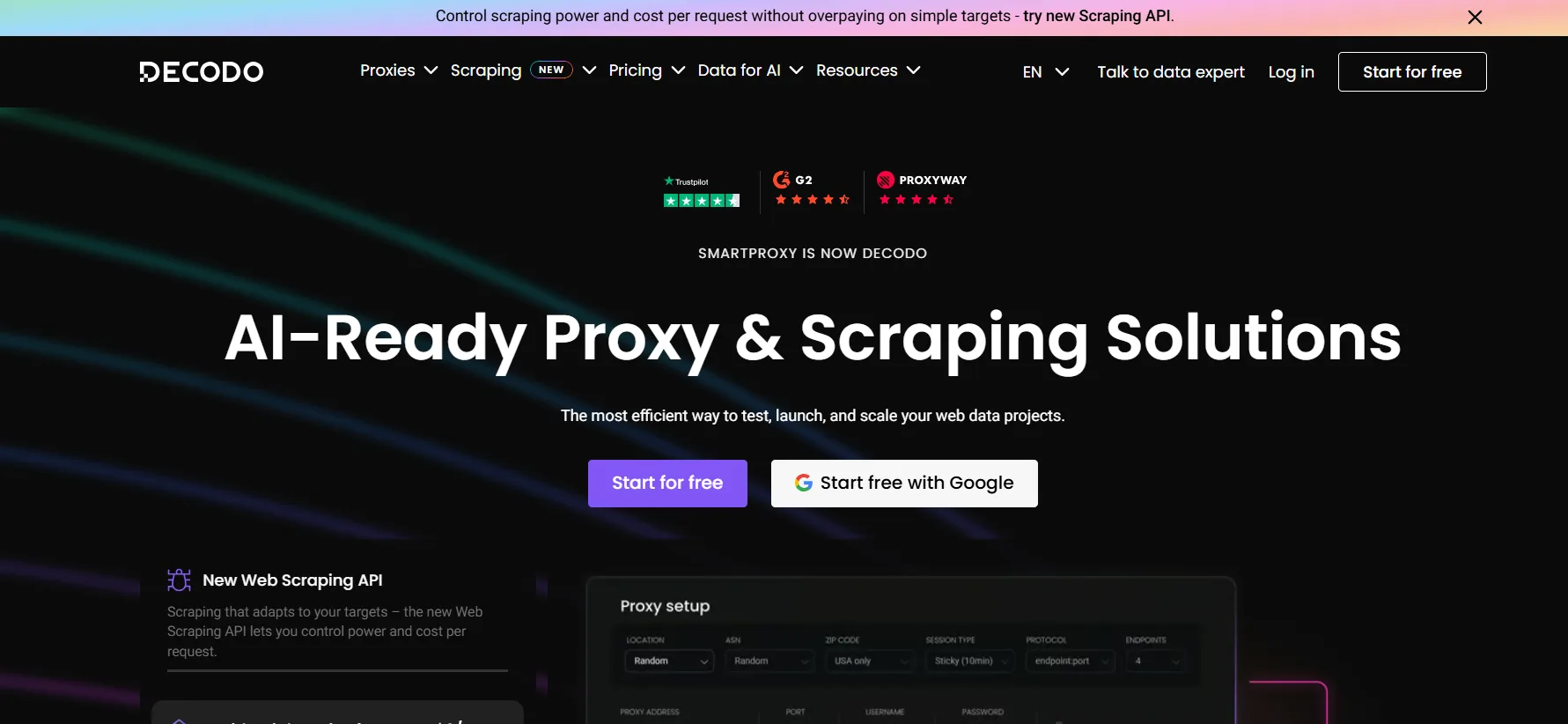
Decodo’s Chrome extension is the most complete proxy manager available on the Chrome Web Store in 2026. It is free, works with Decodo’s own proxy network, and also works with any other proxy you already own — no login or Decodo account required for third-party use. That makes it genuinely useful even if you never buy from Decodo at all.
ProxyEmpire called it one of the best Chrome proxy extensions available. IPRoyal’s 2026 proxy extension comparison listed it as among the top picks for new users. The extension offers one-click IP rotation, customisable session lengths, and seamless switching between multiple proxy configurations. The interface is clean and beginner-friendly — you do not need to understand PAC files or proxy protocols to get it working in under two minutes.
What makes Decodo stand out:
Free to download and use with any proxy provider
One-click IP rotation and location switching
Works with Decodo proxies and any external proxy list
Customisable session length for sticky vs. rotating use
Switch between multiple proxy configurations instantly
Supports HTTP, HTTPS, and SOCKS5 protocols
No account login required for third-party proxy use
Clean, modern interface suited to beginners and power users
Integrates directly with Decodo’s 115M+ IP network if needed
Available on the Chrome Web Store — free
Who should use Decodo: Anyone who wants a reliable, well-maintained Chrome proxy extension that works straight out of the box. Especially good for users who already use Decodo proxies and want native dashboard-to-browser integration.
Pricing: Extension is free. Decodo proxy plans from $2/GB if you use their network.
#2. Webshare — Best Budget Chrome Proxy Extension
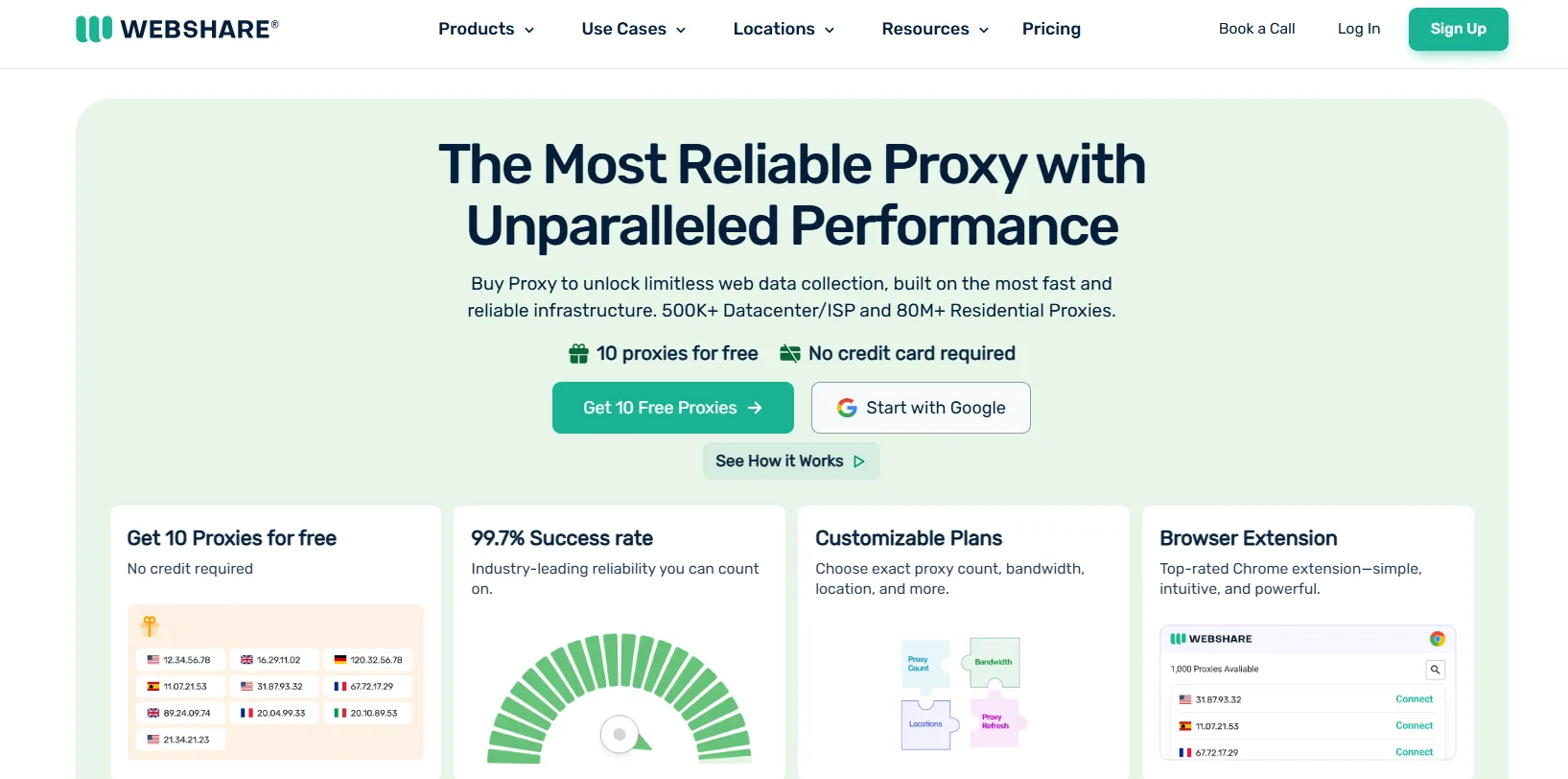
Webshare’s Chrome extension was built specifically to complement its proxy service, but like Decodo’s, it works with any proxy list. The extension syncs directly with your Webshare account, meaning your proxy list is always up to date inside the browser without any manual configuration. For users on the free Webshare tier — 10 proxies with 1GB/month — the extension is the fastest way to activate those proxies in Chrome.
CNET named Webshare the best budget proxy server in 2026 and describes its dashboard as one of the most beginner-friendly in the industry. That same simplicity carries into the extension. Webshare describes it as “top-rated” on its own site, and the Chrome Web Store listing confirms it as “simple, intuitive, and powerful” with one-click connect, location switching, and IP management in a single interface.
What makes Webshare stand out:
Free Chrome extension on the Chrome Web Store
Syncs directly with your Webshare proxy account
Works with any proxy — not just Webshare’s network
One-click connect and disconnect
Switch between proxies and locations instantly
10 free Webshare proxies activate immediately on install
No technical setup required
Clean, beginner-friendly interface
Supports HTTP, HTTPS, and SOCKS5
Trusted by 100,000+ Webshare users worldwide
Who should use Webshare: Beginners who want a free Chrome extension that comes with free proxies already built in. The 10 free proxies that activate with a Webshare account make this the best zero-cost starting point for anyone new to proxy Chrome extensions.
Pricing: Extension is free. Webshare plans from free (10 proxies forever) to paid from $2.99/month.
#3. Oxylabs — Best Enterprise Chrome Proxy Extension
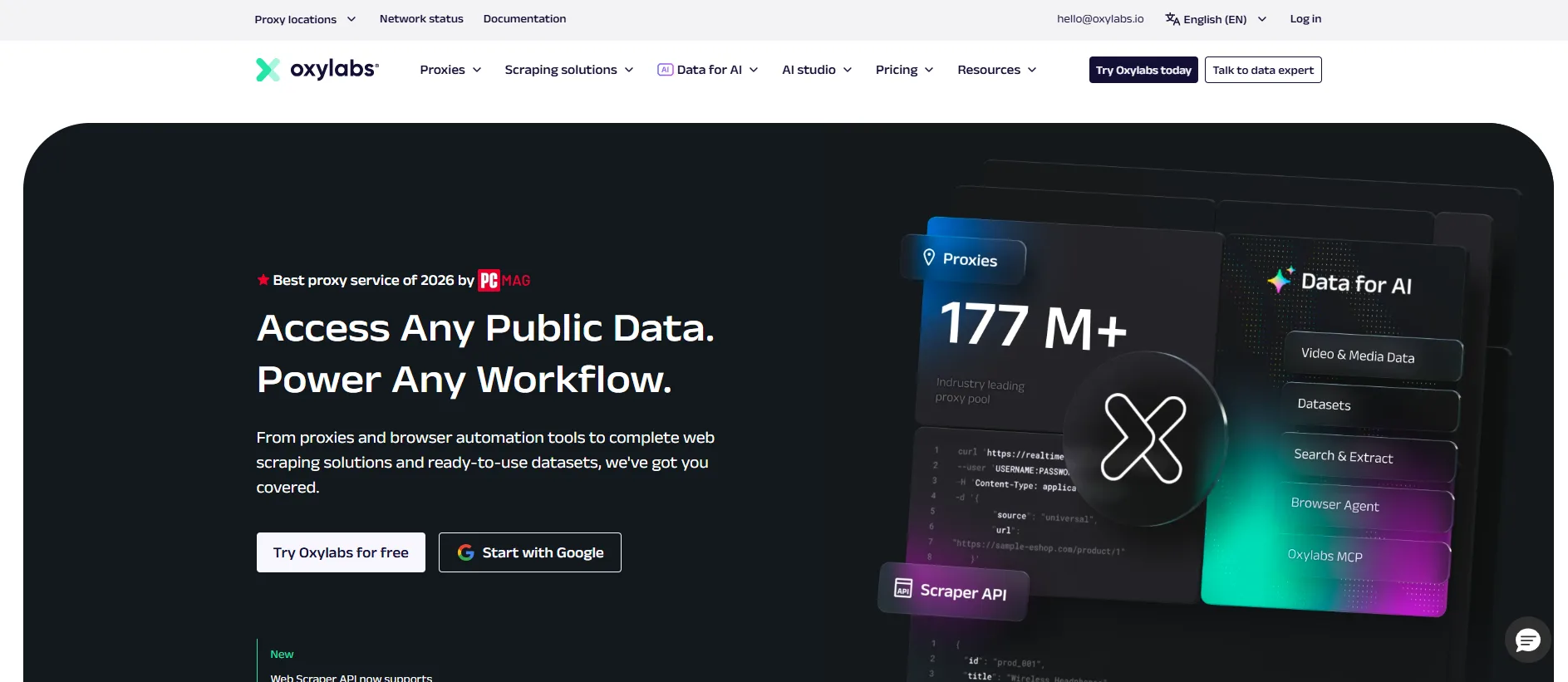
The Oxylabs Chrome extension — officially called Oxy Proxy Manager — is designed for professional and enterprise proxy management. It is free, works with any proxy provider, and is one of the few extensions that professionals and corporations actively choose over third-party managers. IPRoyal’s 2026 proxy extension comparison specifically groups Oxylabs alongside FoxyProxy and ZeroOmega as extensions “mostly used by professionals and corporations.”
The key advantage for Oxylabs users is the tight integration with the Oxylabs platform. You can manage geo-targeting, switch between proxy types (residential, datacenter, ISP), and test location-specific content directly from the extension — all backed by Oxylabs’ 175M+ IP pool and 99.95% success rate.
What makes Oxylabs stand out:
Free on the Chrome Web Store — works with any proxy provider
Two-click proxy connect and switching
Tight integration with Oxylabs’ 175M+ IP platform
Switch between residential, ISP, datacenter, and mobile proxies
City and country-level location switching inside the browser
Supports any proxy with no provider lock-in
Open-source — code available on GitHub for transparency
Used by enterprise teams for geo-testing and ad verification
Backed by Oxylabs’ ISO 27001 certified infrastructure
24/7 support available through Oxylabs account
Who should use Oxylabs: Enterprise users and professional scraping teams who use Oxylabs’ proxy network and want native browser integration with full proxy type and location switching. Also works as a solid general-purpose manager for non-Oxylabs users.
Pricing: Extension is free. Oxylabs proxy plans from $1.60/IP for ISP proxies and from $10/GB for residential.
#4. FoxyProxy — Best for Power Users
FoxyProxy is one of the oldest and most respected proxy management extensions in the Chrome Web Store. It is open-source, completely free in its Standard version, and gives advanced users a level of routing control that provider-specific extensions simply do not offer. You can set rules based on URL patterns, domain names, and regex expressions — so specific websites use specific proxies automatically while everything else uses your normal connection.
Proxyway’s 2026 browser extension review and AIMultiple’s 2026 Chrome extension list both rank FoxyProxy as the go-to for power users. GoPro Proxy’s 2026 guide calls it the “power user favorite.”
What makes FoxyProxy stand out:
Open-source and completely free (Standard version)
URL and domain pattern-based proxy routing rules
Regex expression support for advanced filtering
Manage unlimited proxy profiles in one interface
Manual, auto-switch, and pattern-match modes
Works with HTTP, HTTPS, SOCKS4, and SOCKS5
Works with any proxy provider — full provider independence
Available for Chrome and Firefox
Premium GeoShift version adds built-in residential IPs
Large active user community and regular updates
Who should use FoxyProxy: Developers, security researchers, and advanced users who need precise, rule-based proxy routing across different websites. Not the easiest interface for beginners, but nothing else comes close for complex proxy management.
Pricing: Free (Standard). GeoShift premium version available with built-in proxy access.
#5. ZeroOmega — Best for Developers and Rule-Based Routing

ZeroOmega is a modern fork of the legendary SwitchyOmega extension, updated for Manifest V3 compatibility in Chrome. It supports HTTP, HTTPS, SOCKS4, and SOCKS5 protocols and offers an auto-switch mode that dynamically routes traffic based on URL-matching rules — making it the developer-preferred tool for testing multiple proxy configurations simultaneously.
GoPro Proxy’s 2026 guide describes ZeroOmega as “balanced and modern.” The Chrome Web Store listing confirms Manifest V3 support, GitHub sync for configuration backup, and full multi-proxy profile management.
What makes ZeroOmega stand out:
Modern fork of SwitchyOmega — fully Manifest V3 compatible
Auto-switch mode routes traffic by URL matching rules
Supports HTTP, HTTPS, SOCKS4, and SOCKS5
Multiple proxy profiles with instant switching
Gist sync option for configuration backup across devices
Works with any proxy provider
Free and open-source
Developer-friendly interface with logical profile structure
Actively maintained on GitHub
Large user base from the original SwitchyOmega community
Who should use ZeroOmega: Developers and technical users who need rule-based proxy routing, multi-profile management, and Manifest V3 compliance. A direct upgrade from anyone still using the original SwitchyOmega.
Pricing: Free and open-source.
#6. IPRoyal Proxy Manager — Best for Profile-Based Switching
IPRoyal’s Chrome extension focuses on making profile-based proxy management as fast and simple as possible. You create named proxy profiles, assign settings to each, and switch between them with a single click. IPRoyal’s own 2026 proxy extension comparison calls it a “great choice for time-conscious and new users” alongside Decodo.
What makes IPRoyal Proxy Manager stand out:
Free Chrome extension — no credit card required
Profile-based proxy management with one-click switching
Set different proxies per protocol within a single profile
IP skipping for automatically cycling bad IPs
Localization and rotation settings per profile
Works with IPRoyal proxies and any external proxy list
No need to adjust system-wide OS proxy settings
Beginner-friendly interface with clear labelling
Works with HTTP, HTTPS, SOCKS4, and SOCKS5
Who should use IPRoyal Proxy Manager: Users who manage multiple proxy configurations and want a clean, profile-based system without complex routing rules. Especially good for IPRoyal customers who want native browser integration.
Pricing: Free. IPRoyal proxy plans from $1.75/GB if you use their network.
#7. Bright Data — Best for Enterprise Geo-Testing
Bright Data’s Chrome extension is purpose-built for manually verifying location-specific content — checking how ads render in different cities, confirming prices shown in different markets, and testing geo-restricted pages. It integrates exclusively with Bright Data’s proxy network, which gives it access to 150M+ IPs across 195 countries with city-level location switching inside the browser itself.
What makes Bright Data stand out:
Integrates with Bright Data’s 150M+ IP network
Switch countries and cities for location-specific content testing
Toggle proxy on and off at any time
Supports residential, ISP, and datacenter proxy types
Designed for ad verification and localised content checking
Available free on the Chrome Web Store
Backed by enterprise-grade Bright Data infrastructure
GDPR compliant
Who should use Bright Data: Enterprise teams using Bright Data proxies for ad verification, competitive research, and geo-specific content testing who want a browser-level tool for manual checks.
Pricing: Extension is free. Bright Data proxy plans from $8.40/GB.
#8. Proxy Helper — Best for Fast Day-to-Day Switching
Proxy Helper is a lightweight, no-frills extension that does exactly one thing well — it lets you change proxy settings inside Chrome quickly without touching your OS settings. It uses Chrome’s native proxy API, supports SOCKS5, SOCKS4, HTTP, and HTTPS, and includes PAC script support for advanced routing. The interface is minimal, the setup is fast, and it works with any proxy.
What makes Proxy Helper stand out:
Uses Chrome’s native proxy API — no system-wide changes
Supports SOCKS5, SOCKS4, HTTP, HTTPS, and PAC scripts
Fast and simple interface — nothing unnecessary
Works with any proxy provider
Free on the Chrome Web Store
Open-source on GitHub
Lightweight — minimal impact on browser performance
Quick enable/disable toggle for everyday use
Who should use Proxy Helper: Everyday users who just need a fast, reliable way to switch a single proxy on and off in Chrome without any complexity. Not for power users who need rule-based routing, but perfect for simple daily proxy switching.
Pricing: Free and open-source.
#9. Proxy Switcher and Manager — Best for Everyday Casual Users
IPRoyal’s 2026 proxy extension comparison specifically identifies Proxy Switcher and Manager as “best suited for day-to-day users.” It is a straightforward extension that manages a proxy list, lets you switch between entries easily, and handles the most common use cases — geo-unblocking, IP switching, and basic privacy — without any technical knowledge required.
What makes Proxy Switcher and Manager stand out:
Simple proxy list management in Chrome
Quick switching between multiple proxy entries
No technical setup required
Works with any proxy provider
Free on the Chrome Web Store
Good for geo-unblocking and basic IP switching
Clean, uncluttered interface
Who should use Proxy Switcher and Manager: Casual users who need a simple, reliable Chrome extension for basic proxy switching without learning routing rules or protocol settings.
Pricing: Free.
#10. GoProxy Extension — Best for Geo-Restriction Bypass

GoProxy‘s Chrome extension rounds out the list as a solid general-purpose option for bypassing geo-restrictions and managing proxies for content access tasks. GoPro Proxy’s own 2026 guide recommends its extension as a straightforward option for users who want clean geo-targeted browsing without the complexity of rule-based managers like FoxyProxy or ZeroOmega.
What makes GoProxy stand out:
Simple geo-restriction bypass through proxy switching
Works with HTTP and SOCKS5 protocols
Straightforward setup — works in minutes
Good for accessing region-restricted content
Compatible with any proxy provider
Clean interface with no unnecessary features
Who should use GoProxy: Users primarily focused on bypassing geo-restrictions for content access, market research, or localised testing who want a clean, simple Chrome extension without advanced configuration requirements.
Pricing: Free.
How to Choose the Right Chrome Proxy Extension
1. Are you using your own proxies or do you need them included?
If you already have proxies, FoxyProxy, ZeroOmega, or Proxy Helper give you full control. If you want proxies built into the extension, Decodo, Webshare, and Oxylabs all provide their proxy network directly through the extension.
2. How much routing control do you need?
Simple on/off switching: Proxy Helper or Proxy Switcher and Manager. Profile-based switching: Decodo, Webshare, or IPRoyal Proxy Manager. Rule-based URL routing: FoxyProxy or ZeroOmega.
3. Are you a beginner or a power user?
Beginners should start with Webshare (free proxies included) or Decodo (simplest setup with any proxy). Power users and developers should go straight to FoxyProxy or ZeroOmega.
4. Do you need enterprise features?
Enterprise teams using Oxylabs or Bright Data should use their own extensions for native integration with their proxy networks and location switching tools. Both are free and available directly on the Chrome Web Store.
FAQs: Best Proxy Chrome Extensions in 2026
What is a Chrome proxy extension?
It is a browser extension that lets you route your Chrome traffic through a proxy IP address without changing your system-wide network settings. It puts proxy control inside the browser rather than at the OS level.
Are Chrome proxy extensions safe to use?
Yes, as long as you use extensions from reputable providers. The extensions listed here are all from verified publishers with clear privacy policies. Avoid random free proxy extensions from unknown developers — they may log your traffic.
Which Chrome proxy extension works with any proxy provider?
Decodo, Webshare, FoxyProxy, ZeroOmega, IPRoyal Proxy Manager, Proxy Helper, and Proxy Switcher and Manager all work with any external proxy — they are not locked to a specific provider’s network.
Can I use a Chrome proxy extension for web scraping?
Not directly — Chrome extensions only proxy browser traffic, not automated scripts. For scraping, use your proxy provider’s API or configure proxies at the tool level. The extension is useful for manual testing and verification.
Is FoxyProxy better than ZeroOmega?
FoxyProxy is better for users who want URL pattern-based routing with a larger community and more documentation. ZeroOmega is better for developers who need Manifest V3 compatibility and multi-profile management with GitHub sync.
Do these extensions slow down Chrome?
Lightweight options like Proxy Helper and ZeroOmega have minimal performance impact. Provider extensions like Decodo and Webshare are slightly heavier but still well within acceptable performance limits for everyday use.
Which Chrome proxy extension is completely free?
All ten on this list are free to download. The provider extensions (Decodo, Webshare, Oxylabs, IPRoyal, Bright Data) require a paid proxy subscription to use their network, but work with any other proxy at no charge.
Quick Links:
Final Verdict: Best Proxy Chrome Extensions in 2026
The right Chrome proxy extension depends entirely on your use case. Here is the quick summary:
Best all-round: Decodo — works with any proxy, one-click rotation, clean interface
Best for beginners: Webshare — 10 free proxies built in, zero setup required
Best for enterprise: Oxylabs — tight platform integration, open-source, city-level targeting
Best for power users: FoxyProxy — URL-based routing rules, open-source, full protocol support
Best for developers: ZeroOmega — Manifest V3 ready, multi-profile, GitHub sync
Best for simple switching: Proxy Helper — lightweight, fast, no system changes
Start with a free extension. Test it with your proxies. The one that fits your workflow without getting in the way is always the right choice.