

I needed a new logo for my small online shop earlier this year. Freelancers quoted hundreds of dollars and needed days to send the first concepts. I tested Design.com instead. So, here is my honest Design.com review.

Design.com helps you create logos and brand materials with AI. It works well for small teams and founders who need a professional look quickly.
Pros
- AI builds logo options in minutes.
- Brand kits bundle colors, fonts, and files together.
- Editing is simple, so no design background is needed.
- You own the logo files once you buy.
- Matching assets cover cards and social posts.
Cons
- Buying logos for several projects gets costly.
- Creative control is lighter than pro design software.
I typed my business name and a short description, and the tool showed me dozens of logo ideas in less than a minute. I customized one, downloaded the files, and used it on my site the same day.
That speed is the main reason many small business owners now check Design.com when they look for the best AI logo generator.
Design.com is an AI-powered platform that creates logos and then helps you build the rest of your brand. The official site says it holds the world’s largest AI logo library with more than 458,000 options and carries a 4.7-star Trustpilot rating.
It combines a large exclusive library with AI suggestions and more than 50 other design tools so your logo, cards, social posts, and website all match.
How I Used the AI Logo Generator
I started on the AI logo generator page and followed these steps:
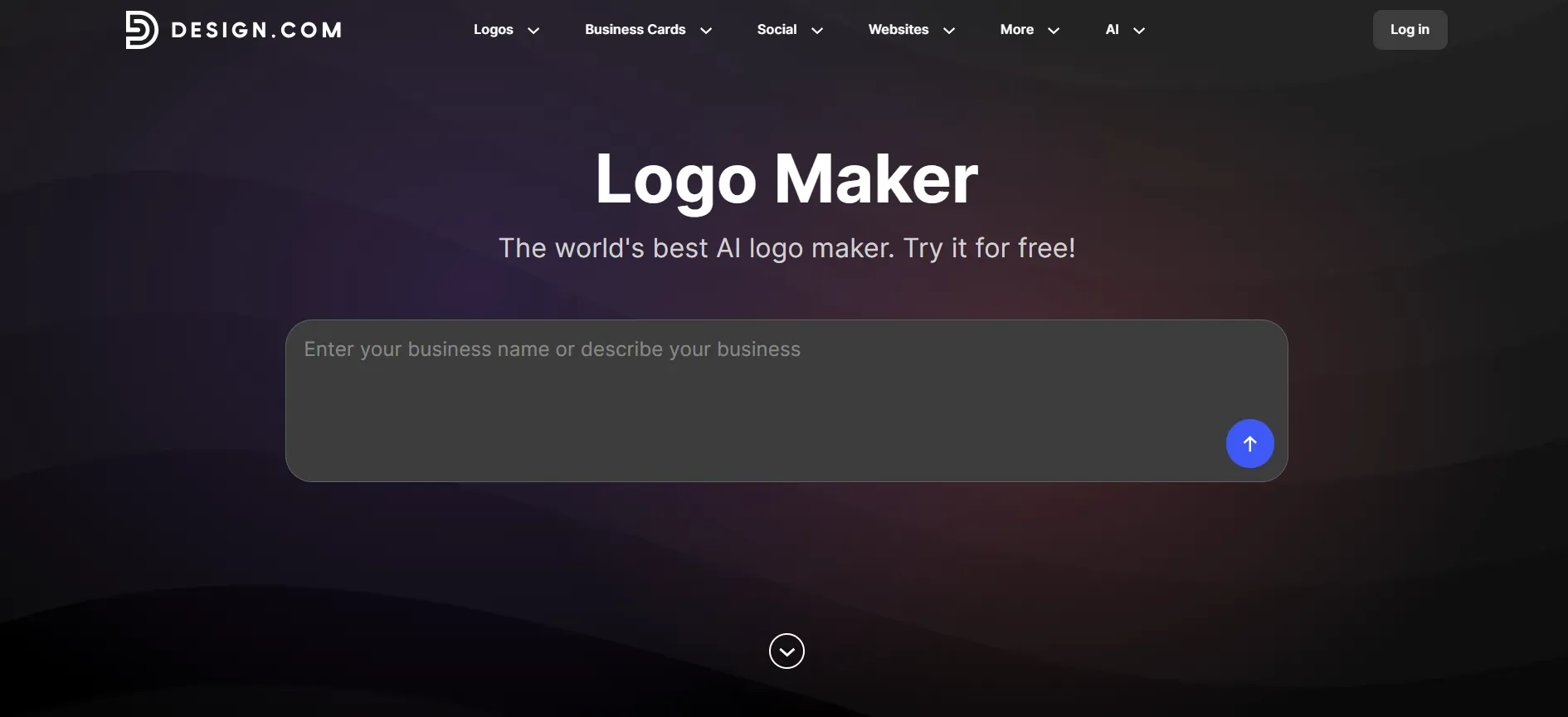
Step 1: I entered my business name and a short prompt such as “handmade natural modern.”
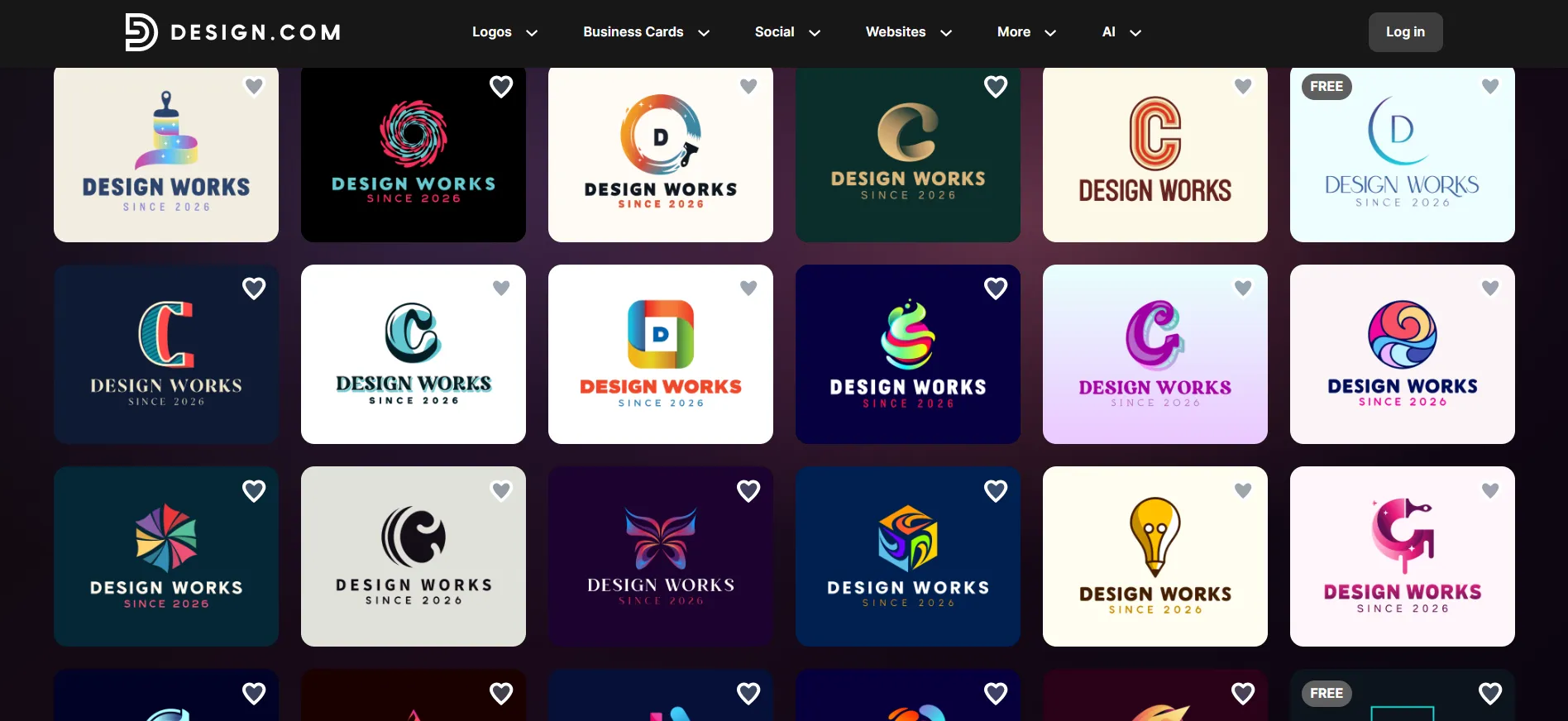
Step 2: The tool returned dozens of logo ideas within seconds. I scrolled and saved five favorites with the heart icon.
Step 3: I opened one logo in the editor and changed the font, colors, and icon size.
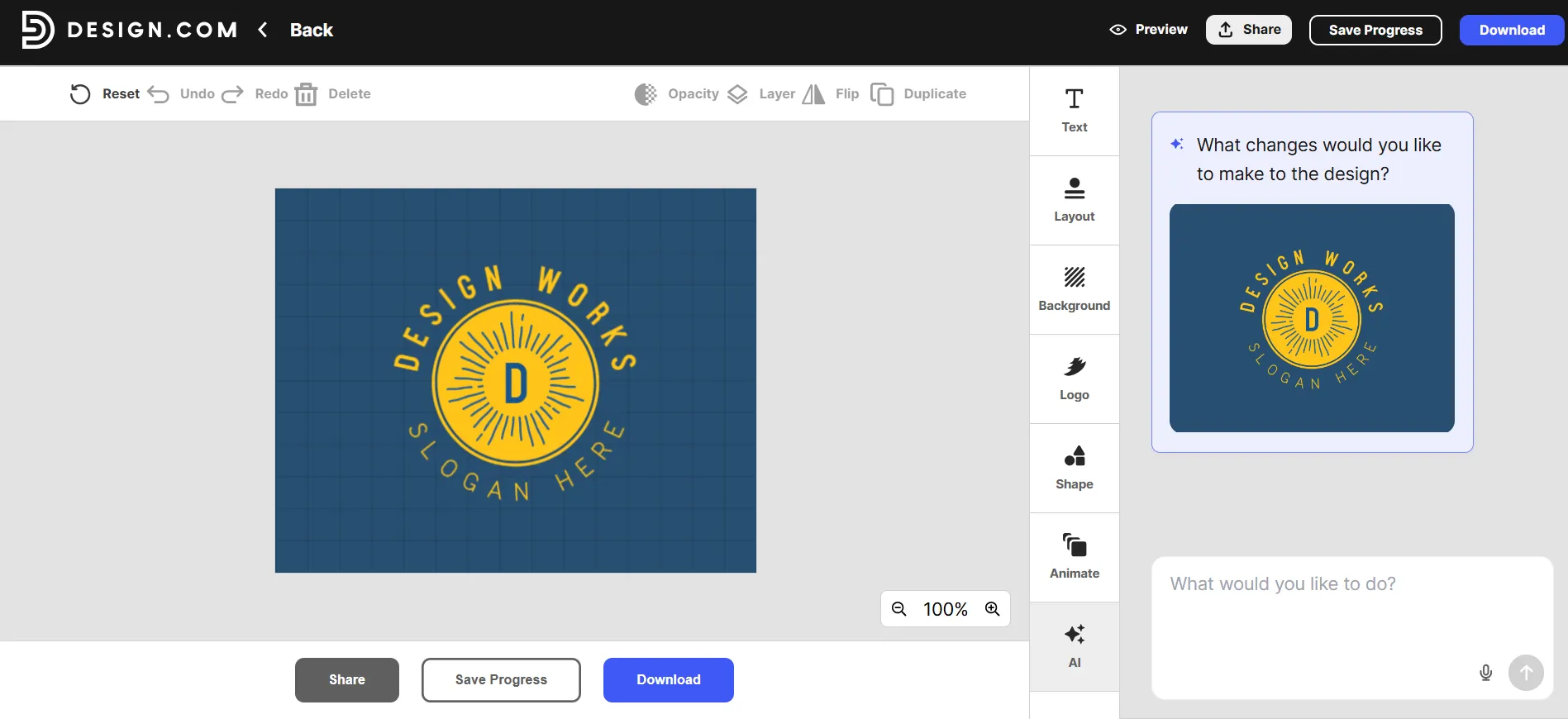
Step 4: I used the AI chat and typed simple requests like “make the icon larger and use a softer green.” The updates appeared right away.
Step 5: I previewed the logo on a mock business card and T-shirt.
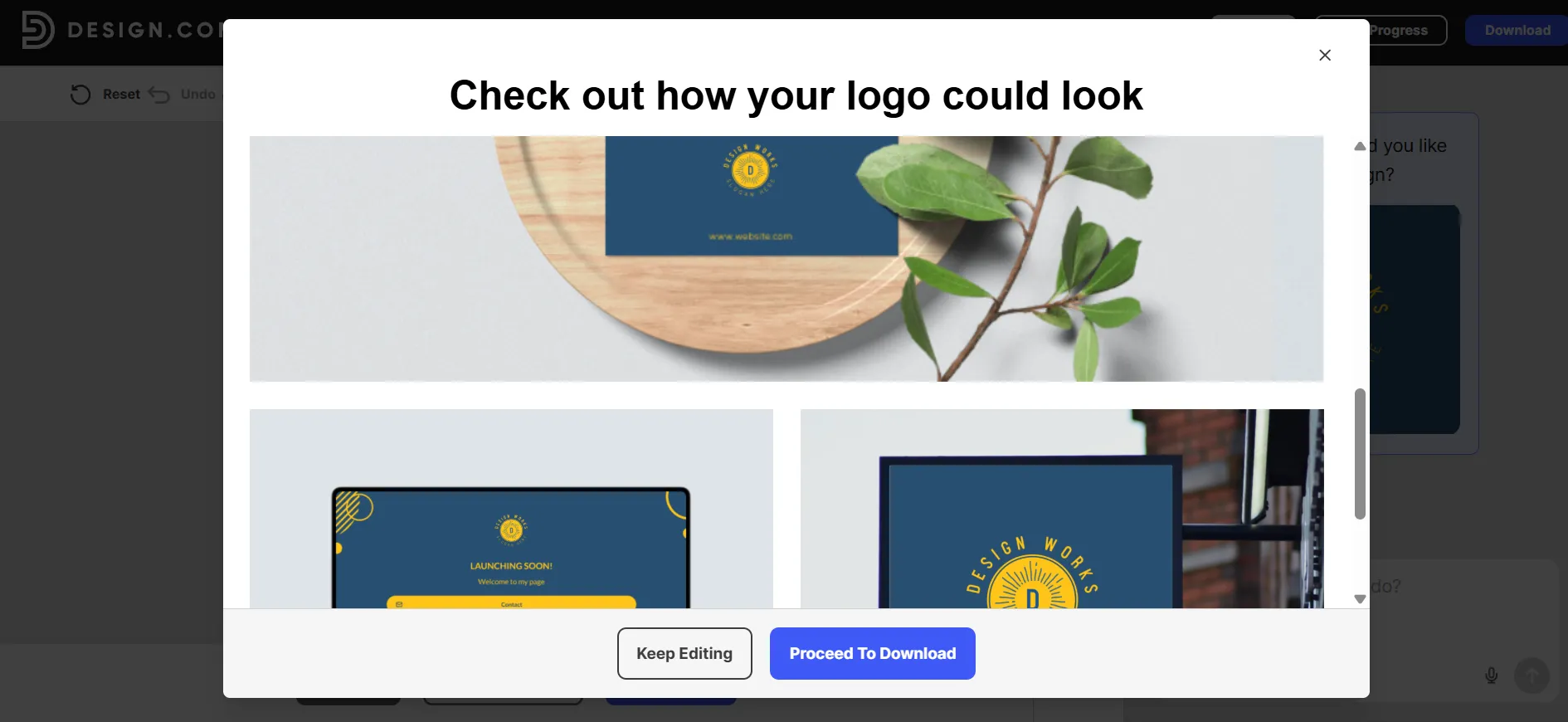
Step 6: I downloaded the files once I was happy.
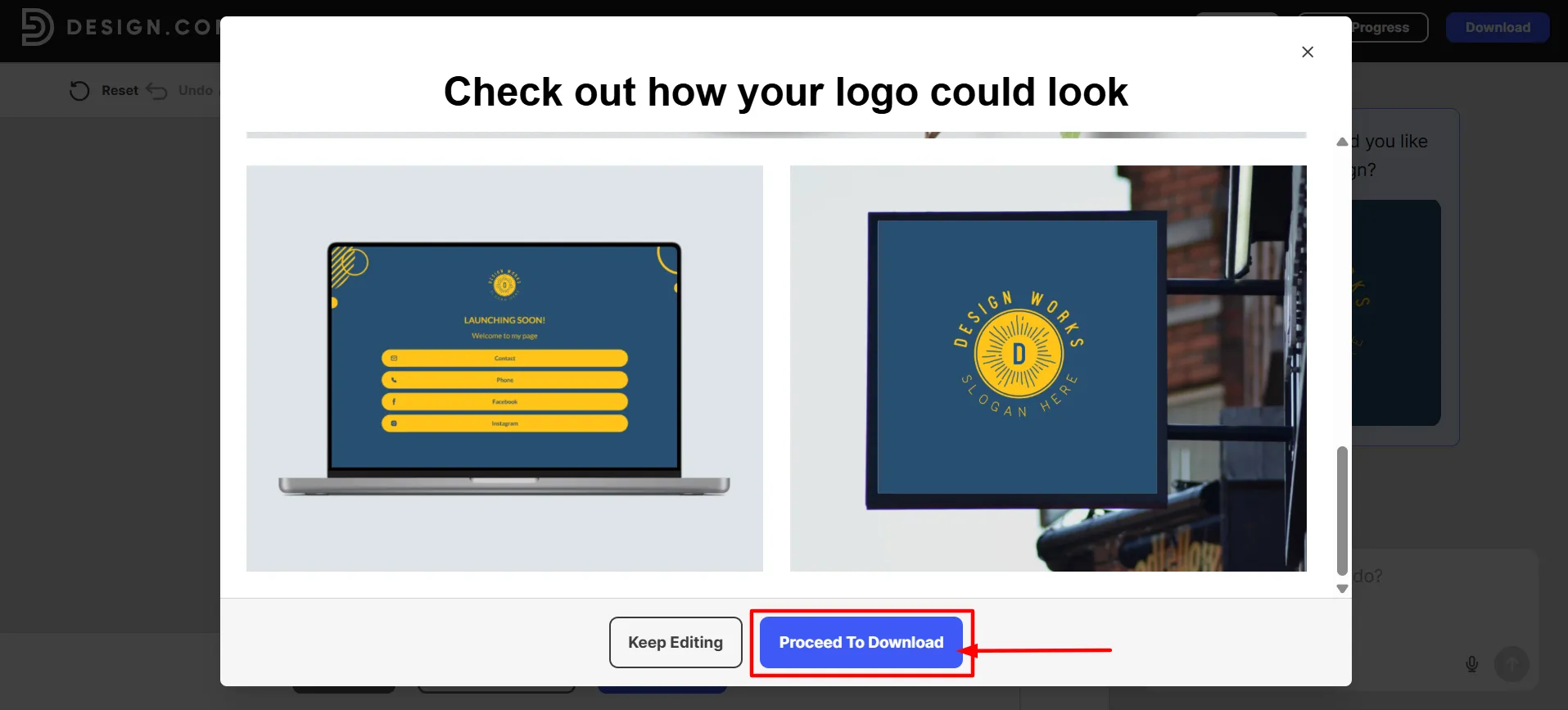
The entire process took about fifteen minutes. I did not need any design experience. The free downloads included high-resolution PNG and JPG files plus vector formats such as SVG, EPS, and PDF. The site states these files come with commercial use rights.
Main Features That Help Small Businesses
The platform offers several strengths that stood out during my test:
Large logo library: More than 500,000+ logos give the AI many starting points so results feel relevant to different industries.
Fast generation: Logos appear in seconds after you enter a name and keywords.
Simple editing: Change fonts, colors, layouts, spacing, and icons with manual tools or plain-English AI prompts. The platform includes more than 500 exclusive fonts.
Download formats: PNG, JPG, SVG, EPS, and PDF are available, including transparent backgrounds.
Brand kit tools: Once you pick a logo, the AI applies the same colors and fonts to business cards, letterheads, email signatures, social posts, flyers, and websites. The site lists over one million templates and more than 50 design tools.
Extra AI tools: Website builder, digital business cards, presentation maker, poster and flyer generators, and social media design tools all connect to your logo.
Commercial rights: Every logo includes a license for business use. Exclusive licenses are available if you want stronger protection.
Support: Live chat and email support run 24 hours a day.
I created a matching business card after finishing my logo. The colors and fonts stayed consistent without extra work. That all-in-one approach saves time for a sole trader or small team.
Pricing: Design.com Review
Design.com offers free AI logo templates. The official page says you can browse and download free AI-generated logos with high-resolution and vector files, commercial rights, and no usage limits. This lets you test the tool fully before you pay.
Paid plans unlock the wider set of tools. Exact prices can change with promotions or billing cycle, so always confirm on the checkout page. Recent information shows these typical ranges:
Plan | Typical Monthly Price (Billed Monthly) | Typical Annual Price (Per Month) | What You Get |
Free | $0 | $0 | Free AI logos, high-res and vector files, commercial use on selected designs |
Starter | Around $9 to $15 | Around $3 to $5 | One logo with unlimited edits, high-res and vector files, business cards, social posts, email signatures, letterheads, 50+ design tools, hundreds of thousands of templates |
Value | Around $14 to $24 | Around $4 to $6 | Everything in Starter plus website builder |
Premium | Around $19 to $29 | Around $5 to $7 | Everything in Value plus link in bio pages and digital business cards |
Subscriptions are monthly or annual. You keep perpetual access to your logo and files after you cancel. Exclusive licenses that remove a design from the shared library cost extra. The standard license is non-exclusive.
Pros & Cons: Design.com Review
Pros
- Logos generate in seconds with very little input.
- The library is large enough to show many styles and industry options.
- Editing is easy for beginners thanks to both manual controls and AI chat.
- Free downloads include high-quality and vector files with commercial rights.
- The same logo feeds into cards, posts, websites, and other materials so branding stays consistent.
- Exclusive fonts and IP checks improve the chance of a distinctive look.
- Support is available day and night.
Cons
- The default license is non-exclusive, so other businesses can use the same base template unless you buy an exclusive upgrade.
- Some logos can feel familiar because they come from a shared library rather than pure custom creation.
- Full access to every tool and unlimited AI edits usually requires a paid plan.
- Font files themselves cannot be downloaded.
- Clear prompts produce better results. Vague descriptions give weaker options.
- Pricing and plan details can vary, so you need to check the current page before you buy.
My Experience and Verdict
I finished a usable logo in one short session and put it on my website the same day. The free files worked immediately, and the matching brand tools saved me from starting each piece from scratch.
Compared with other AI logo tools I have tried, Design.com stands out for the volume of options, the free access to vector files, and the connected branding tools. The 4.7-star rating and the comments from other small business owners matched what I saw.
The main limitation is exclusivity. If your brand needs a fully unique mark that no one else can use, you will need the extra exclusive license or a custom designer.
For most small businesses and startups that need a professional logo and matching materials quickly and at low cost, the platform works very well. It removes the wait and the high upfront cost of traditional design.
Quick Links:
Conclusion: Design.com Review
Design.com delivered a professional logo and supporting materials faster and cheaper than my earlier freelancer attempts. The free tier removes most risk, the library gives plenty of choice, and the extra tools keep your brand consistent as you grow.
It is not the right fit for every project that needs pure custom artwork, but for the large number of small businesses that need solid results this week, it ranks among the strongest options. In my hands-on test, it earns its place as a leading choice for the best AI logo generator for small businesses in 2026.
Open the site, enter your own business name, and see the results for yourself. The free logos appear fast enough that you will know within minutes whether it fits your needs.
Comments
Be the first to leave a comment.