

The best AI business software tools earns its place by reducing a real bottleneck: slower customer responses, manual reporting, weak pipeline visibility, repetitive admin, or stalled content production.
| Best For | Broad knowledge work, research, writing, analysis | Microsoft-centered teams, document drafting | Google-first collaboration, real-time teamwork |
| Integration | Standalone flexible assistant | Native to Outlook, Teams, Word, Excel, SharePoint | Integrated with Gmail, Docs, Sheets, Meet, Drive |
| Key Strength | Handles varied tasks across departments | Meets summaries, email support, familiar workflows | Drafting, summarizing, organizing shared documents |



A founder does not need another AI tool that produces clever text in a demo and creates one more disconnected login six months later.
That distinction matters because AI software is no longer one category. A company may need a general-purpose assistant for research, a CRM with AI for sales execution, an automation platform for operations, and an analytics tool that makes data usable for nontechnical teams.
Buying all of them at once is rarely the answer. The smarter move is to match a tool to a workflow, validate its data and security fit, and measure whether people actually use it.
Best AI business software tools by workflow
The following tools are useful starting points for common business needs. They are not interchangeable, and the right choice depends on your existing stack, budget, data policies, and team maturity.
1. ChatGPT Enterprise for broad knowledge work
ChatGPT Enterprise is a practical option for teams that need one flexible assistant across research, writing, analysis, brainstorming, document work, and internal questions.
It can be especially useful for founders and lean teams that have many varied tasks but no appetite for buying a separate AI product for each one. Its trade-off is governance. Broad capability can lead to broad, inconsistent use.
Establish approved use cases, prompt examples, review expectations, and rules for sensitive information before rolling it out widely. It is best treated as a work layer with clear guardrails, not an unsupervised answer engine.
2. Microsoft 365 Copilot for Microsoft-centered teams
Microsoft 365 Copilot is most compelling when your company already works heavily in Outlook, Teams, Word, Excel, PowerPoint, and SharePoint.
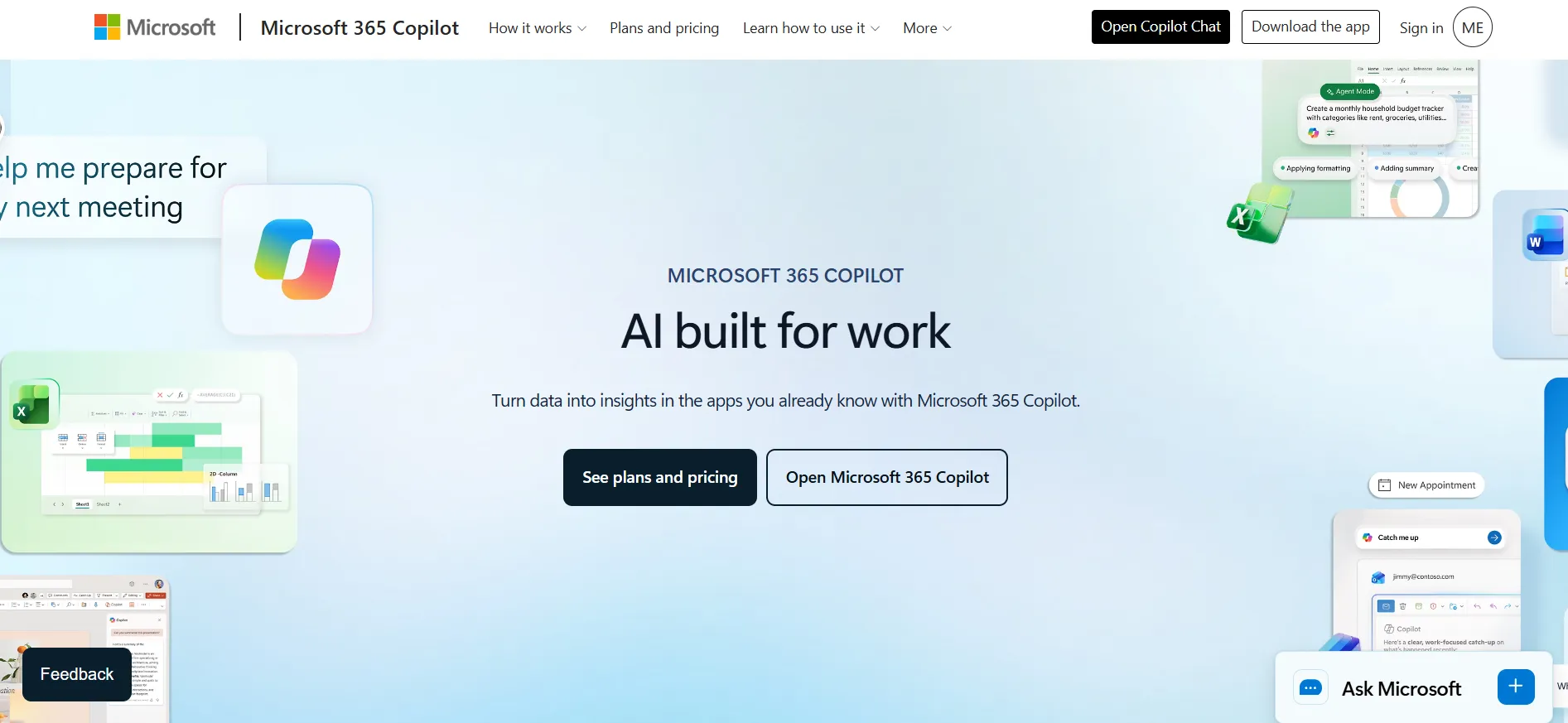
Its value comes from meeting summaries, email support, document drafting, and assistance inside familiar applications.
For organizations with established Microsoft permissions and file structures, that proximity can reduce adoption friction. But it also exposes poor information hygiene.
If shared drives are cluttered or access controls are overly broad, resolve that foundation first. Copilot reflects the quality of the environment it can access.
3. Google Workspace with Gemini for Google-first collaboration
Google Workspace with Gemini fits teams operating in Gmail, Docs, Sheets, Meet, and Drive. It can help with drafting, summarizing, organizing information, and turning working documents into clearer team outputs.
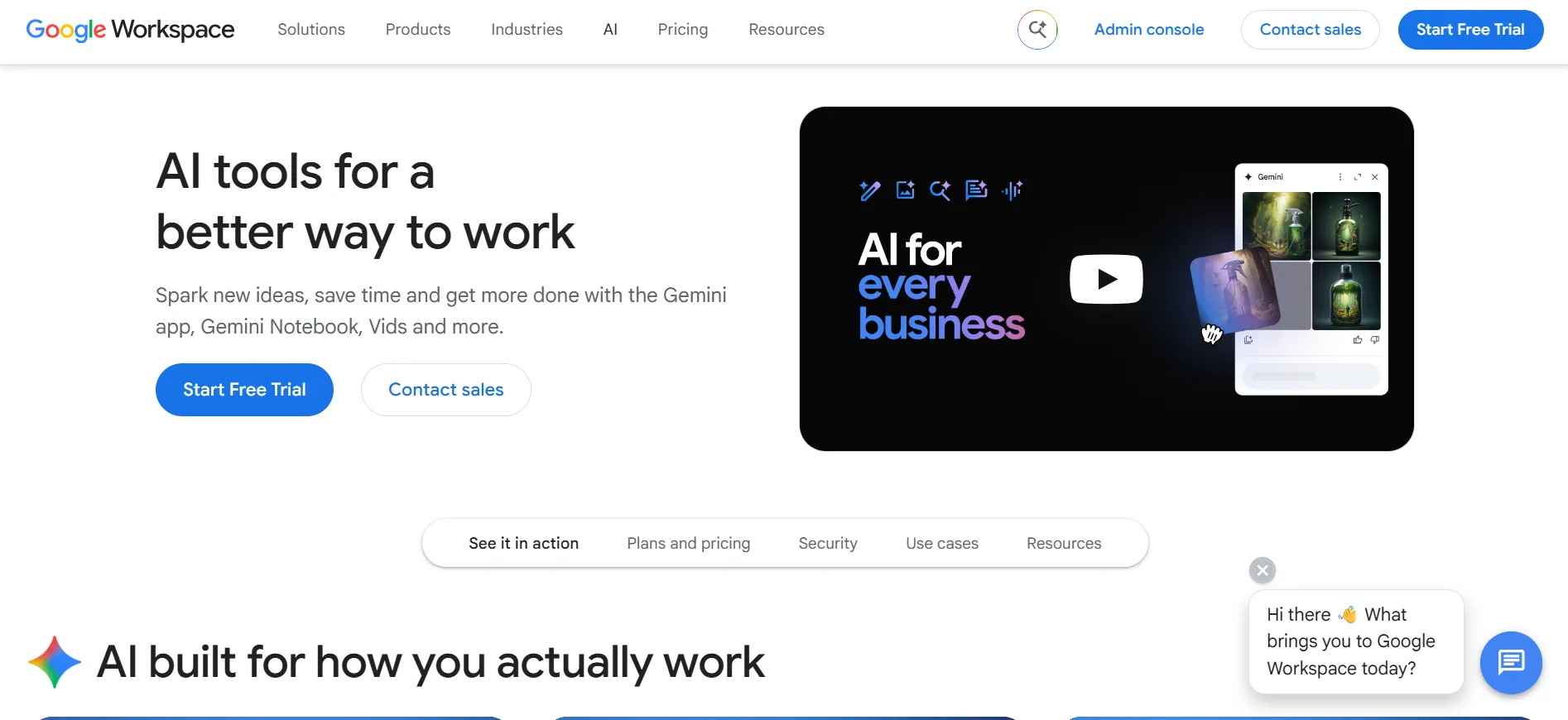
It is often a better operational choice than adding a standalone assistant when employees spend most of the day in Google Workspace. Still, test it on real files and formulas.
A polished summary is not a substitute for checking financial assumptions, customer commitments, or analytical logic.
4. HubSpot for AI-assisted marketing and revenue operations
HubSpot brings AI features into CRM, marketing, sales, and service workflows. For growth teams that need campaign creation, lead context, pipeline discipline, and customer communication in one system, that connected data model can be more valuable than a standalone content generator.

The key consideration is cost at scale. HubSpot can become a meaningful budget line as contacts, seats, and advanced requirements grow.
Evaluate the full operating cost, not just the entry plan, and confirm which team will own data quality.
5. Salesforce Einstein for complex sales organizations
Salesforce Einstein is designed for businesses already invested in Salesforce that want AI support for forecasting, seller productivity, service, and customer data insights.
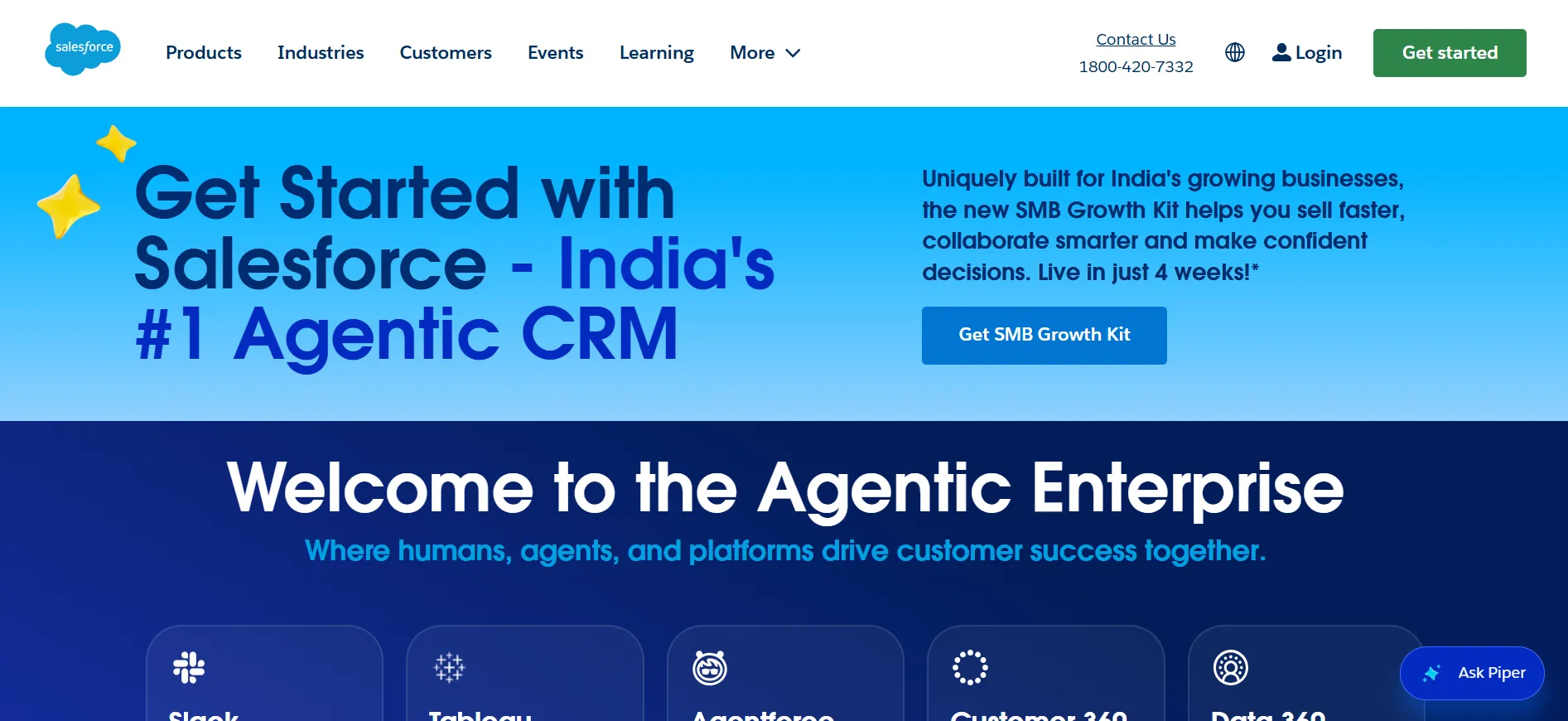
It is usually better suited to more mature revenue operations than a startup building its first sales process.
Its advantage is depth within a sophisticated CRM environment. Its trade-off is administration and implementation effort.
If your Salesforce instance lacks clean fields, consistent stages, and accountable ownership, AI will not repair the underlying process.
6. Zapier for AI-powered workflow automation
Zapier is a strong option for connecting apps and automating routine work across marketing, sales, operations, and support.
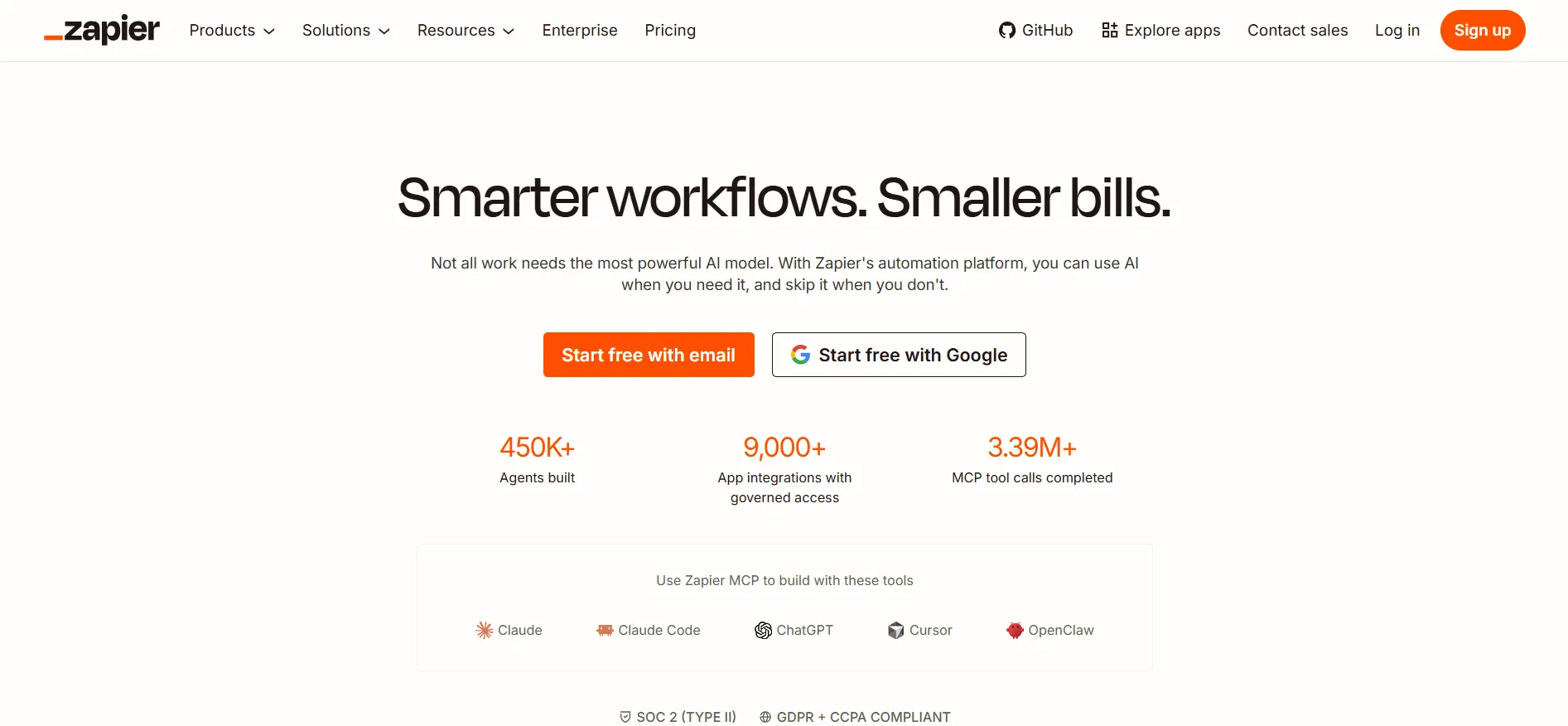
Teams can use it to route leads, enrich records, trigger notifications, draft first-pass responses, and move data between systems without building every integration from scratch.
Automation should begin with stable processes, not chaotic ones. Start with a high-volume workflow that has a clear exception path.
Monitor errors, assign a process owner, and avoid automating customer-facing decisions that require judgment or compliance review.
7. Make for visual, multi-step automations
Make is well suited to operations teams that need more control over multi-step workflows, data transformations, and branching logic.

Its visual scenario builder can make complicated processes easier to map and inspect than a long chain of disconnected integrations.
It can require more technical confidence than simpler automation tools. That is not necessarily a drawback. For teams with an operations lead who can document logic and maintain scenarios, the added control may justify the learning curve.
8. Notion AI for internal documentation and knowledge work
Notion AI works well for teams that already use Notion as a home for project documentation, operating procedures, product notes, and internal knowledge.
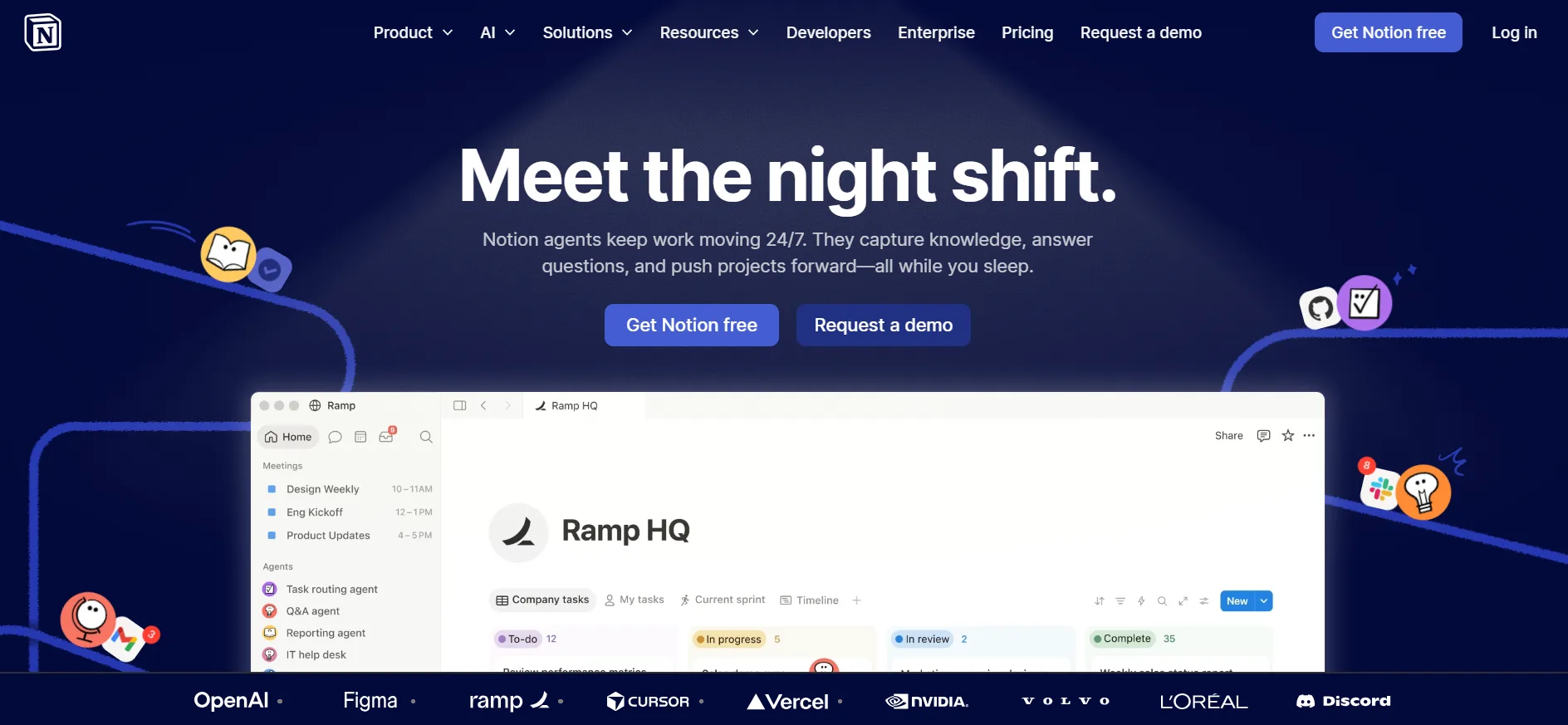
It can speed up drafting, summarize long pages, and help employees find useful context inside an existing workspace.
The limitation is familiar: poor documentation produces poor answers. Treat implementation as an opportunity to archive stale pages, define ownership, and establish a source-of-truth structure. The tool is most useful when people can trust what it retrieves.
9. Asana Intelligence for project execution
Asana Intelligence supports teams that want AI help within project planning and work management. It can assist with status updates, task clarity, goal tracking, and identifying work that needs attention.
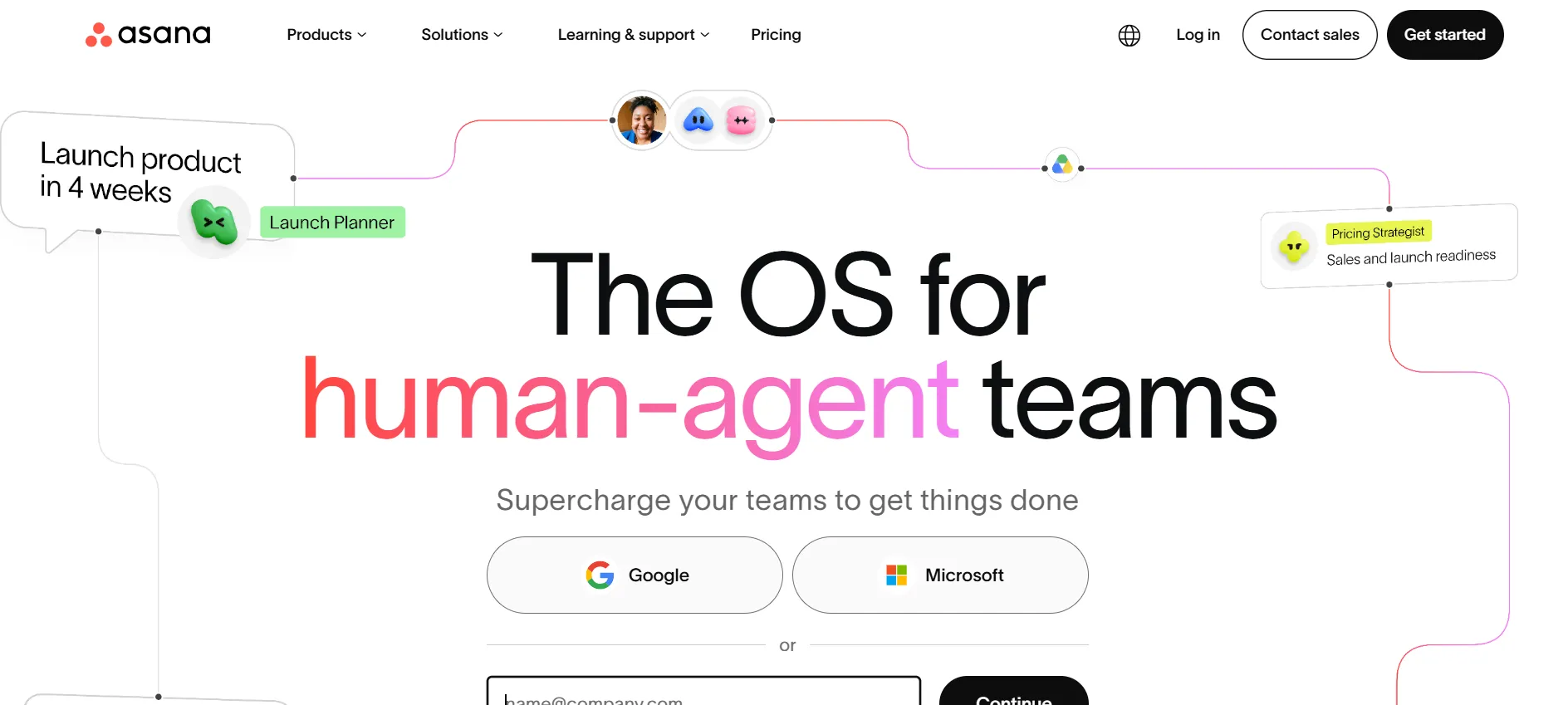
This is a better fit for companies already disciplined about projects, due dates, and ownership. If work happens mainly in chat threads and informal meetings, fix the planning process before expecting AI to create visibility.
10. Intercom for AI customer support
Intercom is a strong candidate for businesses that want to improve support response time while keeping a clear path to human help.
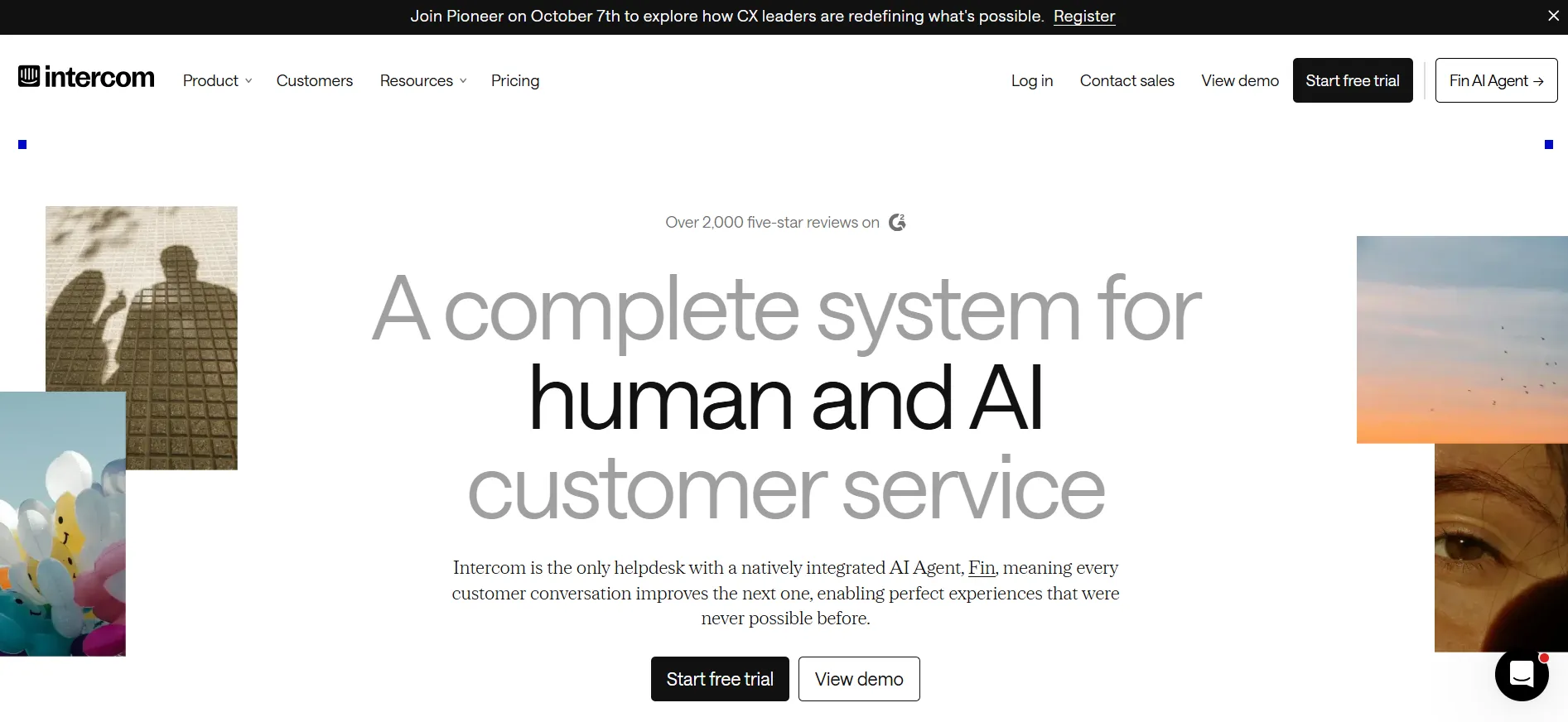
Its AI capabilities can help answer common questions, surface knowledge, and route conversations more efficiently.
Customer support is a high-impact but high-risk AI use case. Test answer quality against real tickets, define escalation rules, and review conversations regularly. A fast incorrect answer can cost more than a slower human response.
11. Glean for enterprise search and internal answers
Glean is built for organizations where information is spread across many business apps and employees lose time searching for the right document, policy, project detail, or expert.

Its value proposition is less about generating content and more about making approved internal knowledge easier to find.
It is most relevant once tool sprawl is a real productivity problem. Smaller companies with a simple stack may get enough value from better folder structures and documentation practices before adopting a dedicated enterprise search platform.
12. Tableau with AI capabilities for data exploration
Tableau remains a serious option for teams that need governed analytics and visual reporting, especially when business users need to explore data without relying on a data analyst for every question.
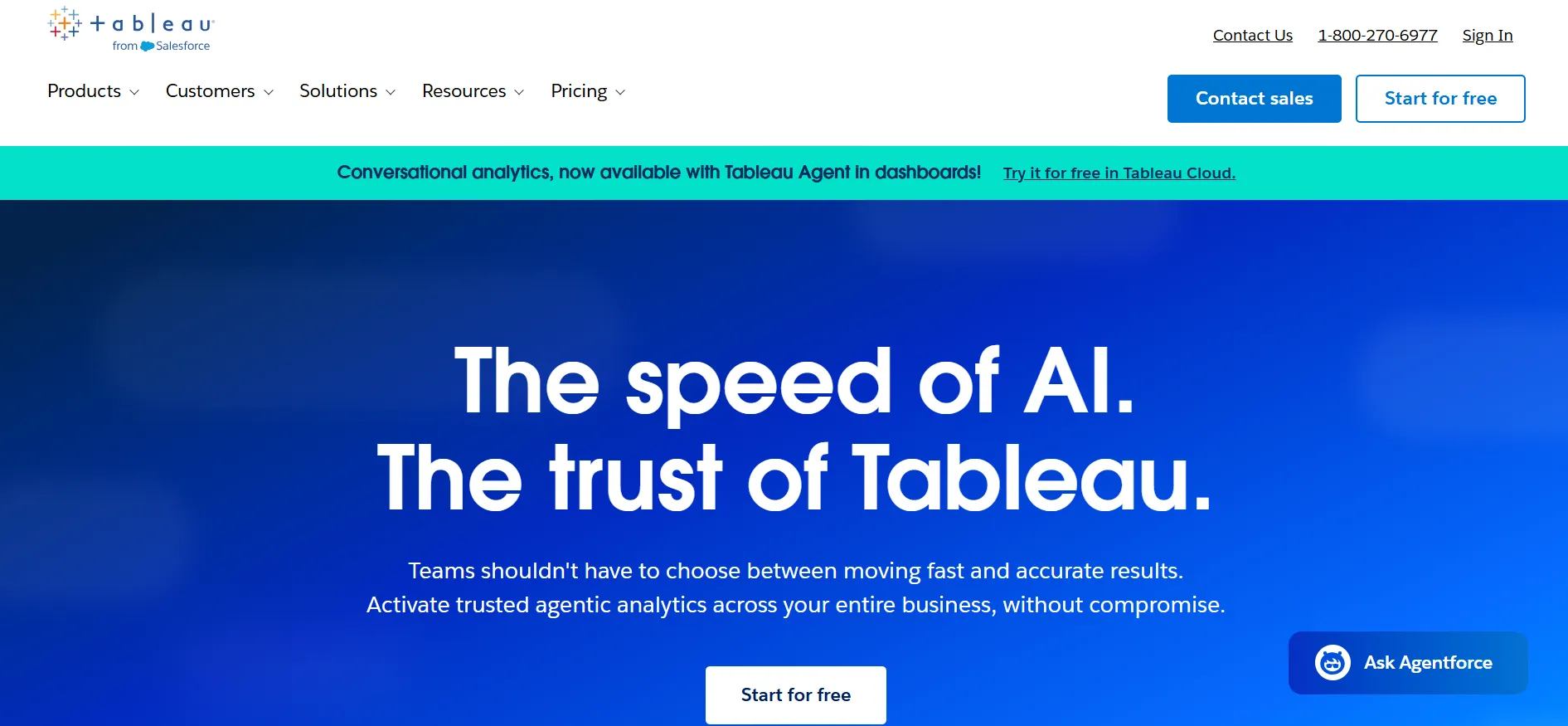
AI features can lower the barrier to asking questions and interpreting dashboards. The trade-off is that analytics still depend on definitions.
Revenue, active customer, churn, and qualified lead must mean the same thing across teams. Establish trusted metrics before putting conversational AI in front of business data.
What makes AI business software worth paying for?
The strongest business case is not “our team should use AI.” It is a measurable improvement in a process that already consumes time or creates risk.
For example, an AI meeting assistant may save several hours of note-taking each week, but its larger value comes from consistent follow-up and searchable customer context.
An AI marketing platform may accelerate first drafts, but its real value is faster campaign testing without adding headcount.
Before comparing vendors, define the job in a sentence: “Help account managers prepare for renewal calls,” or “Turn weekly revenue data into an executive-ready report.” If the job is vague, the evaluation will be vague too.
Three questions should guide every shortlist. First, does the product work with the systems where the team already operates?
Second, can you control how company and customer data are handled? Third, can you identify an owner, baseline, and success metric for the first 30 to 60 days? Without those answers, even a capable tool can become shelfware.
How to compare AI business software without wasting a quarter
A feature checklist is useful, but it should not be the center of the decision. Most leading products can summarize, generate, analyze, or automate something.
The meaningful differences are workflow fit, implementation burden, permissions, integrations, usage limits, and the quality of human oversight.
Run a focused pilot with one department and one repeatable use case. Use a baseline such as time per support ticket, campaign production time, report turnaround, meetings completed, or conversion from lead to opportunity.
Then compare the results against the total cost of licenses, setup, training, management, and review.
Ask vendors direct questions about data retention, model training policies, administrator controls, auditability, exports, and pricing triggers.
Usage-based AI costs can look modest in a small proof of concept and change quickly when a whole team adopts the product.
A clear pricing breakdown should include expected volume, required seats, and any premium integration or governance tiers.
Build an AI stack around decisions, not novelty
The right stack is usually smaller than the first wishlist. Start with the workflow where delays are visible and outcomes are measurable.
Choose the tool that fits your current system of record, then give the team enough training and accountability to turn capability into routine practice.
A good AI purchase should leave your business with fewer manual handoffs, better decisions, and clearer ownership. If it only adds another dashboard, prompt library, or renewal date, it has not earned its place.
Quick Links:
Comments
Be the first to leave a comment.