

Oxylabs

- 125M+ ethically sourced IPs
- Residential, mobile, ISP & datacenter proxies
- Site Unblocker to bypass anti-bot systems
- 195+ global locations with high uptime
Decodo

- 125M+ ethically sourced IPs
- Residential, mobile, ISP & datacenter proxies
- Site Unblocker to bypass anti-bot systems
- 195+ global locations with high uptime
Webshare

- 80M+ residential and datacenter IPs
- Datacenter, static & rotating proxies
- HTTP, HTTPS & SOCKS5 protocol support
- Global proxy servers in many countries
Sony’s PS5 has turned into the most network-dependent console the company has ever shipped. Game installs routinely blow past 100GB, PSN’s storefronts differ wildly by region, and a title that’s been live in Japan for months can still be sitting in classification limbo in Europe.
PlayStation’s account security and anti-cheat systems have also gotten sharper. Log in through a poorly maintained shared proxy pool, and there’s a real chance your account gets flagged before you’ve even finished signing in.
The rule that applied back on PS4 still holds, just with higher stakes now: a proxy built for PS5 needs enough throughput to handle a 100GB download, a clean enough IP history to pass PSN’s reputation checks, and enough session stability to survive a full competitive match without dropping mid-game.
Here’s what’s actually holding up for PS5 users right now.
What Players Are Saying
On r/steamregionaltricks, a thread from users trying to reach PS Plus deals through Turkish PSN accounts asked specifically for residential proxy recommendations.
The consensus in the replies was blunt: datacenter IPs get caught and blocked almost immediately, and free proxies aren’t worth the effort for anything PSN-related. Only clean residential proxies running proper sticky sessions hold up reliably.
What Actually Makes a Proxy Work on PS5
PS5 supports HTTP proxy setup natively in its network settings, the same way PS4 did.
A proxy that actually performs well on PS5 needs to check several boxes at once: latency low enough for real-time multiplayer (ideally under 50ms added delay), enough bandwidth to move large game downloads without choking, residential or ISP-class IP addresses that score well in PSN’s trust system, sticky sessions that hold one IP steady for your entire play session, and geo-targeting precise enough (country or even city level) to line up with wherever your PSN account is actually registered.
9 Best Proxies For PS5 in 2026
Here are the best PS5 proxies you can check out.
#1 — Oxylabs: Best Overall PS5 Proxy
Website: oxylabs.io | Starting Price: 50% off residential proxies (current promotion), 5 free datacenter IPs
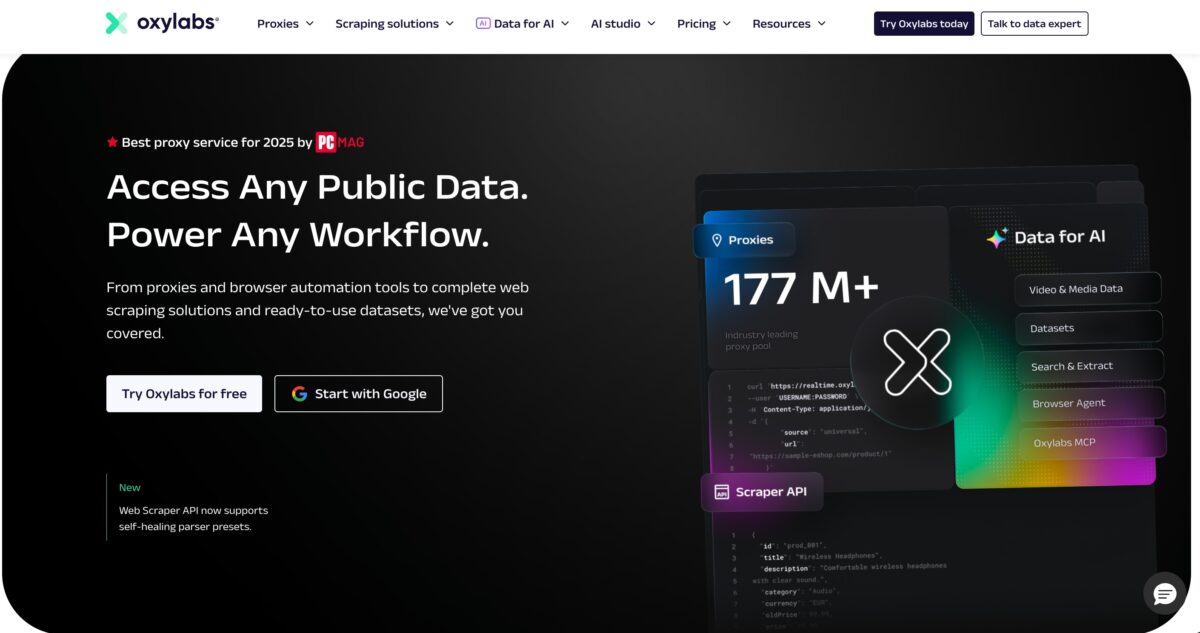
Oxylabs consistently lands near the top of proxy rankings, and the numbers back it up: a pool of 175M+ residential IPs, response times under a second, and a success rate above 99%.
PCMag named them Best Proxy Service of 2025, and Proxyway handed them the Best Enterprise Provider award, both based on hands-on testing rather than press materials.
For PS5 specifically, the standout is their mobile proxy pool. IPs pulled from real 4G and 5G carrier networks are notoriously hard to flag and tend to score highest on PSN’s internal trust system.
Coverage spans 140+ countries with city-level precision, which matters because pointing your PS5’s proxy to the exact city tied to your PSN account is what keeps location-mismatch flags from triggering. Their AI-driven Web Unblocker also adjusts automatically as PlayStation’s detection methods shift, no manual tweaking required on your end.
For studios using PS5 units for QA across multiple launch regions, Oxylabs is also the only provider here holding ISO/IEC 27001:2022 certification, relevant if enterprise compliance is part of your evaluation.
Best PS5 Use Case: Publishers running launch-day stress tests across regional PSN stores can lean on Oxylabs’ residential and mobile IPs to simulate thousands of concurrent download requests from realistic residential addresses across 50+ markets, stress-testing infrastructure before the real player traffic hits.
Pros:
- 175M+ residential IPs, 99%+ success rate, sub-1-second responses
- Mobile carrier IPs (4G/5G) score highest on PSN trust checks
- 140+ countries with city-level targeting
- AI Web Unblocker adapts to PlayStation’s detection changes automatically
- PCMag Best Proxy Service 2025; Proxyway Best Enterprise Provider
- ISO/IEC 27001:2022 certified
- Strong fit for multi-region QA work
Cons:
- Pricing sits at the premium end outside the current promo
- Non-technical users may face a learning curve
#2 — Decodo: Best Value PS5 Proxy
Website: decodo.com | Starting Price: Residential from $1.50/GB; Datacenter from $0.26/IP
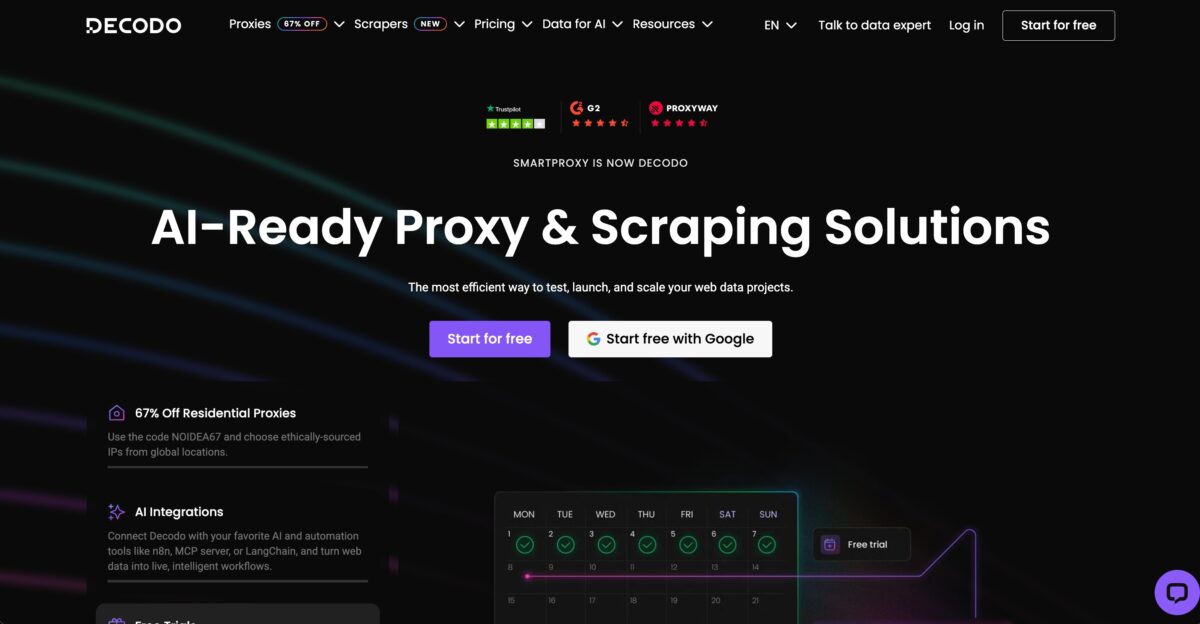
Decodo (the rebranded Smartproxy) offers what’s arguably the strongest price-to-quality ratio in this space for PS5 gaming, a 125M+ residential IP pool at $1.50/GB. The rebrand added new features on top of a reliability record that goes back to 2018.
It covers the full range of PS5 needs: residential IPs for account management and geo-unlocking, datacenter IPs when you just need raw speed to push a 100GB update through fast.
Sticky sessions keep one IP locked in for your whole play session, and coverage across 195+ countries with city-level accuracy means each session reads as a genuine local user to PSN. The 14-day money-back guarantee is also a real evaluation window, longer than what most competitors offer.
Best PS5 Use Case: Players wanting access to region-exclusive releases, DLC, or PSN store pricing outside their home region can run Decodo’s residential proxies with country-level sticky sessions to keep a secondary account’s regional identity consistent, paying only for the bandwidth actually used.
Pros:
- Strongest price-to-quality ratio at $1.50/GB residential
- 125M+ residential IPs, plus datacenter option at $0.26/IP
- Sticky sessions hold steady through full PS5 sessions
- 195+ countries with city-level precision
- 14-day money-back guarantee
- Clean, straightforward dashboard
- Site Unblocker handles PSN’s anti-bot measures
Cons:
- Smaller IP pool than Oxylabs or SOAX
- No free tier
#3 — Webshare: Best Free PS5 Proxy Tier
Website: webshare.io | Starting Price: Free (10 proxies, no card required), Residential from $3.50/month
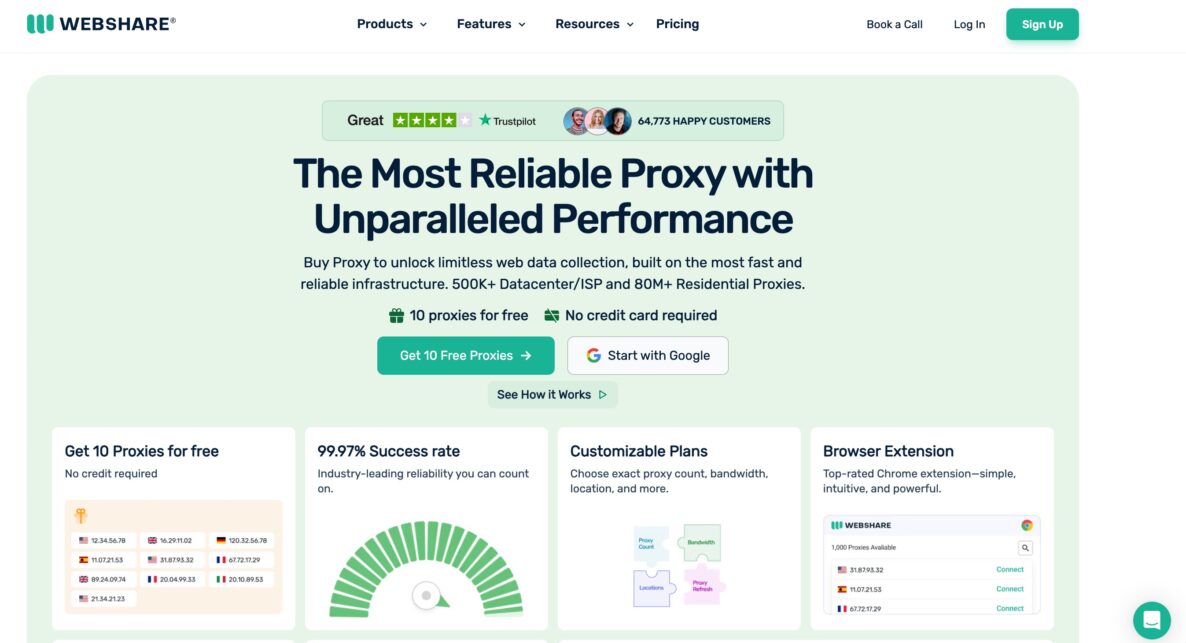
Webshare’s free tier, 10 proxies with zero card requirement, is the lowest-risk way to test whether a proxy setup actually works on your PS5 before spending anything.
That free tier still runs on real infrastructure: 80M+ IPs, 195 countries, and a 99.97% success rate, well beyond what typical free proxy services offer.
ISP proxies sourced from major US carriers land in a useful middle ground, residential-level trust paired with datacenter-level speed, which is exactly what PS5 downloads benefit from. At $3.50/month for static residential proxies once you’re ready to upgrade, it’s the gentlest jump from free to paid on this list.
Best PS5 Use Case: Indie studio testers or developers working with a tight budget can start on Webshare’s free tier to confirm their setup works, then scale into the $3.50/month residential plan as testing needs grow, without switching providers or redoing their configuration.
Pros:
- Genuinely free tier: 10 proxies, no card needed
- 80M+ IPs across 195 countries, 99.97% success rate
- ISP proxies from major US carriers balance trust and speed
- $3.50/month residential plan, cheapest production-ready option here
- Zero-risk way to validate a setup before paying
- 650B+ monthly requests processed
- Simple dashboard
Cons:
- Free tier capped at 10 proxies
- Not built for large-scale operations
#4 — SOAX: Best PS5 Proxy for Clean IP Quality
Website: soax.com | Starting Price: Starter $90/month (25GB at $3.60/GB)
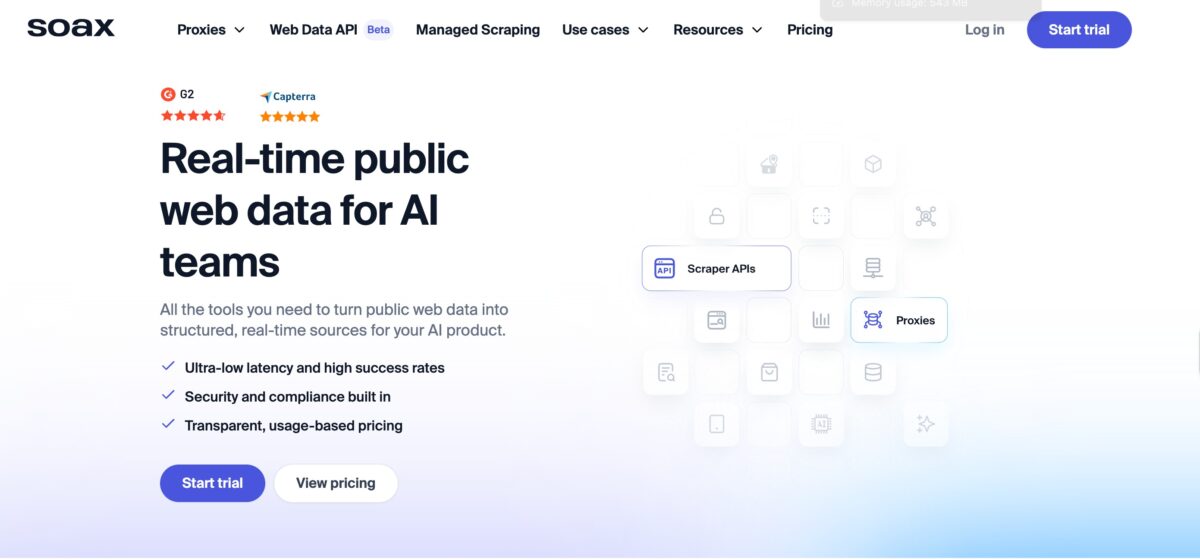
SOAX runs a pool of 191M+ IPs that are individually verified and whitelisted, arguably the cleanest inventory available for PS5 use. Nothing is grey-market sourced, nothing is pooled with other providers, and every address gets actively monitored for reputation health.
That matters a lot for PS5 account management specifically, since a single banned IP can put a fully-loaded PSN account, years of purchases included, at risk. Sixty-minute sticky sessions line up well with a typical PS5 session length, long enough for a full multiplayer match, a big download, or a browsing session through the PSN store. One subscription also covers residential, mobile, and datacenter proxy types, so there’s no need to juggle separate products for different tasks.
Best PS5 Use Case: Players juggling multiple regional PSN accounts for cross-region tournament play can use SOAX’s clean residential IPs with sticky sessions to keep each account on its own geographically appropriate address, without cross-contamination from a shared pool.
Pros:
- 191M+ individually verified, whitelisted IPs
- No grey-market sourcing; actively monitored reputation
- 60-minute sticky sessions fit a full PS5 session
- One subscription spans residential, mobile, and datacenter
- Unlimited concurrent connections
- Strong fit for managing multiple regional accounts
- 99%+ success rate
Cons:
- No free trial
- More capability than a single-account user typically needs
#5 — IPRoyal: Best Budget PS5 Proxy
Website: iproyal.com | Starting Price: Rotating residential from $1.75/GB; Static residential from $1.39/IP
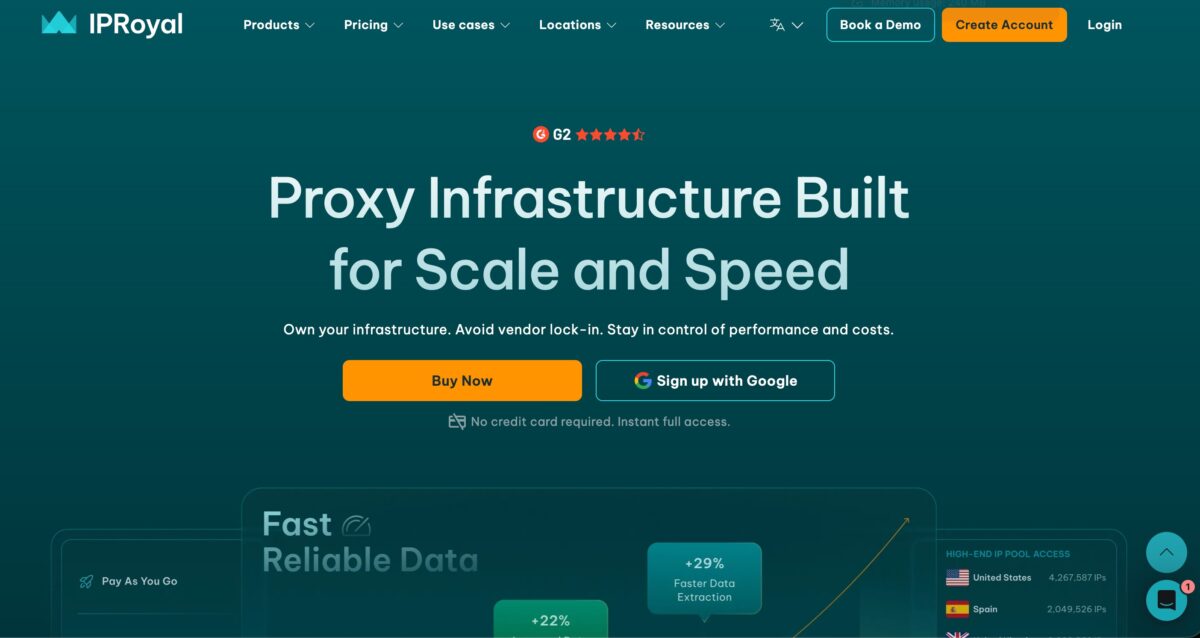
IPRoyal runs an actual dedicated PS4/PS5 proxy page, a sign of real product focus rather than a generic proxy provider bolting on console compatibility as an afterthought.
Their standout feature for PS5 use is non-expiring bandwidth: buy data in bulk at $1.75/GB and use it whenever, with no monthly expiration eating into unused traffic.
That’s a real advantage for anyone whose gaming activity swings between heavy (new release windows) and light (everything in between), since it avoids paying for capacity that just sits idle.
Sticky sessions keep each play session consistent, KYC verification keeps the IP pool clean, and 650+ tool integrations mean it plays well with whatever download or account-management software you’re already running.
Best PS5 Use Case: Players who concentrate their proxy use around major release windows, heavy spending at launch, minimal in between, can buy IPRoyal’s non-expiring bulk bandwidth to cover exactly those periods without paying for capacity they’re not using the rest of the year.
Pros:
- Non-expiring bulk bandwidth at $1.75/GB, no monthly waste
- Dedicated PS4/PS5 product page shows real console focus
- Rotating residential at $1.75/GB, static at $1.39/IP
- Sticky sessions hold steady through a session
- KYC-verified, clean IP pool
- 99.9% uptime guarantee
- 650+ tool integrations
Cons:
- Bulk purchases require a higher minimum
- Less enterprise-level support than premium providers
#6 — Proxy-Cheap: Best Entry-Level PS5 Proxy
Website: proxy-cheap.com | Starting Price: Up to 40% off rotating residential and mobile proxies
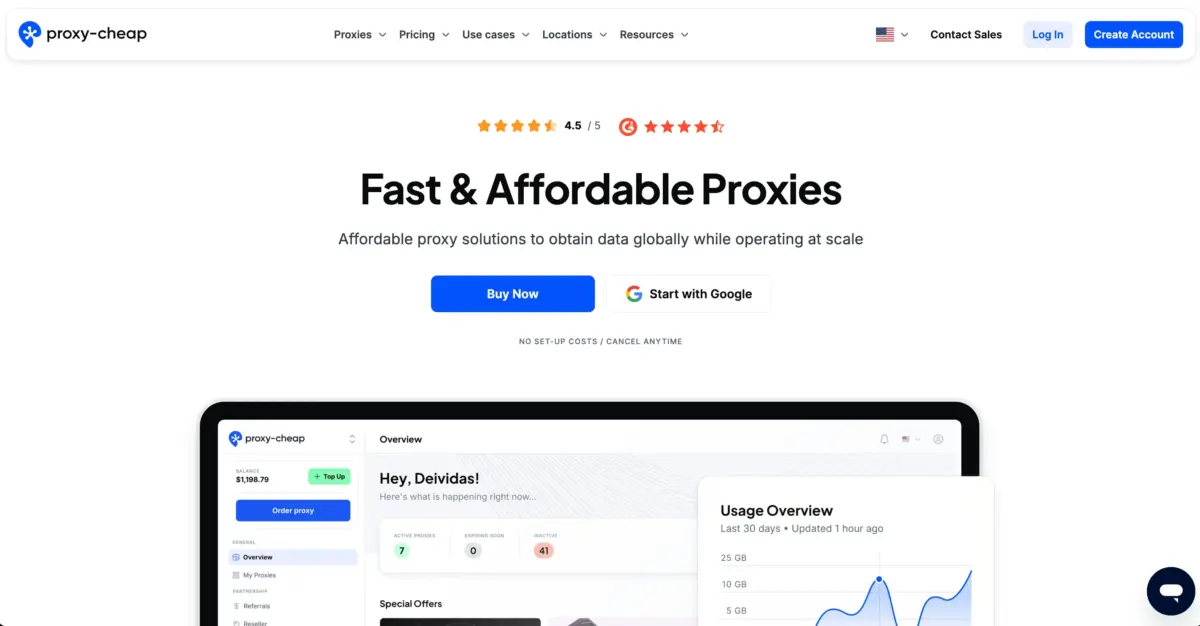
Proxy-Cheap delivers genuinely usable PS5 proxy performance at the lowest price point on this list. A 99%+ uptime rate, a base of 45,000+ customers, and a 4.5/5 G2 score all point to a service that’s dependable despite the low cost.
The current 40% discount on residential and mobile proxies makes this a reasonable entry point if you want geo-unlocking without committing to a heavier monthly spend.
Best PS5 Use Case: Casual players chasing occasional access to region-locked content or PSN deals, without paying enterprise-level proxy prices, can use Proxy-Cheap’s discounted residential proxies for short, targeted sessions, grab the deal, then pause until the next one.
Pros:
- Up to 40% off rotating residential and mobile proxies
- 99%+ uptime, 4.5/5 on G2
- 45,000+ customers back up the reliability claim
- Accessible price point for casual use
- Both rotating and mobile options available
- Supports HTTP, HTTPS, and SOCKS5
- No long-term commitment required
Cons:
- Limited documentation specific to PSN use
- Sticky sessions aren’t the main focus here
#7 — BrightData: Best PS5 Proxy for Launch Day Testing
Website: brightdata.com | Starting Price: Pay-as-you-go, free to start
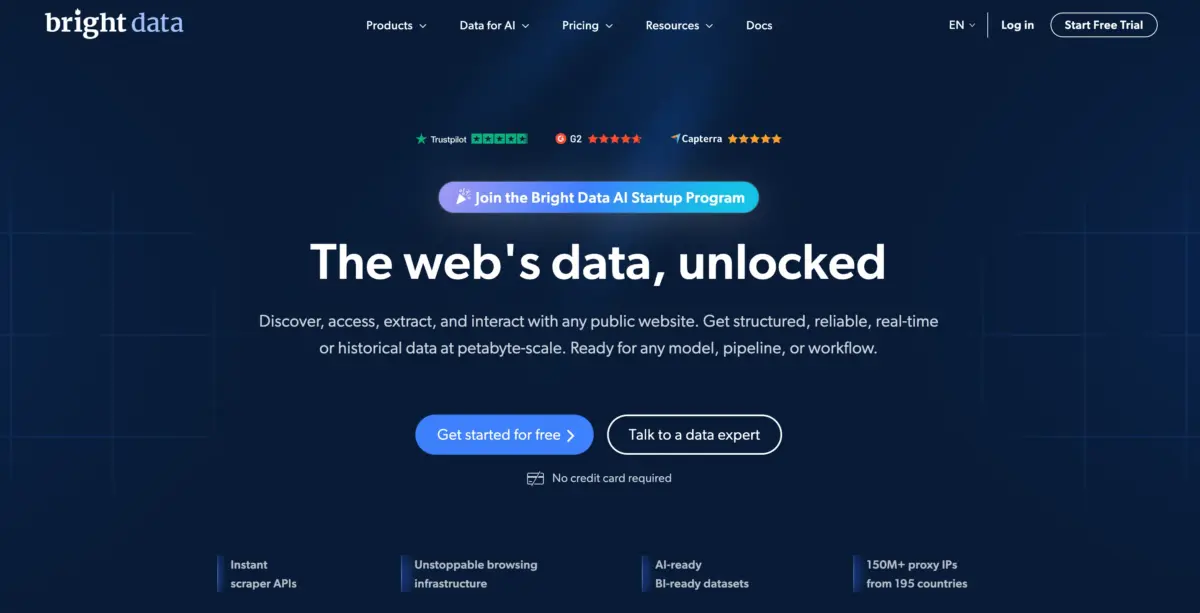
Bright Data’s scale and enterprise-grade SLA make it a strong pick for publishers running PS5 launch-day stress tests across multiple regional PSN storefronts. With 150M+ IPs in inventory, there are enough fresh, unflagged residential addresses to go around even during the highest-demand stretch of a major release, when every other publisher is hammering the same infrastructure.
Best PS5 Use Case: Publishers testing PS5 launch-day infrastructure across several regional PSN stores can simulate thousands of concurrent download requests from realistic residential IPs spanning 50+ markets, checking CDN performance holds up before actual players arrive.
- 150M+ residential IPs across 195+ countries
- Mobile proxies, Web Unlocker, enterprise-grade infrastructure
- 99.99% uptime SLA; city-level targeting
- GDPR/CCPA compliance documentation; 7-day free trial
Pros:
- 150M+ residential IPs across all major regions
- 99.99% uptime SLA
- Fresh, unblocked IPs available even under high demand
- AI Web Unlocker handles PSN detection automatically
- City-level targeting across 195+ countries
- Mobile and ISP proxy options
- 7-day free trial
- GDPR/CCPA compliance documentation
Cons:
- Pay-as-you-go pricing starts higher than some competitors
- Integration has a steeper learning curve
#8 — ProxyEmpire: Best PS5 Proxy for Event-Based Gaming
Website: proxyempire.io | Starting Price: Residential from $9/GB; 4G/5G mobile from $20/GB; $1.97 trial
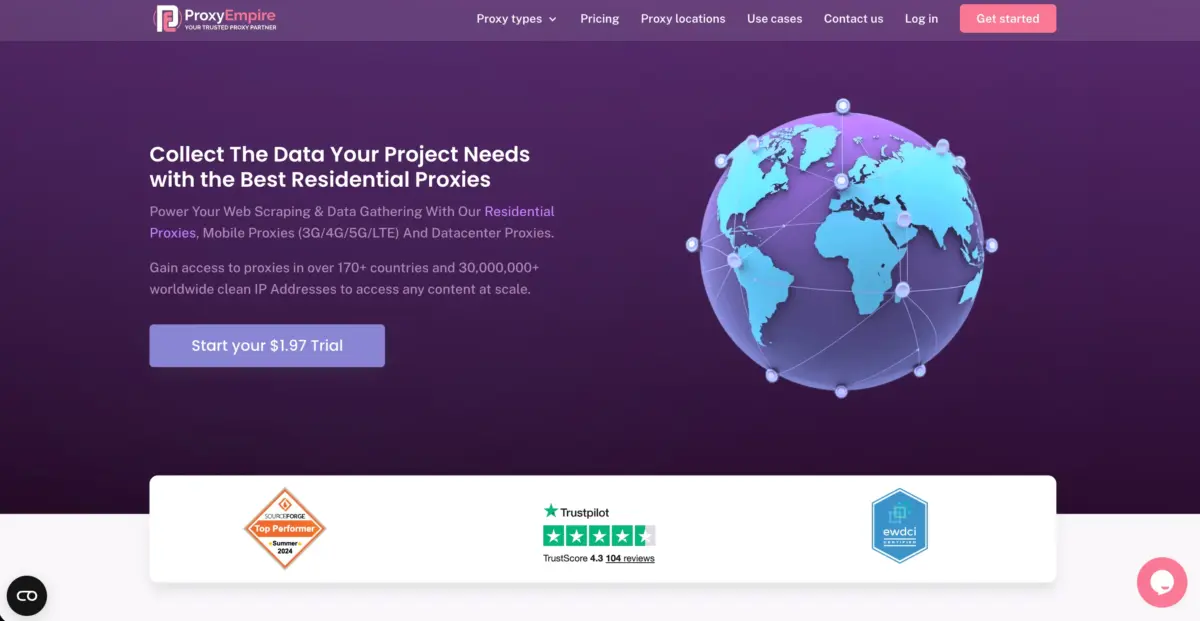
ProxyEmpire’s rollover bandwidth avoids the waste built into flat monthly plans, useful if your proxy use clusters around major release windows and PSN sale events rather than staying steady year-round. Mobile IPs here carry strong PSN trust scores for account management, and sticky sessions keep identity consistent across a full session.
Best PS5 Use Case: Players who concentrate proxy use around big release windows can run ProxyEmpire’s rollover bandwidth at $9/GB to cover launch periods without paying for capacity that sits unused the rest of the time.
- 30M+ residential IPs across 170+ countries
- Unlimited data rollover; rotating and sticky sessions
- 4G/5G mobile proxies; HTTP/HTTPS/SOCKS5 support
- 4.5/5 on Trustpilot; country and city-level targeting
Pros:
- Unlimited data rollover, prepaid bandwidth never expires
- 30M+ residential IPs, 170+ countries
- Dedicated 4G/5G mobile proxies
- Rotating and sticky session options
- No monthly bandwidth expiry
- City-level geo-targeting
- Low-cost $1.97 trial entry
- 4.5/5 on Trustpilot
Cons:
- Higher per-GB residential pricing ($9/GB)
- Smaller IP pool than Oxylabs or Bright Data
#9 — Rayobyte: Best PS5 Proxy for Clean PSN Access
Website: rayobyte.com | Starting Price: Residential from $15/GB; ISP from $4.60/IP/month
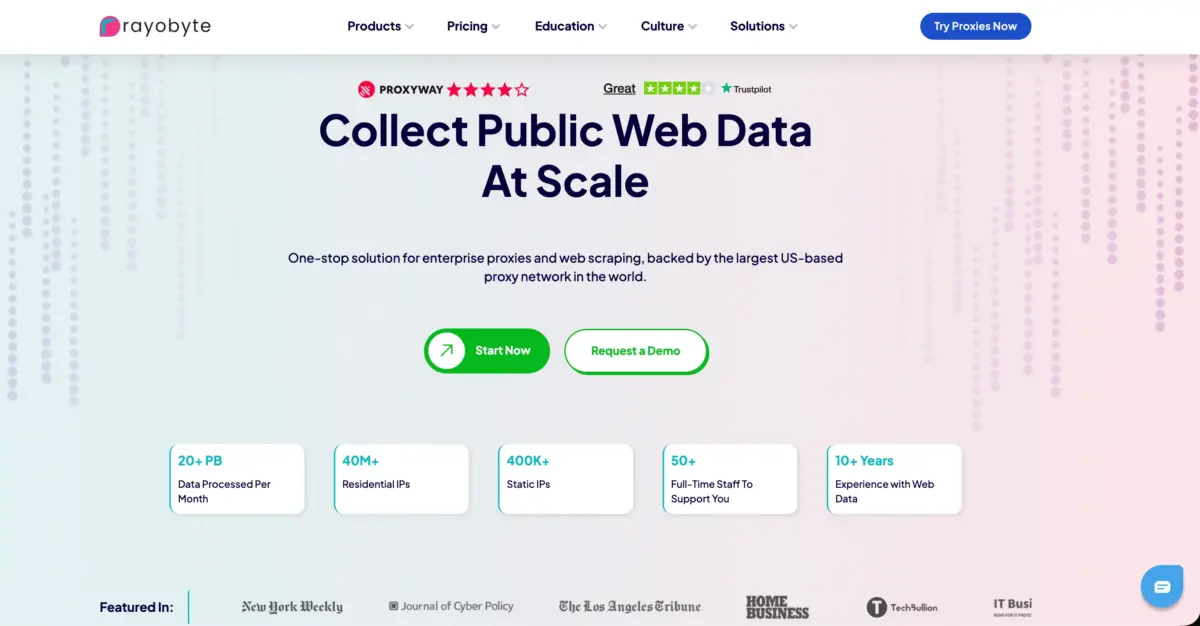
Rayobyte’s sourcing practices are the real selling point here: an IP pool kept free of grey-market addresses lowers the odds of connecting through something PSN has already flagged. For PS5 account management, where one compromised IP could put an entire game library at risk, that pool hygiene carries real weight.
Best PS5 Use Case: Players managing several regional PSN accounts for cross-region tournaments can use Rayobyte’s residential IPs with sticky sessions to keep each account on a dedicated, appropriately-located address with a clean reputation history behind it.
- 40M+ ethically sourced residential IPs
- Residential, ISP, datacenter, and mobile proxy types
- Rotating and sticky sessions; built-in CAPTCHA handling; free trial
- 4.1/5 on Trustpilot; HTTP/HTTPS/SOCKS5 support; geo-targeting
Pros:
- 40M+ ethically sourced residential IPs
- ISP proxies blend residential trust with datacenter speed
- Multiple proxy types under one roof: residential, ISP, datacenter, mobile
- Rotating and sticky sessions
- 4.1/5 on Trustpilot
- Built-in CAPTCHA handling
- Free trial available
- Transparent sourcing practices
Cons:
- Smaller pool than the top-tier competitors
- Less specialization in mobile proxies specifically
Best Proxies for PS5 2026– Quick Comparison Table
| Provider | IP Pool | Standout PS5 Feature | Mobile Proxies | Sticky Sessions | Starting Price | Uptime | Best For |
| Oxylabs | 175M+ | Mobile IPs + AI Web Unblocker | Yes (140+ countries) | Configurable | 50% off / 5 free | 99%+ | Launch day testing + mobile trust |
| Decodo | 125M+ | Best price-to-quality ratio | Yes | Configurable | $1.50/GB res | 99.99% | Multi-region content + budget gamers |
| Webshare | 80M+ | Free tier + ISP proxies | Yes | Yes | Free / $3.50/mo | 99.97% | Free testing + casual gamers |
| SOAX | 191M+ | Cleanest pool + 60-min sticky | Yes | Up to 60 min | $90/month | 99%+ | Multi-account management + competitive |
| IPRoyal | 32M+ | Non-expiring bulk bandwidth | Yes | Yes | $1.75/GB bulk | 99.9% | Release window gaming periods |
| Proxy-Cheap | Large | Budget rotating proxies | Yes | Yes | Up to 40% off | 99%+ | Casual gamers on a budget |
| Bright Data | 150M+ | Launch day testing + fresh IPs | Yes (7M+) | Up to 30 min | Pay-as-you-go | 99.99% | Studio-level infrastructure testing |
| ProxyEmpire | 30M+ | Unlimited rollover bandwidth | Yes (4G/5G) | Yes | $1.97 trial / $9/GB | 99%+ | Event-based gaming periods |
| Rayobyte | 40M+ | Ethically sourced, clean PSN access | Yes | Yes | $15/GB res | 4.1/5 TS | Regional account management |
FAQs: Best Proxies for PS5 2026
Go to Settings > Network > Settings > Set Up Internet Connection. Pick your connection type (Wi-Fi or LAN), choose Custom setup, and when the proxy prompt appears, enter your provider's IP address and port.
Residential and ISP proxies. Both score higher trust with PSN's detection system than datacenter IPs, making account flags far less likely.
Sony's ToS restricts certain kinds of account manipulation and geo-exploitation. Using a proxy purely for privacy or latency improvements is generally fine. Accessing region-locked paid content through a foreign account sits in a grey area. Check Sony's current policy for your specific situation.
A well-located residential or ISP proxy near PlayStation's CDN servers shouldn't meaningfully slow things down, and may even help by routing around a congested ISP path. A distant or poor-quality proxy will slow you down, which is why server location matters when picking a provider.
Quick Links:
- Best IPv6 Proxy Providers
- Best Proxies For SEO
- Best Proxies for Price Monitoring
- Best Proxies for Affiliate Marketing
Conclusion: Best Proxies for PS5 2026
PS5 proxy setups are genuinely practical in 2026; the console supports proxy configuration natively, and picking the right provider gets you faster downloads, cleaner regional access, and stronger account protection.
Start with Webshare’s free tier to confirm your setup works. Move to Decodo at $1.50/GB once you want residential-grade quality at a price that fits regular use. Go with Oxylabs if mobile IP quality and enterprise reliability matter most. Choose SOAX when IP cleanliness is the top priority.
Comments
Be the first to leave a comment.