
Decodo

- 125M+ ethically sourced IPs
- 195+ worldwide locations
- Site Unblocker tool
- Web scraping APIs
- X Browser anti-detect tool
Bright Data

- 150M+ proxy IP pool worldwide
- Coverage in 195+ countries
- Residential, mobile, ISP & datacenter proxies
- Web Scraper API, SERP API & Browser API
- AI-powered Web Unlocker for bypassing blocks
SOAX

- 191M+ global proxy IP pool
- Coverage in 195+ countries
- Residential, mobile & datacenter proxies
- Advanced geo-targeting (country, city, ASN)
- Rotating & sticky proxy sessions
If you are managing more than a handful of Twitter/X accounts, scraping data for research, running social automation tools, or just trying to access the platform from a restricted region, you already know the pain.
You hit a rate limit. Your IP gets flagged. Your account gets suspended. You wake up to a wall of “suspicious activity” login alerts, and you are back to square one.
I have been through this cycle enough times to know it is not a platform glitch — it is the reality of working with X at scale in 2026.
The official Twitter API is brutally priced ($100/month for just 15,000 tweets, and $5,000/month for 1 million), so most serious operators rely on residential or mobile proxies to get the job done without breaking the bank.
The good news? The proxy market has matured significantly. You have solid options across every budget.
Here is my honest breakdown of the best Twitter proxy providers right now, based on real-world use, community discussions (yes, I went down Reddit rabbit holes so you do not have to), and up-to-date 2026 pricing.
The Real Pain Points People Face (From Reddit & X Discussions):
Before I get into the list, here is what real users are struggling with — pulled from threads on r/datasets, r/WebDataDiggers, and developer forums:
- “Official API rate limits killed me immediately. Manual scraping got my IP banned within a day.” — r/datasets, Jan 2026
- “I spent $500 testing residential proxies. The cheap ones had dirty IPs and got flagged constantly.”
- “Switched to 4G/5G mobile proxies for Instagram and Twitter — best decision I made for multi-account setups.”
- “15+ hours per week in proxy maintenance. Constant bans eat into productivity.” — Dev.to, 2025
- Twitter’s own ToS changes in 2025 made scraping even harder, with tighter IP fingerprinting
The bottom line is clear: you need clean IPs, proper rotation, and sticky sessions for login-based workflows. Anything less and you are fighting a losing battle.
What to Look For Before You Buy:
Not all proxies are created equal for Twitter specifically. Here is what actually matters:
- Clean IP reputation — A large pool means nothing if 30% of the IPs are already blacklisted
- Residential or mobile IPs — Datacenter IPs get flagged fast on Twitter/X
- Rotation control — Per-request rotation for scraping; sticky sessions for account management
- Geo-targeting depth — Country-level is basic. City-level and carrier-level targeting matter for advanced use
- SOCKS5 + HTTPS support — Essential for compatibility with most automation tools
- Transparent dashboard — You need to track usage without digging through support tickets
9 Best Twitter Proxy Providers in 2026
1. Decodo (formerly Smartproxy) — Best Value for Twitter Account Management
Website: decodo.com | Starting Price: $1.50/GB (residential)
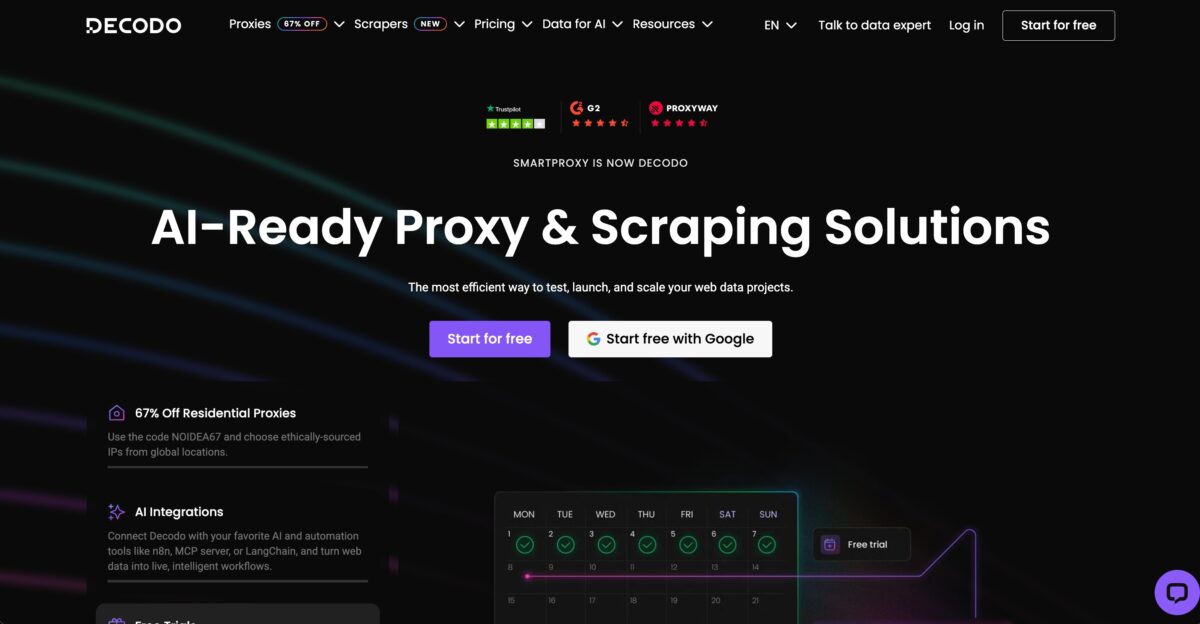
After their 2025 rebrand from Smartproxy to Decodo and a full infrastructure overhaul, this provider has become the go-to recommendation in proxy communities for mid-scale Twitter operations.
In a widely referenced January 2026 Reddit test, Decodo clocked 0.63s average response time — exceptional for residential hops.
Their 115M+ IP pool across 195 countries, combined with sticky sessions and pricing from $1.50/GB, makes them the best value option in this list for Twitter account management, scheduled posting workflows, and moderate-volume scraping.
Their Craigslist, Twitter, and social media proxy pages include dedicated integration documentation, which speeds up setup with popular tools like Hootsuite, Jarvee, and Su Social.
The 3-day free trial with 100MB lets you verify Twitter compatibility before committing.
- Best for: Twitter account management, social media agencies, mid-scale operations
- Residential Pool: 115M+ IPs
- Response time: 0.63s average
- Sticky sessions: up to 24 hours
- Free trial: 3 days / 100MB
- Pricing: From $2/GB
2. Bright Data —Best for Large-Scale Twitter Data Collection
Website: brightdata.com | Starting Price: $2.50/GB (residential, promotional) | Pay-as-you-go: $4.00/GB
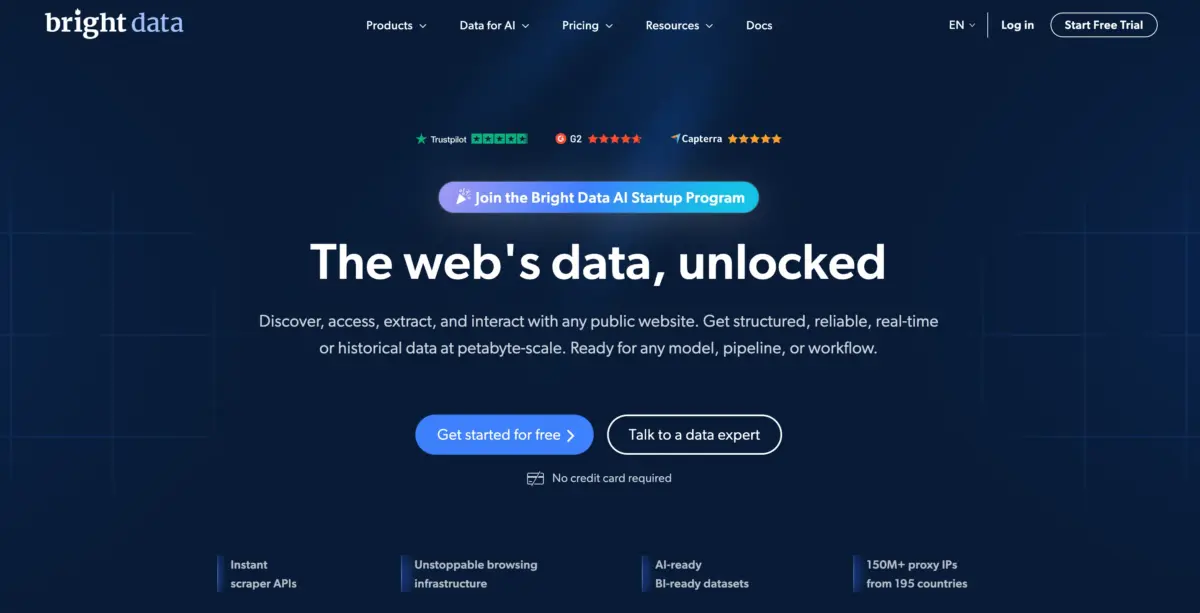
Bright Data is the industry benchmark. Their residential proxy pool is massive, their IP quality is among the cleanest available, and they support every use case — from scraping and account management to ad verification and brand monitoring.
For Twitter specifically, their rotating residential proxies handle high-volume data collection without triggering rate limits.
The pricing has improved a lot. Residential proxies now start at $2.50/GB on promotional plans (they frequently run 50% off promos), and the pay-as-you-go rate sits at around $4/GB.
Mobile proxies are pricier at around $5/GB+, but the performance justifies it for account-sensitive tasks.
- Best for: Enterprise-level scraping, multi-account management, large-scale data collection
- Pool size: 72M+ residential IPs across 195 countries
- Sticky sessions: Yes, up to 30 minutes
- Free trial: 7-day trial available
3. SOAX — Best for Multi-Account Management With Advanced Targeting
Website: soax.com | Starting Price: $3.60/GB | Business price: From $2.46/GB
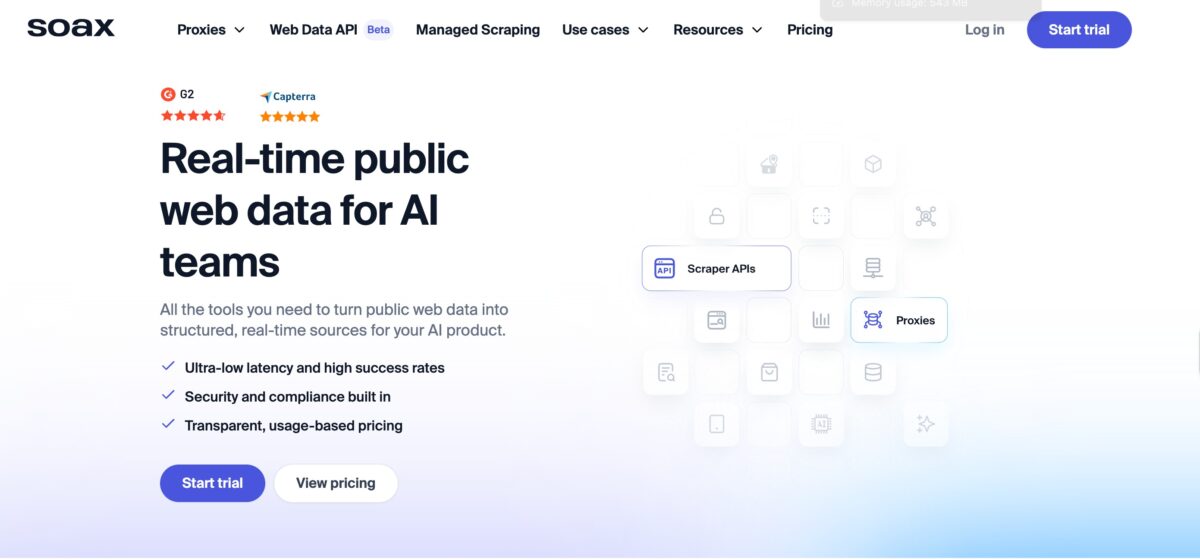
SOAX stands out for one specific reason: granular targeting.
You can filter by country, city, ASN, and even carrier — which is a game-changer when you need Twitter accounts to appear as if they are logging in from specific neighbourhoods or networks. Their 191M+ IP pool has a 99.95% clean rate, which is exceptional.
If you are managing multiple legitimate branded accounts for clients across different regions and need “set-and-forget” rotation rules, SOAX is built for exactly that. The interface is intuitive, and the dashboard gives you real visibility into usage.
- Best for: Multi-account social media managers, location-specific account operations
- Pool size: 191M+
- Sticky sessions: Yes
- Clean IP rate: 99.95%
4. IPRoyal — Best Budget Option for Smaller Teams
Website: iproyal.com | Starting Price: $7/GB (residential, pay-as-you-go) | Bulk pricing: From $5.25/GB
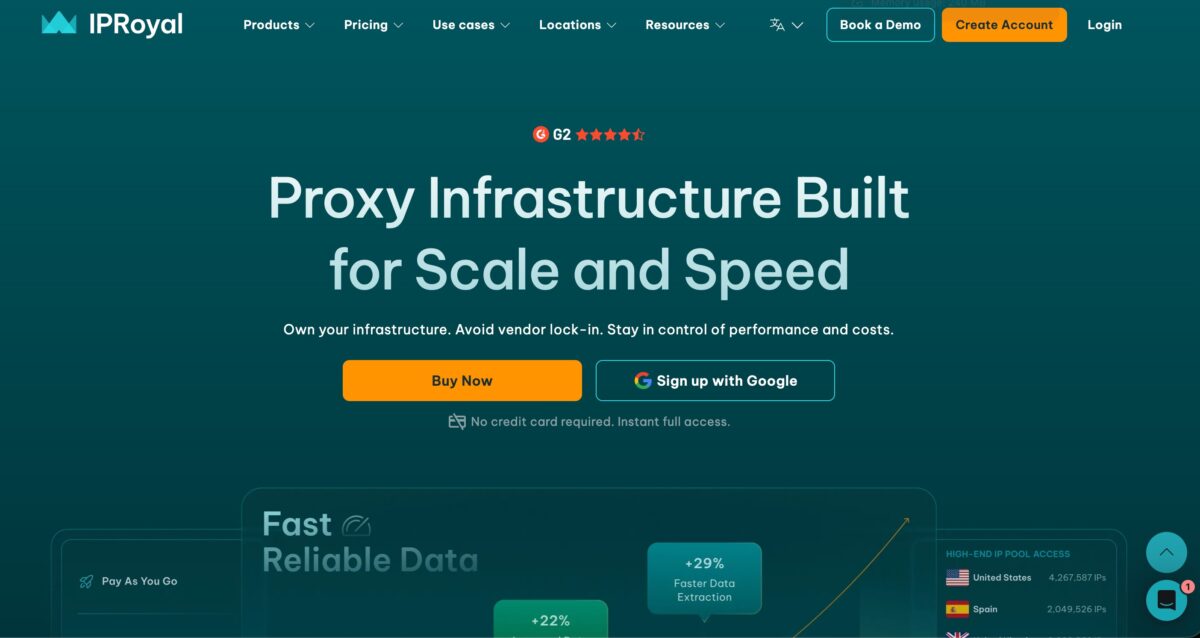
IPRoyal is where you go when you are watching your spend but still need reliable residential proxies.
Their 32M+ IP pool is smaller than the giants, but the quality is solid — 99.9% clean IP rate, sticky sessions up to 7 days, and a variety of proxy types including residential, mobile, and datacenter options.
For a small team managing 10–20 Twitter accounts or running lightweight research scraping, IPRoyal is more than capable. The non-expiring traffic model (your data doesn’t expire month-to-month) is a genuine differentiator if you have inconsistent usage patterns.
- Best for: Small teams, freelancers, budget-conscious users
- Pool size: 32M+ residential IPs
- Sticky sessions: Up to 7 days
- Unique feature: Non-expiring bandwidth
5. Rayobyte — Best for Pay-As-You-Go Flexibility
Website: rayobyte.com | Starting Price: $3.50/GB | Enterprise: From $0.90/GB
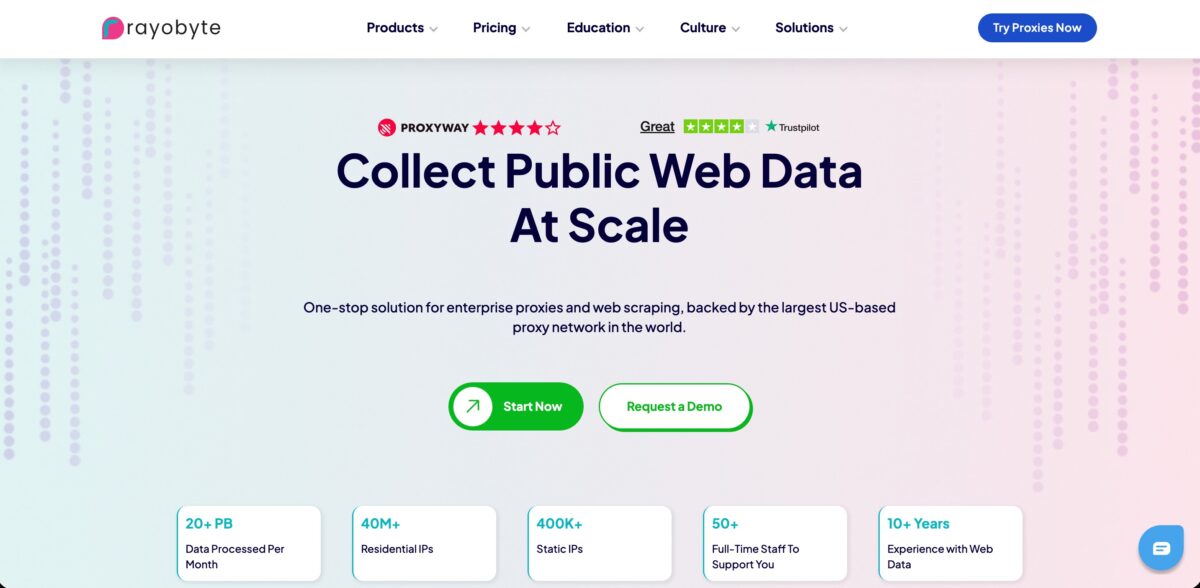
Rayobyte (formerly Blazing SEO) is a solid choice if you want a pay-as-you-go model with no long-term lock-in.
Their 40M+ IP pool covers residential and mobile proxies with strong geographical diversity. Average response time runs around 1.5 seconds — not the fastest, but reliable enough for most Twitter workflows.
What Rayobyte does well is scaling. You can start small and ramp up without renegotiating a plan. The enterprise pricing drops dramatically at volume, making it competitive for larger operations.
- Best for: Teams that want flexibility, testing environments, scaling without commitment
- Pool size: 40M+
- Sticky sessions: Up to 24 hours
- Clean IP rate: 97%+
6. NodeMaven — Hidden Gem for Social Media Workflows
Website: nodemaven.com | Starting Price: €3.30/GB | Bulk pricing: From €2.22/GB (250GB+)
NodeMaven is a newer name but it has earned genuine respect in the proxy community for social media use cases.
Their residential and mobile proxies are pre-screened, with a claimed 95% high-quality clean IP rate. What sets them apart is industry-leading sticky sessions of up to 24 hours — critical for maintaining consistent login sessions on Twitter without triggering re-authentication prompts.
Their coverage spans 30M+ residential IPs across 150+ countries with city-level targeting. For Twitter account management specifically, NodeMaven’s combination of session stability and clean IPs is hard to beat at this price.
- Best for: Account warm-up, login-sensitive workflows, social media automation
- Pool size: 30M+ residential, 250K+ mobile
- Sticky sessions: Up to 24 hours
- Targeting: Country, region, city-level
7. Dataimpulse — Best Ultra-Budget Option
Website: dataimpulse.com | Starting Price: $1.00/GB
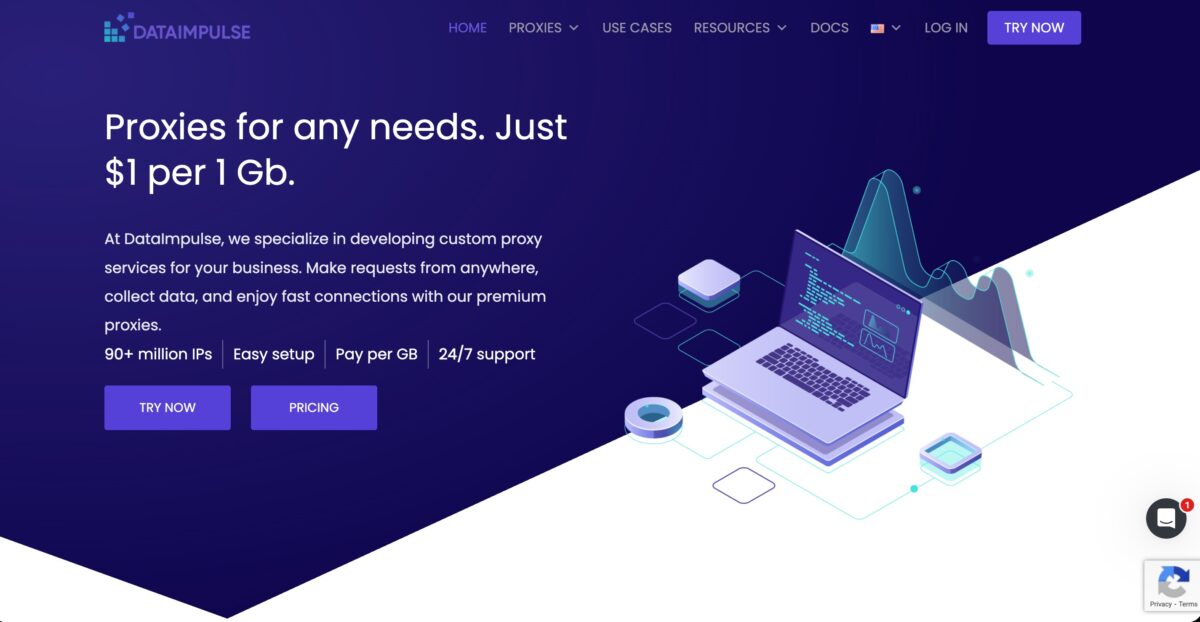
If cost is your primary filter, Dataimpulse offers the lowest entry price in this list at around $1/GB.
Their 5M residential IP pool is the smallest here, but for ZIP-code-level targeted scraping or low-volume research tasks, it does the job. The speed is slower than premium alternatives, and customer support is limited, but for tight budgets or early-stage testing, it is a viable starting point.
- Best for: Ultra-budget users, low-volume research
- Pricing: ~$1.00/GB
- Note: Not recommended for heavy account management due to a smaller pool
8. ProxyEmpire — Best Twitter Proxy for Rollover Bandwidth
Website: proxyempire.io | Starting Price: $1.97 trial / Residential from $9/GB
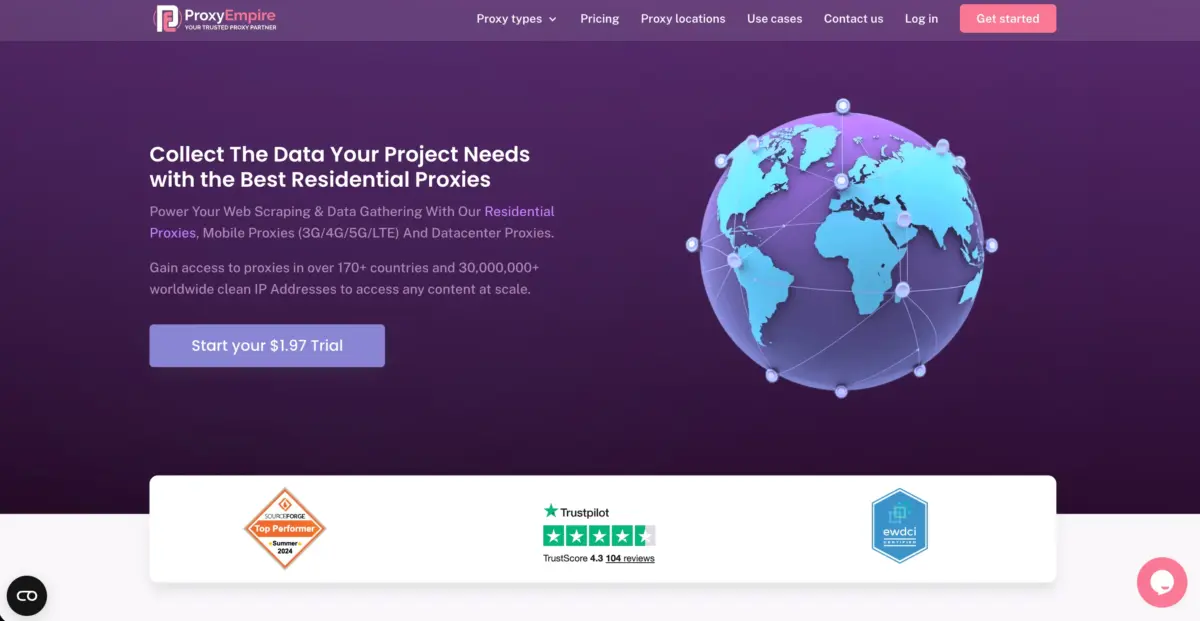
ProxyEmpire’s unlimited data rollover makes it the ideal Twitter proxy solution for operators who run campaign-based workflows rather than continuous daily operations.
Social media agencies managing burst periods of account activity around product launches, events, or trending news cycles — where proxy bandwidth consumption is highly variable — benefit enormously from ProxyEmpire’s model. Any unused bandwidth from a quiet week simply carries forward to the next active campaign without any monthly expiry losses.
With 30M+ clean residential IPs and dedicated 4G/5G mobile proxies across 170+ countries, ProxyEmpire covers both standard Twitter scraping and account management workflows.
The rotating residential and dedicated mobile options give operators the flexibility to match proxy type to the sensitivity of each specific task — residential for data collection, mobile for account-level workflows where carrier IP trust scores matter most.
- Best for: Campaign-based Twitter operations, social media agencies with variable workloads, mobile proxy Twitter account management
- Pool: 30M+ residential IPs, dedicated 4G/5G mobile proxies
- Unique feature: Unlimited data rollover — bandwidth never expires
- Residential pricing: From $9/GB
- Mobile pricing: From $20/GB
- Sticky sessions: Yes
- Protocols: HTTP, HTTPS, SOCKS5
- Geo-targeting: Country, city-level across 170+ countries
- Countries: 170+
- Free option: $1.97 trial
9. ProxyCheap — Best Budget Twitter Proxy
Website: proxy-cheap.com | Starting Price: Residential from $3.00/GB (up to 40% off available)
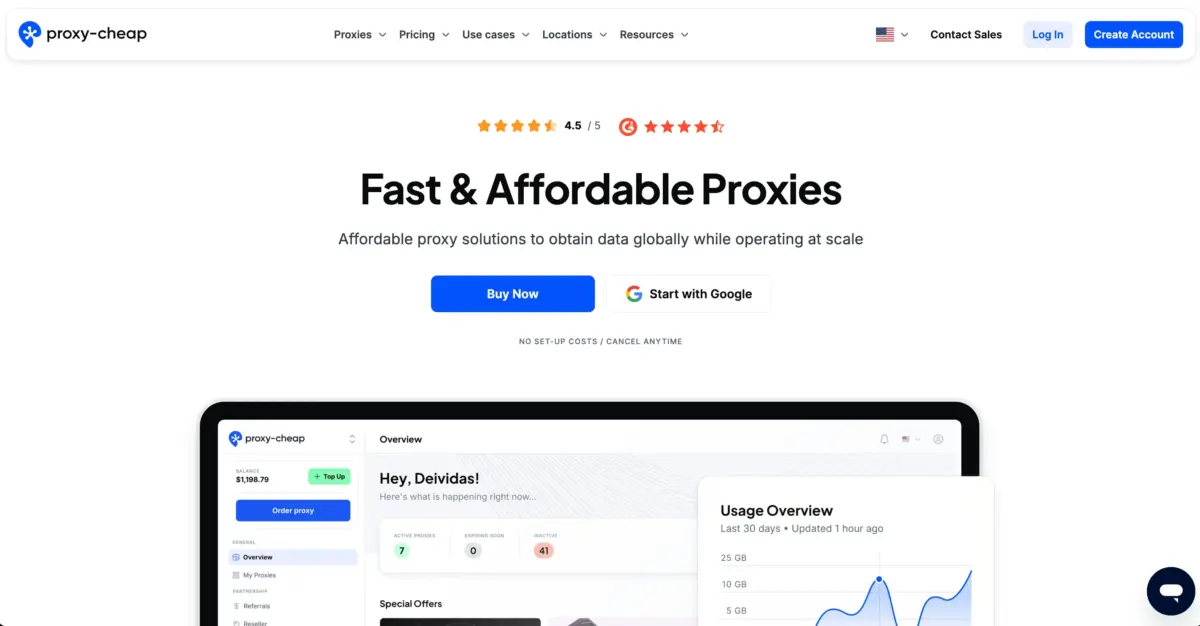
ProxyCheap earns its place in the Twitter proxy rankings by delivering genuine residential IP access at the lowest price point on this list.
With 50M+ IPs across 125+ countries, rotating and sticky session options, and both HTTPS and SOCKS5 support, ProxyCheap covers the core requirements for Twitter data collection, light account management, and geo-restricted content access — all without the premium pricing that larger Twitter proxy operations demand.
For freelancers managing a small number of Twitter brand accounts, independent researchers pulling public Twitter data for academic or market analysis purposes, or small teams testing their Twitter automation workflows before scaling to a higher-tier provider, ProxyCheap’s discounted residential plans represent a viable and genuinely functional entry point into the Twitter proxy market.
- Best for: Budget Twitter account management, light data collection, freelancers, small teams
- Pool: 50M+ residential IPs
- Uptime: 99%+
- Residential pricing: From $3.00/GB (up to 40% off)
- Mobile proxies: Yes
- Sticky sessions: Yes
- Protocols: HTTP, HTTPS, SOCKS5
- Geo-targeting: Country-level
- Countries: 125+
- Free option: No
Best Twitter Proxy Providers 2026: Quick Comparison Table
| Provider | Starting Price | Pool Size | Best For | Free Option |
|---|
| Decodo | $1.50/GB | 125M+ | Best value, agencies | 3-day trial |
| Bright Data | $2.50/GB | 72M+ | Data collection at scale | 7-day trial |
| SOAX | $3.60/GB | 191M+ | Multi-account, geo-targeting | Yes |
| IPRoyal | $7/GB | 32M+ | Budget, non-expiring BW | No |
| Rayobyte | Custom pricing | 40M+ | Ethical proxies, businesses | Trial available |
| NodeMaven | €3.30/GB | 30M+ | Long session workflows | Yes |
| DataImpulse | $1.00/GB | 5M+ | Budget research | No |
Which Proxy Type Should You Use for Twitter?
This is the question I get asked most. Here is the simple answer:
- Residential proxies — Best for most Twitter tasks. Real household IPs look legitimate to X’s detection systems. Use these for scraping, browsing-style data collection, and moderate account management.
- Mobile proxies (4G/5G) — The most forgiving option for Twitter. Carrier IPs have the highest trust scores on the platform. Use these for account creation, login-sensitive work, and anything where you absolutely cannot afford a ban. More expensive, but worth it.
- Datacenter proxies — Fast and cheap, but Twitter flags them frequently for account-level work. Acceptable for high-speed data collection where a few blocks are manageable.
- ISP proxies — A hybrid of residential and datacenter. Fast but with cleaner IPs. Good middle ground for scraping at scale.
FAQs: Best Twitter Proxy Providers 2026
Can Twitter ban me for using a proxy?
Yes, if you use them irresponsibly — like creating spam accounts or violating X’s Terms of Service. Using proxies for legitimate research, brand monitoring, or managing authorised client accounts is a widely accepted practice. The key is using clean residential or mobile IPs and behaving like a real user.
What is the difference between rotating and sticky proxies?
Rotating proxies assign a new IP address with each request (or on a timer) — ideal for large-scale scraping. Sticky proxies keep the same IP for minutes or hours — essential for maintaining login sessions on Twitter without triggering security alerts.
Is the Twitter API not enough?
For most serious use cases in [Year], no. The basic API tier ($100/month) gives you just 15,000 tweets. The $5,000/month tier caps you at 1 million tweets. Residential proxies combined with scraping tools give significantly better value for data-heavy operations.
Which proxy is best for managing multiple Twitter accounts?
Mobile proxies (4G/5G) are the gold standard. Among the providers above, SOAX, NodeMaven, and Decodo are the top picks for multi-account management due to their clean IPs, sticky sessions, and carrier-level targeting.
How many Twitter accounts can I manage per proxy IP?
Twitter officially flags accounts that share the same IP. Best practice is one dedicated IP per account for login-based operations, or use rotating residential IPs with sufficient session intervals to avoid pattern detection.
Are free Twitter proxies safe to use?
Generally, no. Free proxies have poor IP reputations, slow speeds, no encryption, and are often shared with thousands of other users — many running spam operations. Using a free proxy is more likely to get your accounts flagged than help them.
Quick Links:
Final Verdict: Best Twitter Proxy Providers 2026
If I had to pick one for most people reading this, I would start with Decodo for the price-to-performance ratio, or Bright Data if budget is not your primary constraint and you want enterprise-grade reliability.
For pure multi-account work where sessions matter most, NodeMaven and SOAX are the ones I keep coming back to.
The proxy market is competitive in 2026, and pricing is better than it has ever been. There is no excuse to be using dirty, slow, or unreliable IPs when the options above offer free trials — start there, test with your actual workflow, and scale from what works.
Comments
Be the first to leave a comment.