

A logo is usually the first thing you make for a new business. Then you need a business card. A profile picture. A flyer. Perhaps a website, too. That is when you notice whether your branding tools actually work well together.
| Best For | Creating a logo and related business materials | Using brand assets across everyday content | Creating a logo alongside a Wix website |
| Brand Kit Approach | Start with a logo, then create matching assets | Store and reuse logos, colours, fonts and templates | Download logo variations and branded files on eligible plans |
| Useful Materials | Business cards, social graphics, letterheads and more | Posts, presentations, videos and print designs | Business cards, social posts and profile covers |
You might like the logo, but struggle to find a matching font for your website. Or finish a business card only to realise the colours look different from your social posts. A good brand kit helps you keep these details consistent without starting again for every design.
Design.com, Canva and Wix Logo Maker all offer branding tools, but they suit different jobs. Design.com is our first choice for building a new identity around a logo. Canva is better suited to regular content creation and managing existing brand assets. Wix Logo Maker makes particular sense when your website is already on Wix.
Here is how Design.com vs Canva vs Wix compare, including what you get, what you pay for and which limitations are worth checking.
Which Platform Is Best? A Quick Comparison
Pick the right platform in minutes with this quick side-by-side comparison. It breaks down features, pricing, and ease of use so you can choose with confidence.
What you need | Design.com | Canva | Wix Logo Maker |
Main strength | Creating a logo and related business materials | Using brand assets across everyday content | Creating a logo alongside a Wix website |
Brand kit approach | Start with a logo, then create matching assets | Store and reuse logos, colours, fonts and templates | Download logo variations and branded files on eligible plans |
Useful materials | Business cards, social graphics, letterheads and more | Posts, presentations, videos and print designs | Business cards, social posts and profile covers |
Logo files | Paid packages include SVG, EPS, PDF, PNG and JPG | Export options depend on the plan and design | Basic includes PNG; Advanced and eligible higher plans include SVG |
Payment model | Free and subscription plans | Free and subscription plans | One-time logo plans; website bundles differ |
Best fit | A business starting its branding from scratch | A business producing content regularly | A business building within Wix |
What Should a Brand Kit Include?
A useful brand kit should make your next design easier.
Say you run a small bakery. Your packaging, menu, and Instagram page should look as though they belong to the same business. You should not have to search through old files every time you need the right logo or colour.
At a minimum, look for:
Logo variations: A main logo, a simpler version, and options for light or dark backgrounds.
Colour codes: Exact values you can share with a designer or use in another tool.
Font choices: Clear choices for headings and ordinary text.
Reusable layouts: Designs for the materials you use often.
Suitable files: Transparent images for digital use and scalable files for printing.
Editing access: A way to update details without rebuilding everything.
There is also a difference between a downloadable branding package and a brand management workspace. A folder of finished files may be enough for a new business. A marketing team making content every week may need shared templates, approvals, and easy access to saved assets.
That difference matters more than the number of templates advertised.
1. Design.com: Best for Building a New Brand Around a Logo
Design.com is the strongest starting point in this comparison for a business that needs its first logo and the materials that follow it.
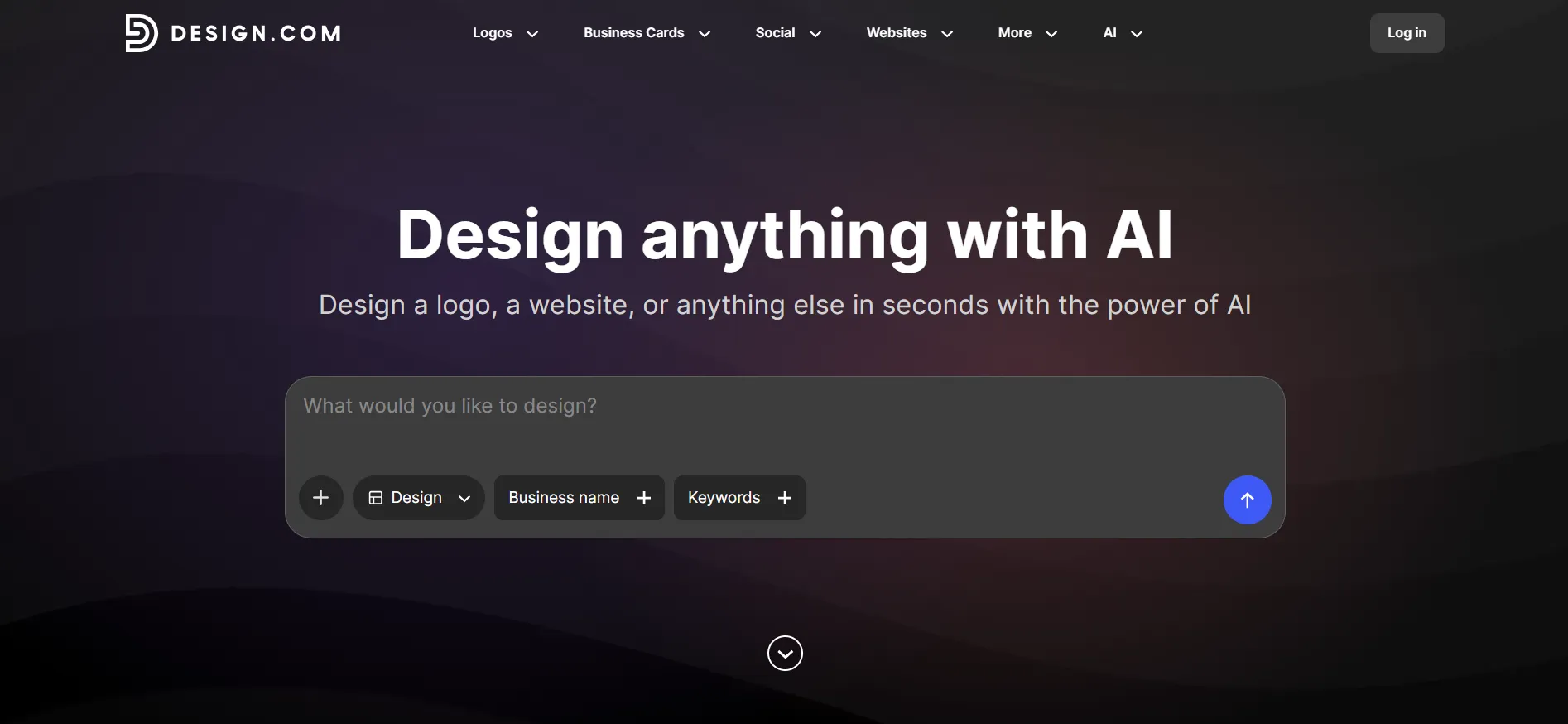
Its logo maker lets you enter your business name, explore designs, and adjust details such as colours, fonts, and layout. There is also a separate AI logo editor for improving and editing concepts.
For readers comparing the best AI logo maker, the useful question is what happens after they find a logo they like. Design.com gives them a route into related branding materials within the same platform. Explore its logo designs and other AI tools.
How Does It Help With a Brand Launch?
Consider a new home cleaning business. Before launch, it might need a logo for uniforms, a business card, a leaflet and a social media profile.
The work involves more than placing the same symbol on four documents. The business name must stay readable. The colours need to work on different backgrounds. Contact details need enough space.
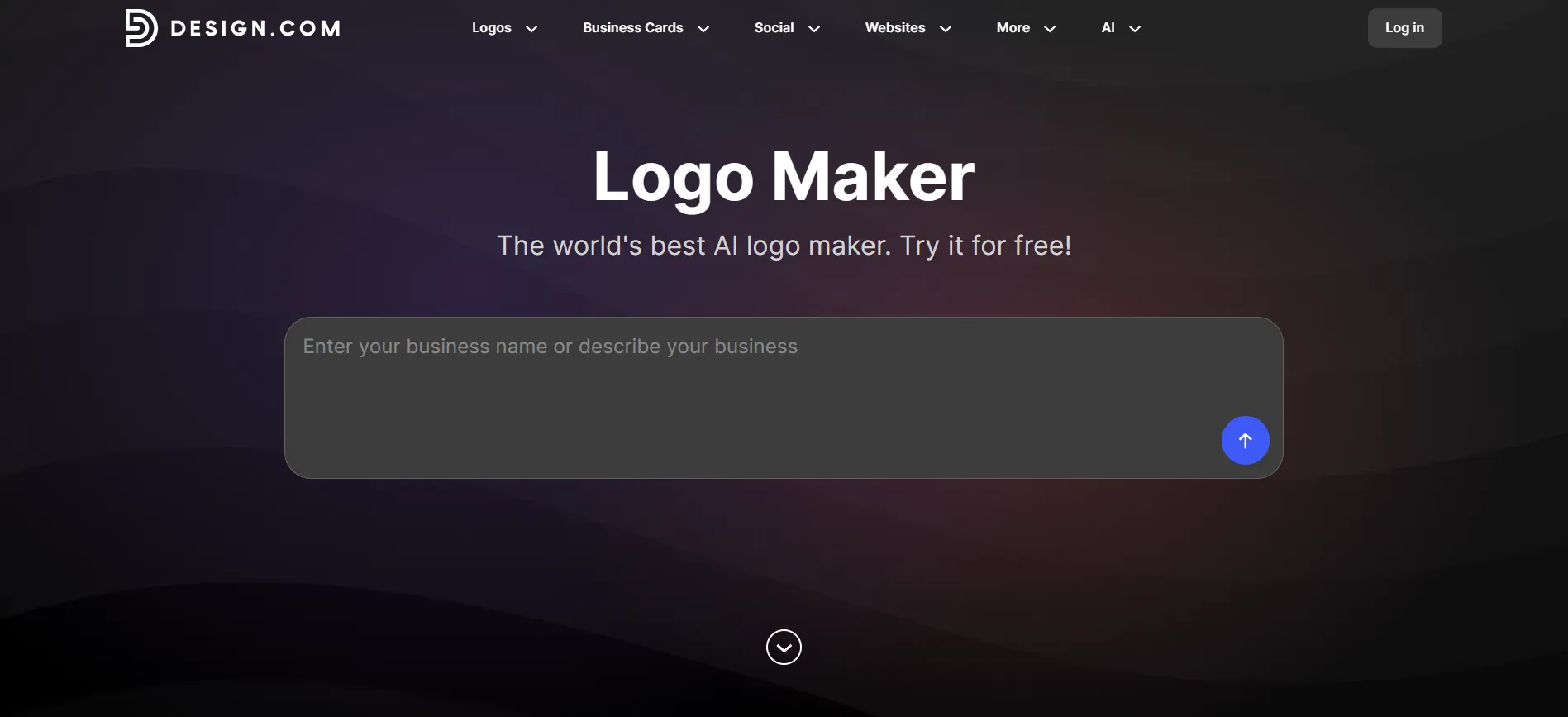
Design.com’s range of logo, print and social design tools makes it a practical place to work through those tasks. You can build the identity first, then prepare the individual materials. Its platform includes tools for business cards, flyers, social content, and websites.
The practical benefit is having fewer separate tools to learn during a launch. You still need to review each design, though. A layout that works on a flyer may need simplifying for a small profile picture.
What Does Design.com Cost?
Its purchasing FAQ lists three plans, each with a monthly and an annual rate:
Starter: US$3 per month billed annually, or US$9 per month billed monthly.
Value: US$4 per month billed annually, or US$14 per month billed monthly.
Premium: US$5 per month billed annually, or US$19 per month billed monthly.
Every plan includes high-resolution and vector logo files, unlimited logo edits, and full ownership of your logo. You can cancel anytime.
Starter also covers business cards, Instagram and Facebook posts, email signatures, letterheads, 50+ design tools, and a large template library. Value adds a website builder, and Premium adds a link in bio and digital business cards on top of that.
Can You Try It for Free?
You can browse, create, and customise logo designs before buying. Design.com also offers a selection of free logos you can download without paying, with high-resolution and vector files included. Free plans cover the free logo collection, not every premium logo feature.
What Are the Refund Terms?
Design.com’s refund policy treats digital products, including logos and other digital assets, as non-refundable because the files are available immediately after purchase.
Subscription renewals are the main exception: if you request a refund within 7 days of an auto-renewal, Design.com will refund your latest charge in full. Print orders can also be refunded if they have not yet been sent to production.
Check the terms for your purchase before downloading, and do not assume there is a general change-of-mind guarantee.
Pros
- A clear starting point for businesses creating their first identity.
- Logo creation and related business materials are available together.
- Paid packages provide several useful logo file formats.
- Suitable for preparing both digital and printed branding.
Cons
- Printing costs extra.
- Advanced designers may want deeper control.
- Web-based only, with no native app.
- Limited technical integration.
Our verdict: Choose Design.com when your main job is getting a new brand ready to launch. Its appeal is the connection between the logo and the materials you need next.
2. Canva: Best for Using Your Brand Every Day
Canva becomes especially useful once you have settled on your logo, colours and fonts.
Its Brand Kit stores those assets so you can use them across designs. That suits businesses making regular social posts, presentations, newsletters and other content. You can upload an existing logo rather than create a new one.
How Does Canva’s Brand Kit Work?
Think about a small team where three people make different materials. One prepares presentations, another posts on Instagram, and a third makes event flyers.
Without saved brand assets, they may each choose a slightly different colour or font. Canva’s Brand Kit gives them a shared reference. Its setup tools let users add logos, colour palettes, and fonts. Brand Templates can also help guide designs created with Canva AI.
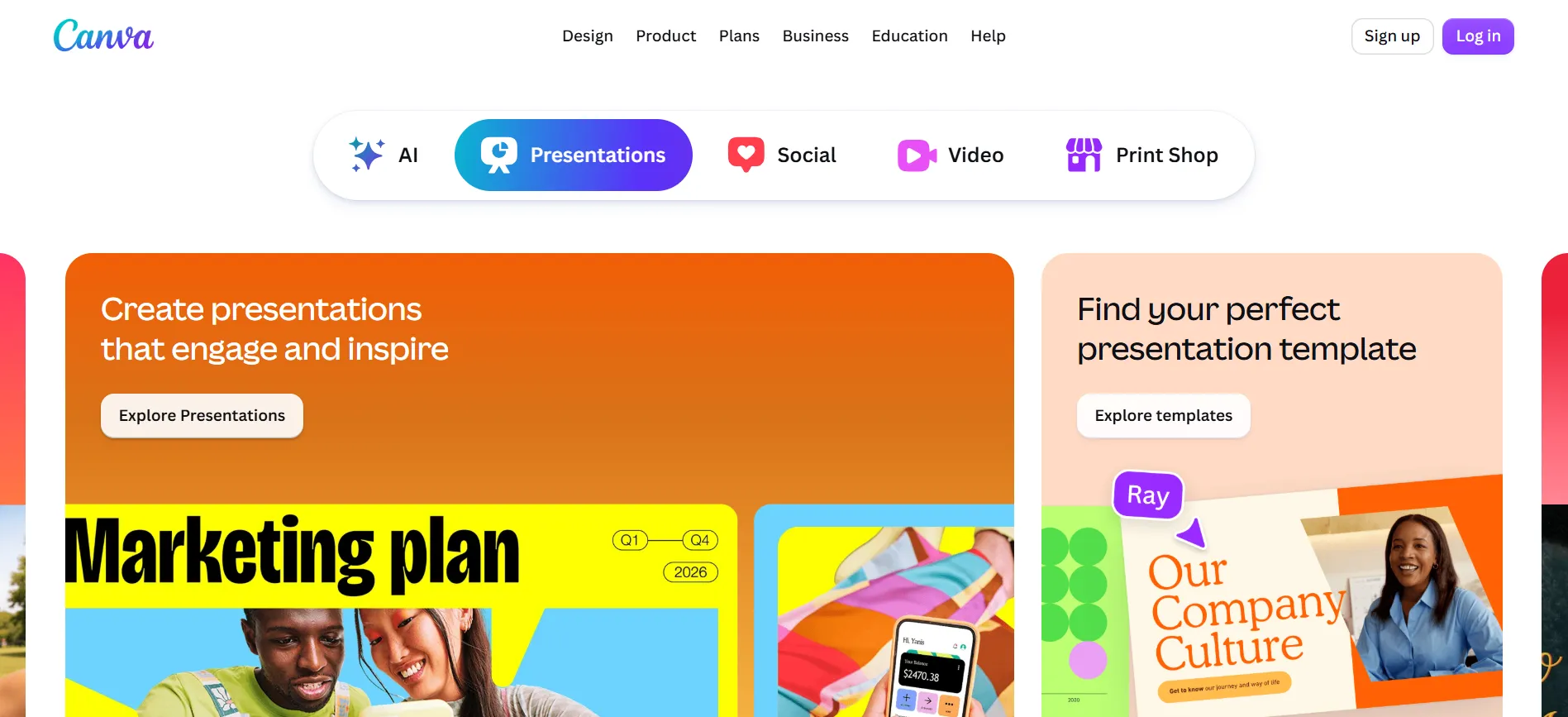
This is where Canva has a strong advantage: keeping an established identity in use across frequent content.
It still takes some setup. Someone needs to choose the assets and prepare suitable templates. Saving a logo in a Brand Kit does not automatically make every design consistent.
What Does Canva Cost in 2026?
The current US pricing page lists:
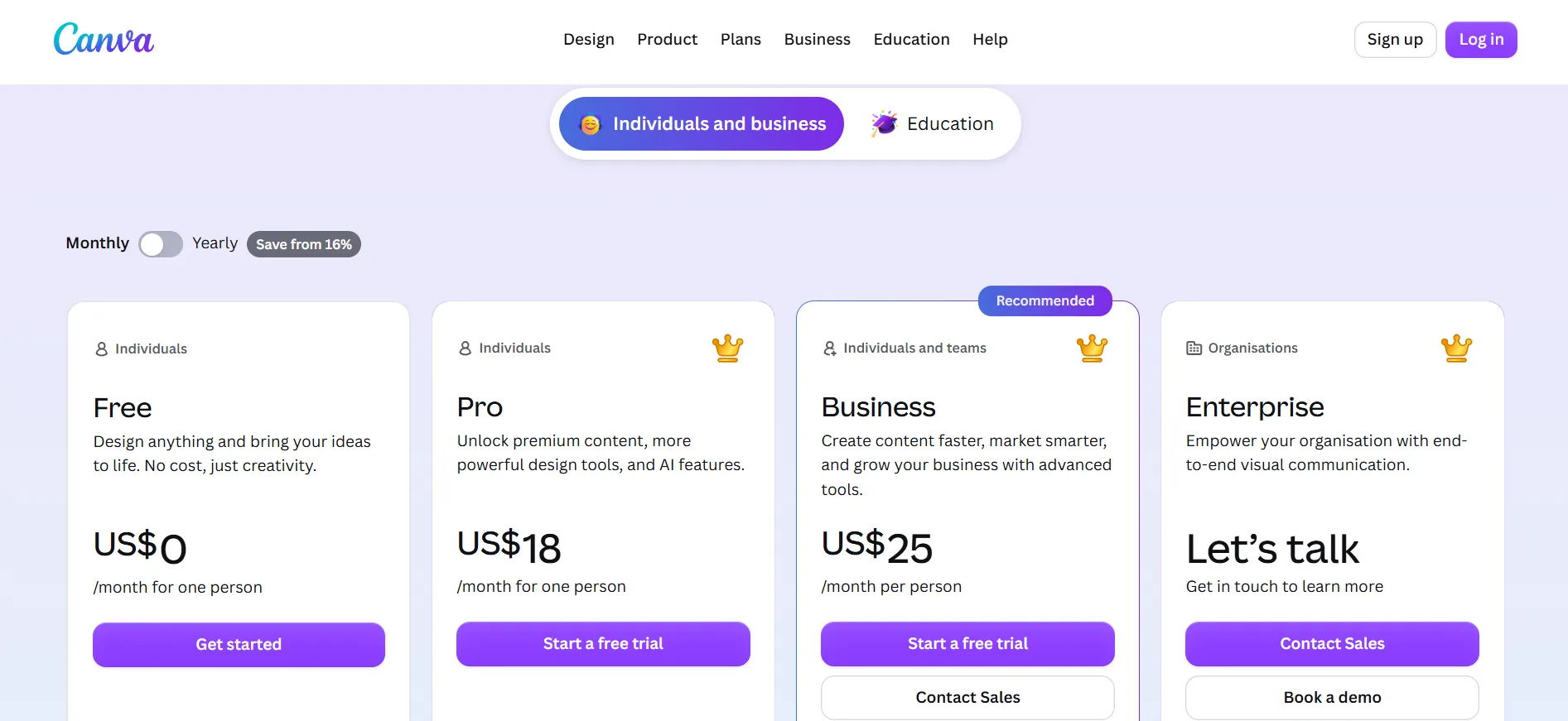
Canva Free: US$0, with one limited Brand Kit containing three colours.
Canva Pro: US$144 per year for one person, with five Brand Kits.
Canva Business: US$250 per year per person, with 100 Brand Kits and approvals.
Canva Enterprise: Custom pricing.
Prices exclude applicable taxes. Pro and Business offer trial sign-ups, but check the duration and renewal amount presented to your account.
Is Canva Suitable for a Business Logo?
It can be, but the elements you use matter.
Canva explains that its stock Free and Pro content generally cannot be used in a trademark, with exceptions such as fonts, basic shapes, and lines. A logo made from original uploaded artwork is a different situation from one built around a shared stock illustration.
For example, choosing a library illustration and adding your business name may produce an attractive design. It does not make that illustration exclusive to your business.
What Are the Refund Terms?
Canva’s terms say cancellation generally does not entitle users to a refund of fees already paid, except where required by law. A trial can become a paid subscription, so check its end date when signing up.
Pros
- Useful for businesses creating content throughout the year.
- Supports existing logos and saved brand assets.
- Covers many design formats beyond logos.
- Higher plans include more brand management and team features.
Cons
- Brand setup requires decisions and organisation.
- Advanced features depend on the subscription.
- Stock content restrictions need attention when designing a trademark.
- A general design workspace may involve more manual work during an initial brand launch.
Our verdict: Choose Canva when you already have an identity, or when regular content creation is your biggest need.
3. Wix Logo Maker: Best for Branding a Wix Website
Wix Logo Maker is worth considering when your website is already on Wix, or you plan to build there.
It offers logo-only purchases and website-related packages. However, the logo plan you choose makes a substantial difference to the files and editing options you receive.
What Does the Wix Brand Kit Include?
Wix says eligible Brand Kit plans include secondary logos, business card files, social post files and social media covers, alongside the Advanced package files.
Post-download editing also varies. Business and Unlimited plans allow edits with a business-name restriction. Brand Plus provides broader editing options. Some additional assets have fixed download dimensions, so check whether those sizes suit your intended use.
This can suit a consultant or local service business that needs a website, a logo and a modest set of supporting materials.
What Does Wix Logo Maker Cost?
Wix confirms that its Basic, Advanced and Brand Plus logo-only plans are one-time purchases.
Their main differences include:
Basic: PNG logo files.
Advanced: SVG files and additional formats.
Brand Plus: Brand Kit access and broader editing features.
Brand Plus is not yet available to everyone. Current prices should be checked in the account’s purchase screen; a single verified public price was not available from the official plan documentation reviewed.
Can You Try It for Free?
Wix offers a free sample logo download. It helps you review the design, but it is not a replacement for the high-resolution or scalable files included in paid packages.
What Are the Refund Terms?
Wix’s help page describes logo-only purchases as non-refundable. Its logo terms contain a limited discretionary refund provision within seven days for purchases that have not been downloaded. Do not assume the website subscription refund policy also covers a logo purchase.
Pros
- A convenient option for existing Wix users.
- One-time logo-only purchases are available.
- Eligible packages provide useful branded materials.
- SVG files are available on Advanced and qualifying higher plans.
Cons
- Basic does not include scalable SVG files.
- Brand Kit access depends on the plan.
- Brand Plus availability varies.
- Editing permissions and download sizes need checking.
Our verdict: Choose Wix Logo Maker when keeping your website and logo work within Wix is a priority.
Which Offers Better Value for Your Business?
The lowest price is not always the lowest total cost. What matters is how much of your actual work the package covers.
Choose Design.com for a New Business Launch
If you need a logo, business cards, social graphics and other launch materials, start here. Compare the package against that whole list rather than the logo alone.
Before paying, preview the design at a small size and on both light and dark backgrounds.
Choose Canva for Ongoing Content
If you already have a logo and spend time producing posts, presentations and flyers, Canva may be the more useful subscription.
Set up the brand assets properly before making lots of designs. A few reusable templates can save more work than a large collection of unfinished layouts.
Choose Wix for a Website-Led Project
If your main task is launching or improving a Wix website, check its logo packages first. Confirm that the plan includes the Brand Kit and file formats you need.
A logo-only purchase and a website subscription are different products. Compare them separately before choosing a bundle.
What Should You Check Before Buying a Brand Kit?
Use one real job as your test. It might be a business card, packaging label or social announcement.
Then check:
Readability: Can you read the business name at its intended size?
Files: Will your printer or website designer accept the download formats?
Backgrounds: Does the logo work without a white rectangle behind it?
Editing: Can you change contact details or create a different layout later?
Billing: Is the price monthly, annually billed or one-time?
Rights: Does the licence suit how you intend to use the design?
Keep a separate copy of your final files and colour codes. You may need to send them to someone who does not use the same platform.
FAQs: Design.com vs Canva vs Wix Logo Maker
Design.com is our recommendation for a new business creating a logo and related launch materials together. Canva is better suited to organising assets and producing frequent content, while Wix is particularly useful for businesses working within its website platform.
You can upload a compatible logo file to Canva and use it in designs, subject to the logo’s licence. Keep the original vector files separately for printing and future design work.
Canva Free currently includes a limited Brand Kit with three colours. Paid plans provide more Brand Kits and additional features. Check the current plan comparison before deciding whether Free covers your needs.
No. Wix lists Brand Kit access on eligible plans such as Brand Plus, Social, Unlimited and Business. Basic and Advanced do not provide the same full kit.
A vector file is useful when your logo must work at different sizes, particularly for printing. Ask your printer which format they accept. A small image that looks fine on a phone may not be suitable for large signage.
Do not assume it does. Commercial usage rights and exclusivity are separate matters. Check the licence, especially if the design uses shared icons or templates.
Quick Links:
Conclusion: Design.com vs Canva vs Wix Logo Maker
Design.com is our first choice for a business building its identity from the beginning. It connects logo creation with the materials needed for launch. Canva is a stronger fit for regular content and shared brand assets. Wix Logo Maker suits businesses that want their branding work close to their Wix website.
Choose around the next few things you need to make. If those include your first logo, business card and social graphics, Design.com is a sensible place to start.
Comments
Be the first to leave a comment.