

Every AI writing tool claims to save you time, but most only handle the writing piece while leaving you to manage keyword research, scheduling, image sourcing, and publishing separately. This Soro SEO review examines whether Soro SEO solves the complete workflow problem or just parts of it.
Soro is pitched differently: a full pipeline that goes from keyword discovery straight through to a published article on your site, with almost nothing manual in between.
I walked through the actual setup and pulled the real pricing to see how much of that claim holds up.
Setting It Up
The onboarding doesn’t throw you into a blank workspace. It’s a guided four-step flow, and the first step is about as simple as it gets: type in your website URL.
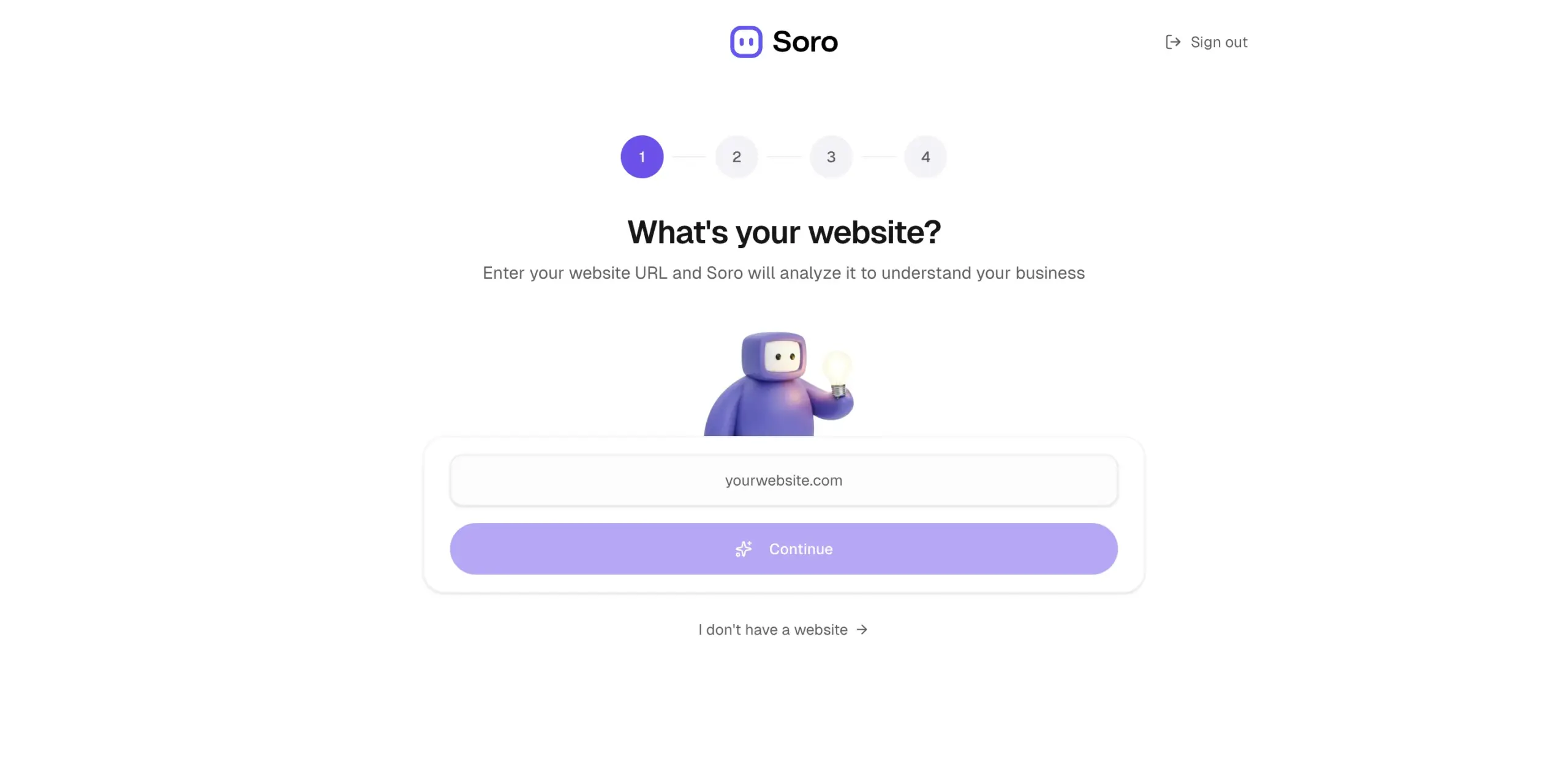
From there, Soro crawls the site and builds out what it calls a Brand Voice profile, a written summary of how your site actually talks, along with a set of Key Themes pulled from your existing content.
Testing this on a SaaS review site, it correctly picked up on a transparent, expert-guide tone and generated eight separate content themes, from AI business software to accounting tools, without me typing a single keyword myself.
You’re also asked to set a content language from a long list of options, and pick an image style for whatever visuals get generated alongside your articles.

The third step is keyword discovery, and it’s genuinely the most convincing part of the setup. Instead of a raw keyword list, Soro shows you actual article titles it plans to write, each one paired with an estimated monthly traffic boost.
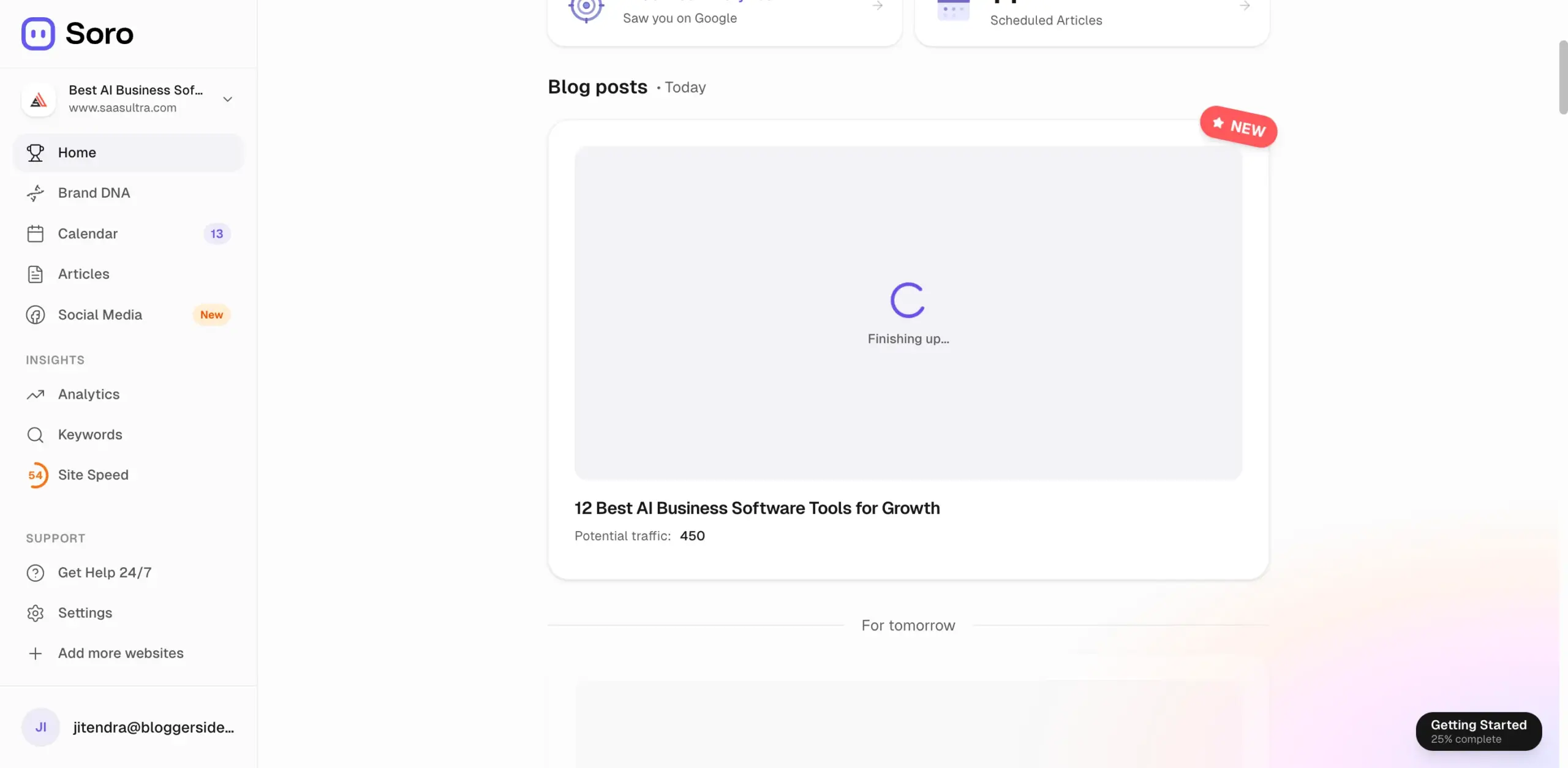
Once that’s done, you land on a simple confirmation screen and Soro starts writing your first article immediately.

Using It Day to Day
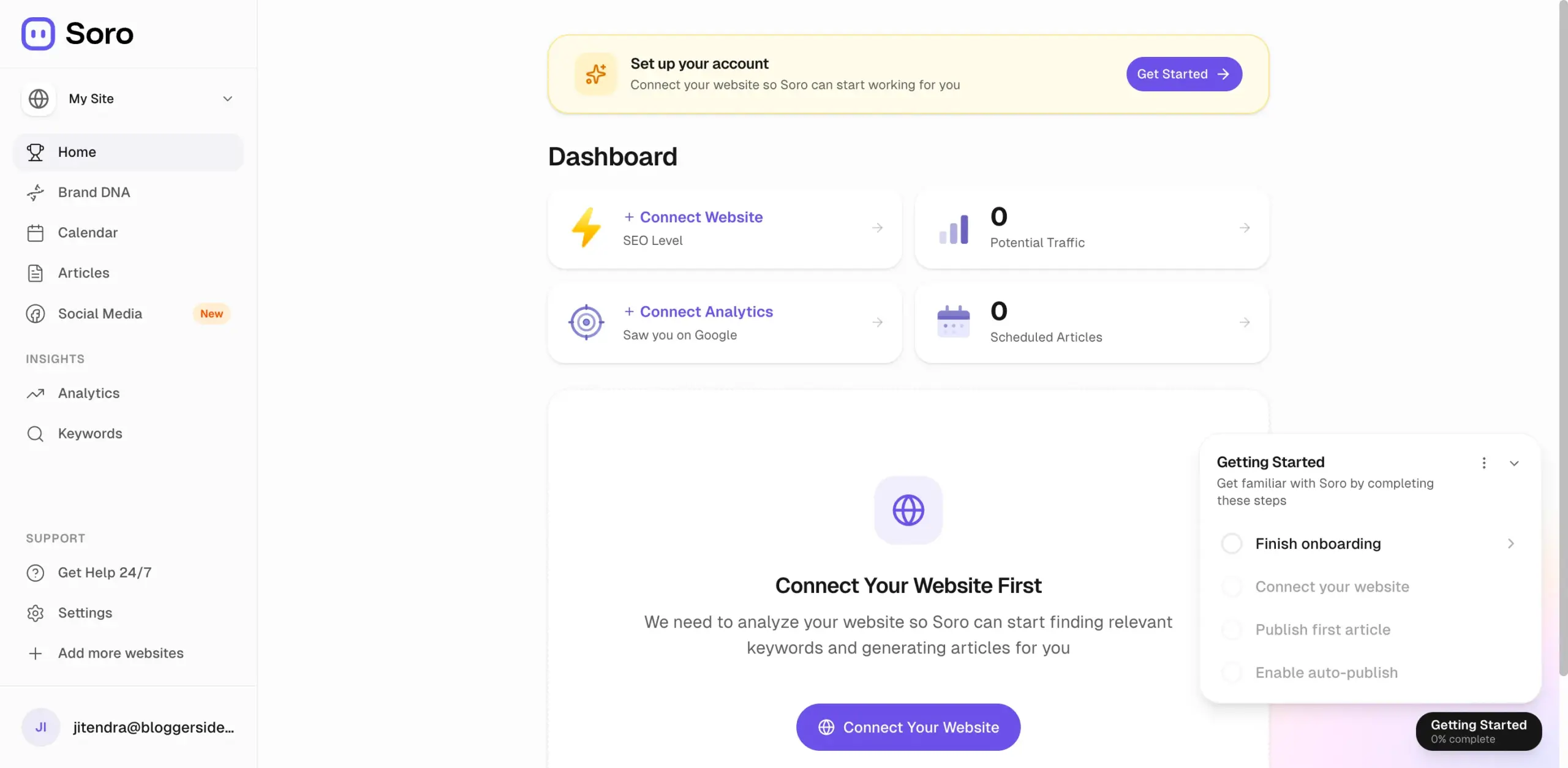
The real dashboard is where things get more concrete. It tracks your SEO Level, an estimate of Potential Traffic, and how many articles are currently scheduled, plus prompts to connect Analytics if you haven’t yet.
Content actually gets planned out through a full calendar view, with articles scheduled days and weeks ahead.
Days that aren’t manually assigned show a note that Soro will auto-fill them, so the pipeline doesn’t stall even if you never touch the calendar again after setup.
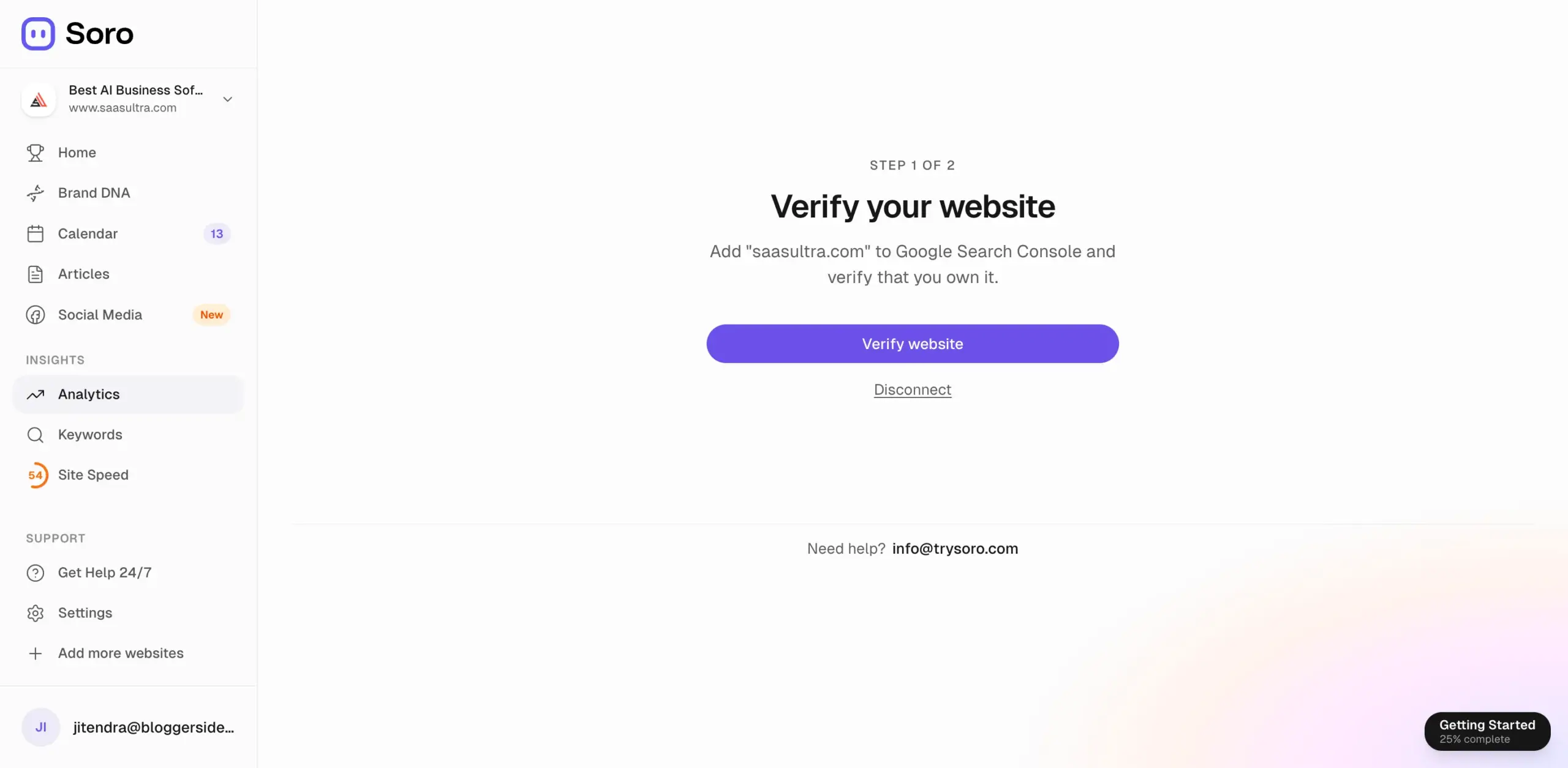
Once an article’s ready, the editor shows a live SEO Score next to the draft, broken into specific factors: keyword usage, word count, readability, heading count, meta description length, title length, and whether links and a featured image are present.
A sample article scored 100/100 with clear labels on each factor, which is a level of transparency most AI writers don’t bother giving you.
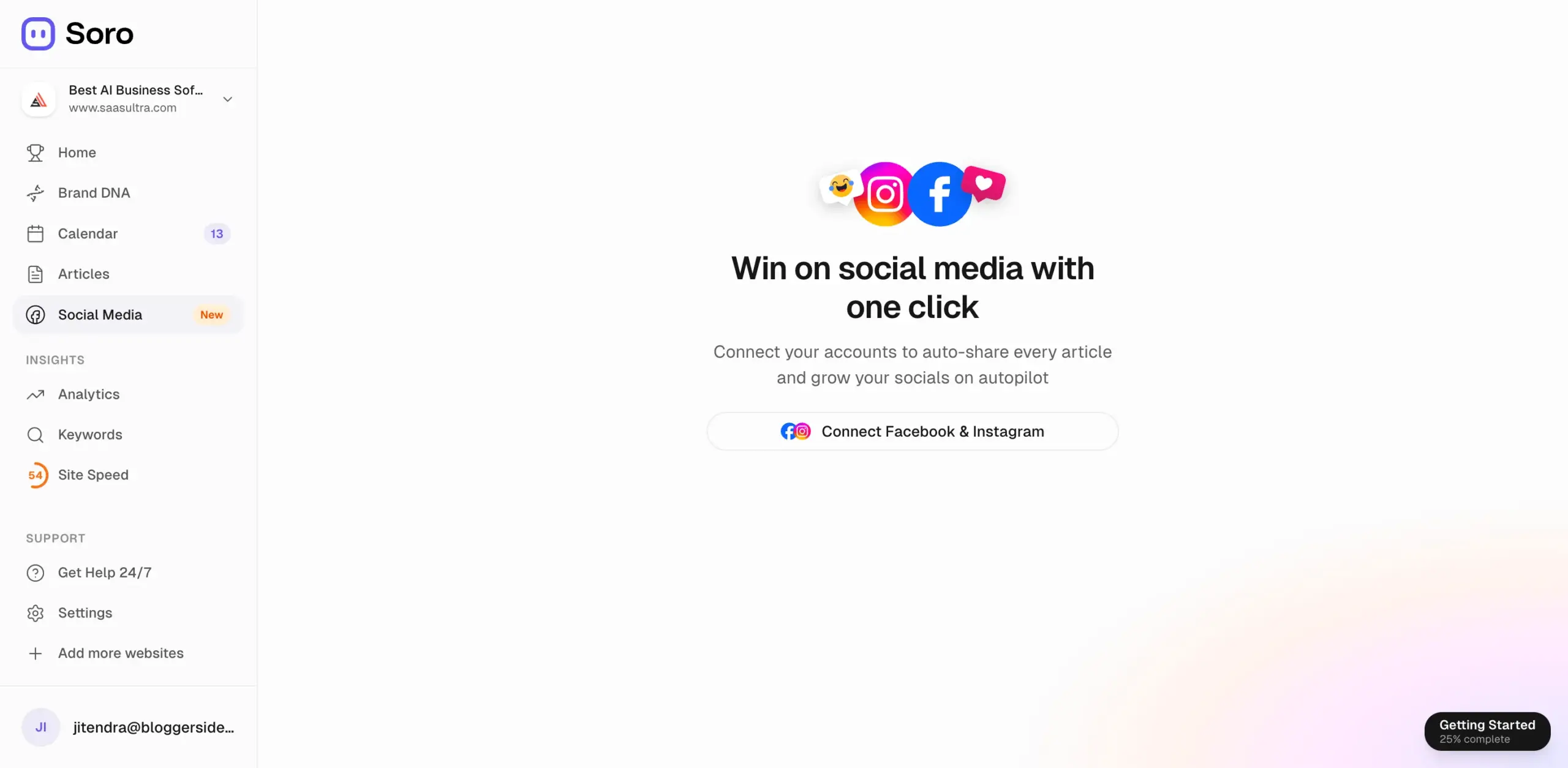
A dedicated Social Media section lets you connect Facebook and Instagram so every published article gets auto-shared without extra steps, though it’s worth noting this isn’t a full social scheduling suite, just a simple auto-share layer on top of what you’re already publishing.
What It Actually Costs
Soro runs three pricing tiers, and unlike a lot of SEO tools, the entry pricing is public and easy to find.
The monthly plan runs $39 a month, no contract, cancel any time before the next renewal.
It covers around 30 articles a month along with the full feature set: automated keyword research, brand voice matching, on-page SEO, AI-generated images, and direct publishing.
Paying quarterly brings that down to $27 a month, about 31% cheaper than the monthly rate. Going annual drops it further to $18 a month, a roughly 54% saving over paying monthly across a full year.
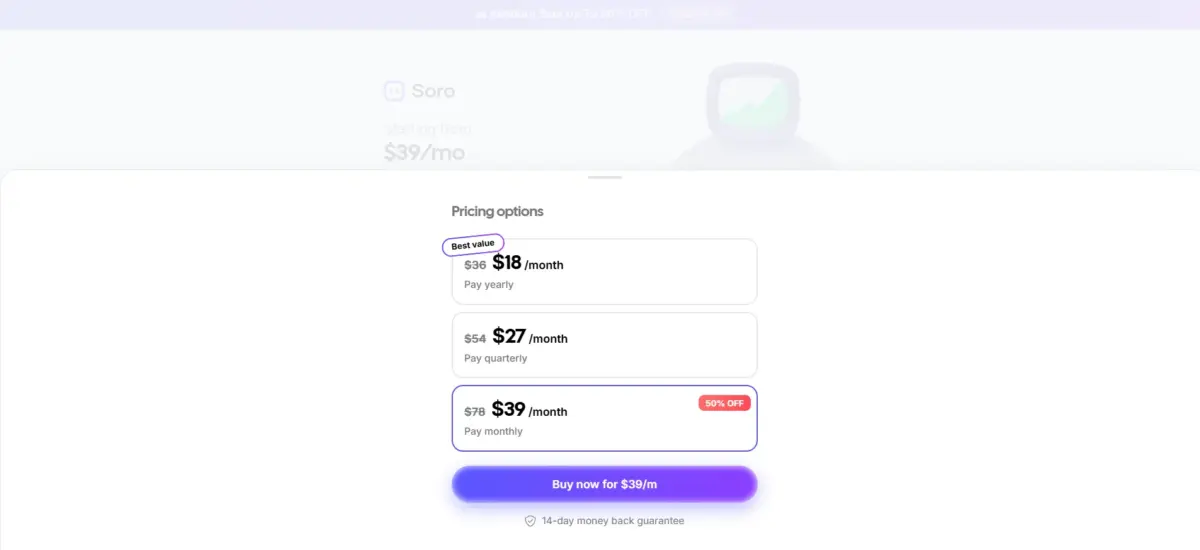
Plans above the entry tier scale article volume up toward unlimited, but the exact pricing on those isn’t consistently published, so it’s worth checking the live pricing page directly before committing to a higher plan.
There’s no free trial. Instead, every plan comes with a 14-day money-back guarantee, meaning you pay upfront and can request a refund if it’s not delivering within the first two weeks.
On the integration side, Soro publishes directly to WordPress, Shopify, and Webflow, with Ghost, HubSpot, Notion, Wix, and Next.js also listed as supported.
There’s currently no public API or MCP server, so it can’t be wired into your own custom scripts or AI agents beyond the built-in connectors but it does support webhooks for custom integrations.
Who Should Actually Use This
Soro is aimed squarely at people who need consistent blog output without the time or budget to hire a full-time writer.
Solo bloggers, consultants, coaches, and small business owners fit that description well, and at roughly $1.30 per article on the entry plan, it’s dramatically cheaper than freelance writing rates for comparable SEO content.
Small e-commerce operations and agencies managing several client sites can also lean on it to keep content flowing across accounts without staffing up separately for each one.
Sites built around reviews or affiliate content benefit especially from the Brand Voice detection, since new articles stay reasonably aligned with what’s already published instead of drifting in tone.
It’s a weaker match for YMYL sites in medical, legal, or financial niches, where content needs tighter human oversight than a fully automated pipeline is designed to give.
Agencies running detailed pillar-and-cluster keyword strategies with granular manual control will also find Soro’s strength (volume and automation) works against the kind of fine-tuned targeting they need.
The Good and the Not-So-Good
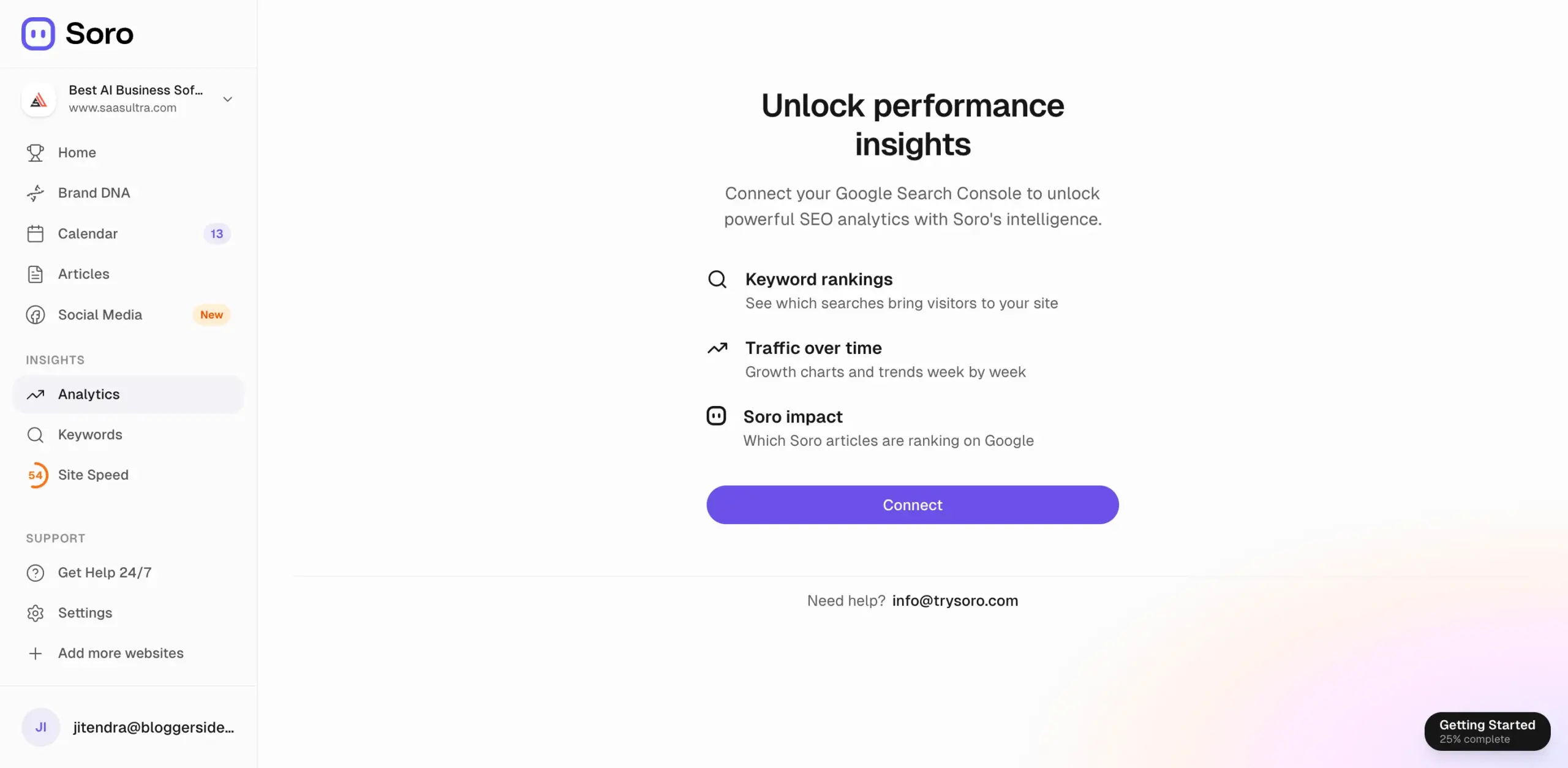
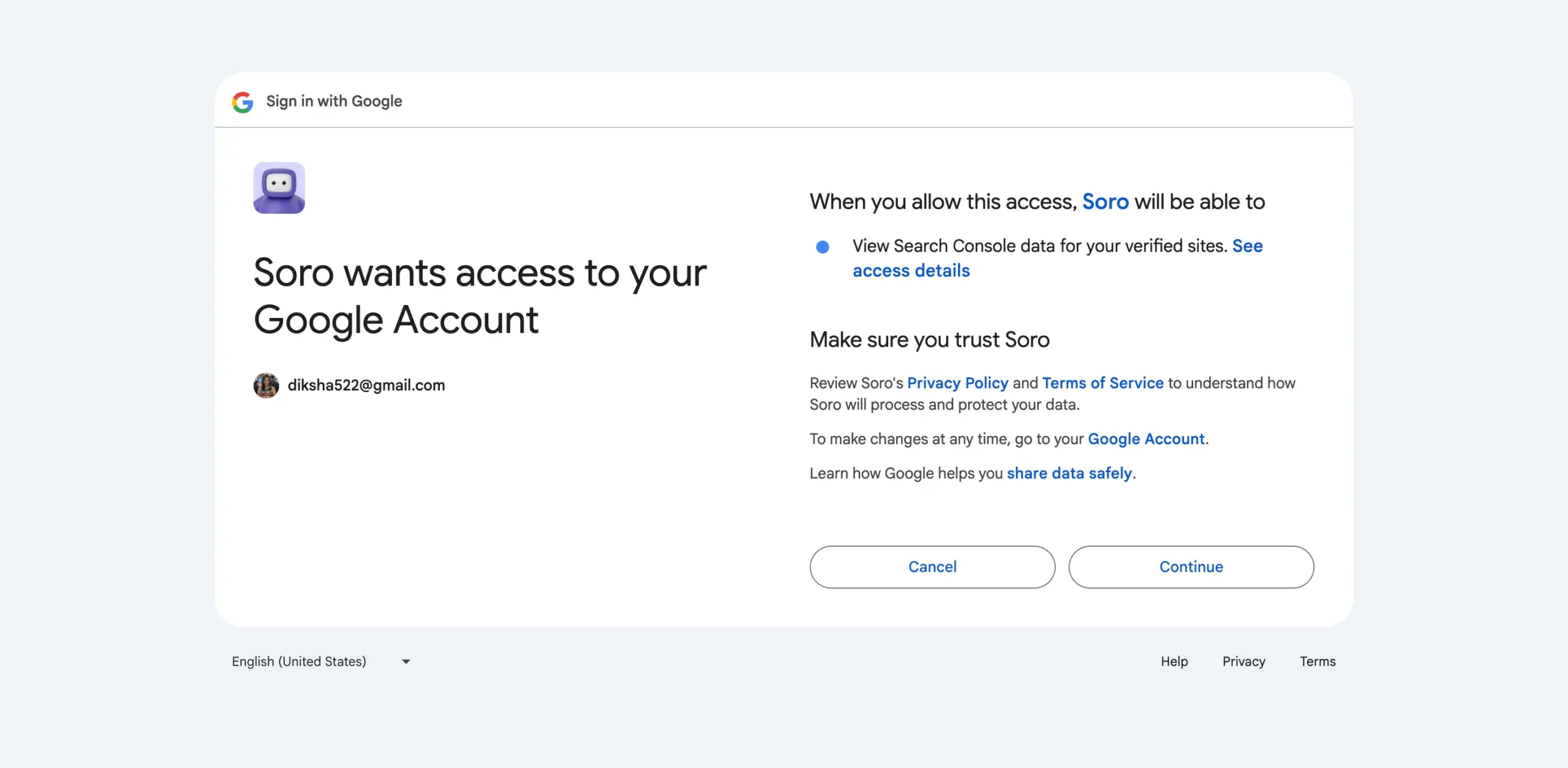
What earns its keep: the price relative to freelance writing, a genuinely useful Brand Voice detection step, transparent SEO scoring built right into the editor, broad CMS support, and a direct tie-in to Google Search Console that shows which Soro-written articles are actually ranking.
What holds it back: no free trial (but there is a 14 day refund window after paying), and drafts still need a human pass before publishing, since small errors like a broken internal link or an awkwardly placed keyword do show up.
It’s also a young platform, with a domain registered in late 2024, so there’s no long track record to lean on yet.
FAQs: Soro SEO Review
$39 a month billed monthly, $27 a month billed quarterly, or $18 a month on the annual plan.
No, but every plan includes a 14-day money-back guarantee if you're not satisfied after paying upfront.
WordPress, Shopify, and Webflow directly, with Ghost, HubSpot, Notion, Wix, and Next.js also supported.
Auto-publish can be turned on, but manual review is strongly advised, since occasional issues like broken links or awkward keyword placement do show up in AI-generated drafts.
Not really. YMYL content generally needs tighter expert oversight than a fully automated system is built to provide.
Quick Links:
Final Take: Soro SEO Review
Soro’s autopilot claim mostly holds up. The pipeline genuinely runs from keyword discovery to a published, scored article with very little manual work required, and the price makes that hard to argue with if you’re comparing it to freelance writing costs.
It’s not built for high-stakes content or teams that need granular strategic control, but for a solo operator or small team that just needs the blog to keep publishing, it does what it says.
Comments
Be the first to leave a comment.